
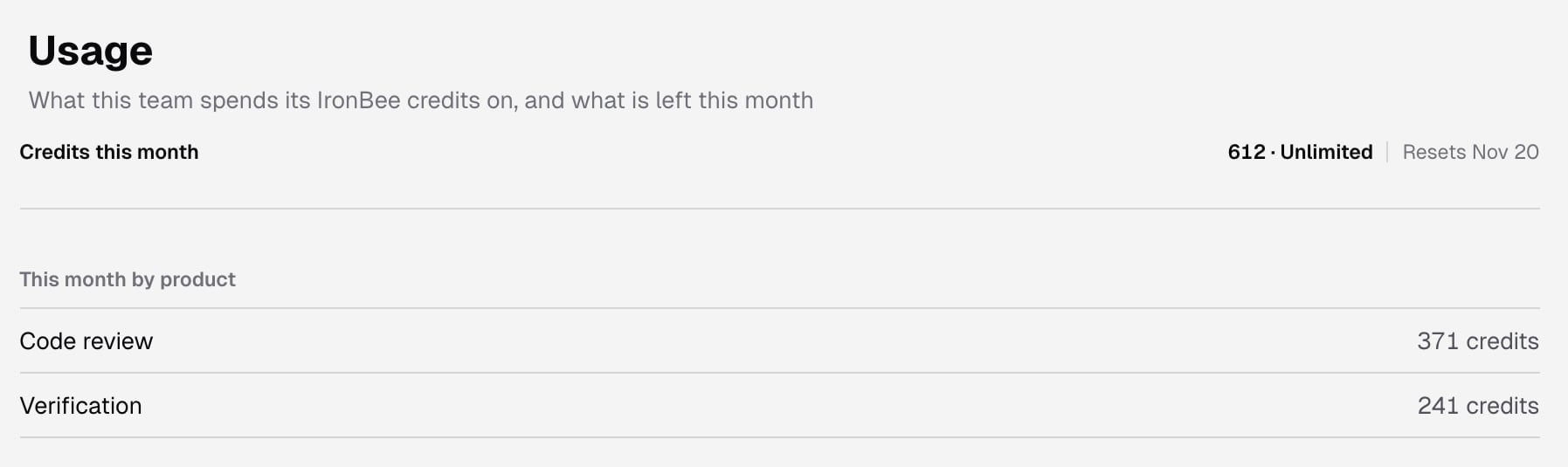
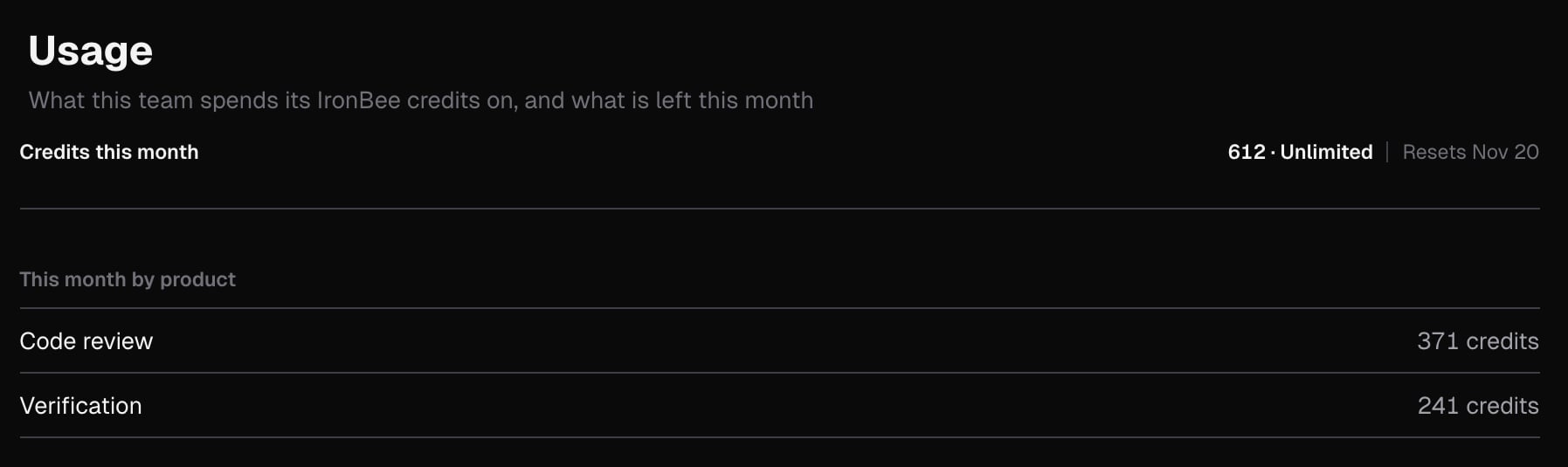
Credits this month
The meter at the top shows:- the credits used and the month’s allowance, and how many are left. At zero it reads No credits left
- Resets and the date the credits reset
- a bar that fills as the team spends
This month by product
This month by product splits the month’s credits between Code review and Verification.What a job costs
What a job costs is the rate card. A sentence at the top says how each product is priced: “A code review is priced by the size of what it reads and the depth chosen. A verification is priced by its started minutes.”- Code review: a table with one row for each size, from S to 3XL. Lines read gives the range of reviewable lines each size covers, and Quick, Standard and Deep give the credits a review of that size costs at each depth.
- Verification: a line with the credits for each started minute of a run.
- Free: a line that lists the work that costs nothing.
What uses credits
Code review
A code review is priced before it starts, by the reviewable lines it reads and the depth it runs at:- A review that finishes is charged its price.
- A review cancelled after it started is charged half its price.
- A review that fails, or has nothing new to read, is free.
Verification
Every verification run on IronBee uses credits, whatever started it: Vercel, Netlify, the GitHub Action, the GitLab component, the Bitbucket Pipe,ironbee verify, Run instant verification, or a scenario run.
A run is charged for each started minute, up to a cap set by its time limit. Once the run has started, it’s charged for its minutes however it ends: passed, failed or cancelled.
A run isn’t charged when:
- it never started: it was refused before it started, or cancelled while it was queued
- it failed for a reason on IronBee’s side before the agent started working
Free work
These use no credits:- answers to questions, conversation replies, harvests after a merge, rechecks and retractions in code review
- code analysis and the code wiki
- verification cycles that your AI coding agent reports through the IronBee CLI
When credits run out
When the credits are all used, IronBee refuses new code reviews and new verification runs until the credits reset or the team gets more. Runs that already started finish.Across the console
A banner at the top of every console page warns the whole team:
The console shows one banner at a time: a session limit or a payment that’s past due comes first, then running out of credits, then more people than seats, then the 80% warning. See Banners across the console.
For owners and billing admins, the bell in the top bar also shows IronBee credits: 80% used this month or IronBee credits: all used this month, with Open the usage page under it. Click it to come here. The bell marks it unread again when the credits run out, and in the next month.
Starting runs
- Run instant verification, Run scenario and Run again are disabled. Hover one to see why: “This team’s IronBee credits for this month are used up; they reset on” and the date.
- If a run dialog is open, the same sentence shows at the top and its run button stays disabled.
- A run created before the credits ran out, but not started yet, is refused when it would start, and uses no credits. In the list its status is Failed, or Run error for a scenario run, whose page says Stopped before it started. Run details on its verification detail page gives the reason under Refused.
- A deployment from Vercel or Netlify isn’t verified, and no run appears in the list. Its GitHub or Vercel check closes as neutral, and says IronBee did not run this verification · out of credits this month. On GitLab, the pipeline status with that description is passed, where IronBee writes one: on a project with Pipelines must succeed and Block merges off, it writes none. On Bitbucket, the build status with that description is successful.
ironbee verifyandironbee reviewstop with an error. See When credits run out in the CLI docs.
Get more credits
Below the rate card, the page shows what you can do to get more credits. It depends on your role and your plan:
The same link or sentence appears on the credit banners. When there’s nothing to offer, for example on a plan with unlimited credits, the page shows nothing here.
If the page can’t load
While the credits load, the page shows placeholders. If they can’t be loaded, it says Couldn’t load the credits, explains why, and offers Try again.Related pages
Pricing
The plans, their monthly credits, and how to change seats.
Verifications
Every run of a project, with the credits it used.
Credits in the CLI
Check the balance with
ironbee credits, and the credits of each review and verification.Code review
How IronBee reviews pull requests and merge requests, and what a review costs.