
- On GitHub: a review with an inline comment for each finding, a summary added to the pull request description, and the IronBee review check. See On the pull request.
- On GitLab: a review note with an inline thread for each finding, a summary note, and the IronBee review pipeline status. See On the merge request.
- On Bitbucket: an inline comment for each finding, a review comment, a summary comment, and the IronBee review build status. See On Bitbucket.
- In the console: every pull request with its reviews and findings, under Code review in the sidebar and on each project’s Code review tab.
ironbee review from the CLI. See Code review of your local checkout.
The same connection also gives each repository a code wiki, on the project’s Code wiki tab next to Code review.
Turn it on
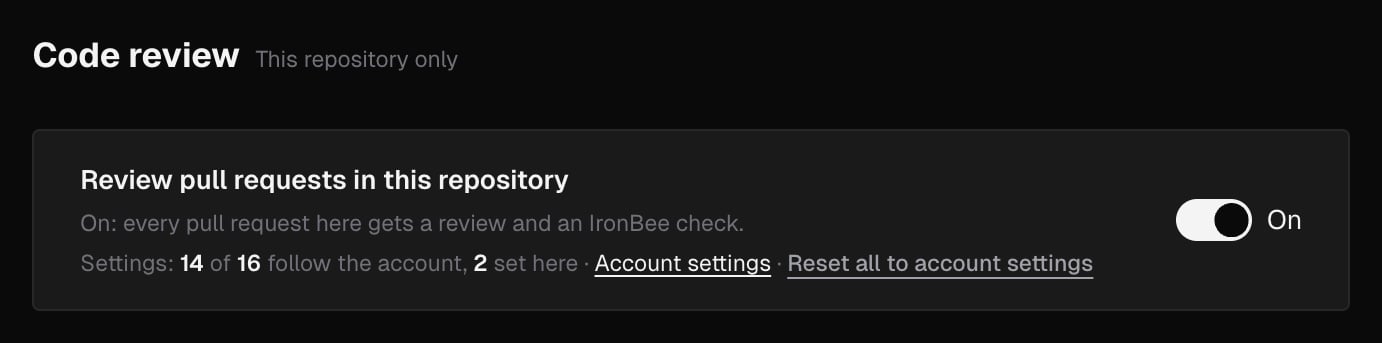
Install the IronBee GitHub App on your repositories, or connect a GitLab group or a Bitbucket workspace and pick its repositories. Every repository the App covers, and every GitLab or Bitbucket repository you pick, becomes a project, and code review is on for it from the start: the account setting Review new repositories automatically is On by default. The repository’s code wiki starts at the same time, unless Write a wiki for newly connected repositories is off in Code wiki settings. To stop reviewing one repository, an owner or admin opens the project’s Settings > Code review and turns off Review pull requests in this repository. See Code review settings.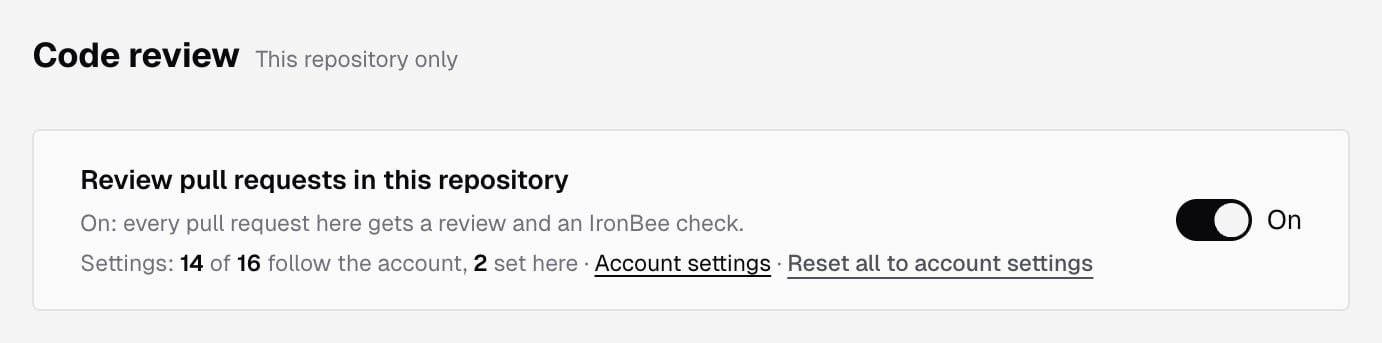
What starts a review
- A pull request opens, or gets a new push. Automatic reviews decides which of these start a review: On open and every push (the default), On open only, or Only when asked. By default, a draft waits until it’s ready for review, and a pull request opened by a bot isn’t reviewed.
- You ask for one. Comment
@ironbee-ai reviewon the pull request or merge request, on GitHub, GitLab or Bitbucket. On GitLab, the group’s IronBee account,@ironbee-<group path> review, works too. You can also click Review now on its page in the console, or Review on a pull request that needs review.
What a review looks at
Rules and memories tell the review what your team expects. A rule says what must or must not happen and can raise a finding. A memory says what is true in a part of the code and never raises one on its own.
Every finding has a severity, Critical, High, Medium or Low, and a category: correctness, security, or docs, names and tests.
Code wiki
IronBee writes a code wiki of each repository the GitHub App covers or you pick in a GitLab group or a Bitbucket workspace, from its default branch: what the code does, where to start, how its parts depend on each other, and one page for each area, with every claim linked to the lines it comes from. It’s written again as pull requests merge, and it uses no credits. The wiki starts when the repository is connected, like code review, and you read it on the project’s Code wiki tab. To choose which repositories get one and in which language, see Code wiki settings.Credits
Each review uses credits by the reviewable lines it reads and the depth it runs at. A review cancelled after it starts uses half; one that fails or has nothing new to read uses none. Answers to questions, replies, harvests after a merge, rechecks, retractions and the code wiki use none. When the team’s credits run out, or what’s left doesn’t cover the review, the IronBee review check or status says so instead of reviewing. On a GitLab project with Pipelines must succeed and Block merges off, where IronBee writes no status, a reply on the merge request says so. The rates are under What a job costs on Credit usage; each plan’s credits are on Pricing.What’s next?
On the pull request
The review, its comments, the summary, the check and the commands.
On the merge request
What differs on GitLab: the summary note, the pipeline status and merges.

On Bitbucket
What differs on Bitbucket: the comments, the build status and merges.
Pull requests in the console
Every pull request with its reviews and findings.
Rules and memories
Tell the review what your team expects.
Settings
Triggers, depth, focus, comments and merge blocking.
Code wiki
Pages that explain each repository’s code, kept current as pull requests merge.
Review from the CLI
Review a local branch with
ironbee review before you open a pull request.