
- Repository access. A verification run checks out the commit it verifies. A private repository needs the App for that; a public one doesn’t.
- The pull request behind a deployment. For Vercel and Netlify deployments, the App finds the pull request behind the deployed commit. The run then verifies the pull request’s changes.
- Checks and comments. For Vercel and Netlify deployments, IronBee opens a check on the commit and posts the result as a pull request comment.
- Sign-in with GitHub. You can create your IronBee account and sign in with your GitHub account.
ironbee verify use the same installation to check out private repositories.
Install the App
Owners and admins can start from the console. Open Integrations in the sidebar, select GitHub, and click Install the GitHub App. During onboarding, the same step is Connect GitHub. You can also start on GitHub, from the IronBee GitHub App page.
1
Install on GitHub
Choose the organization or user account to install into, and the repositories: all repositories, or a selected set. IronBee only reads repositories in that scope.
2
Connect it to your IronBee account
GitHub sends you back to IronBee.
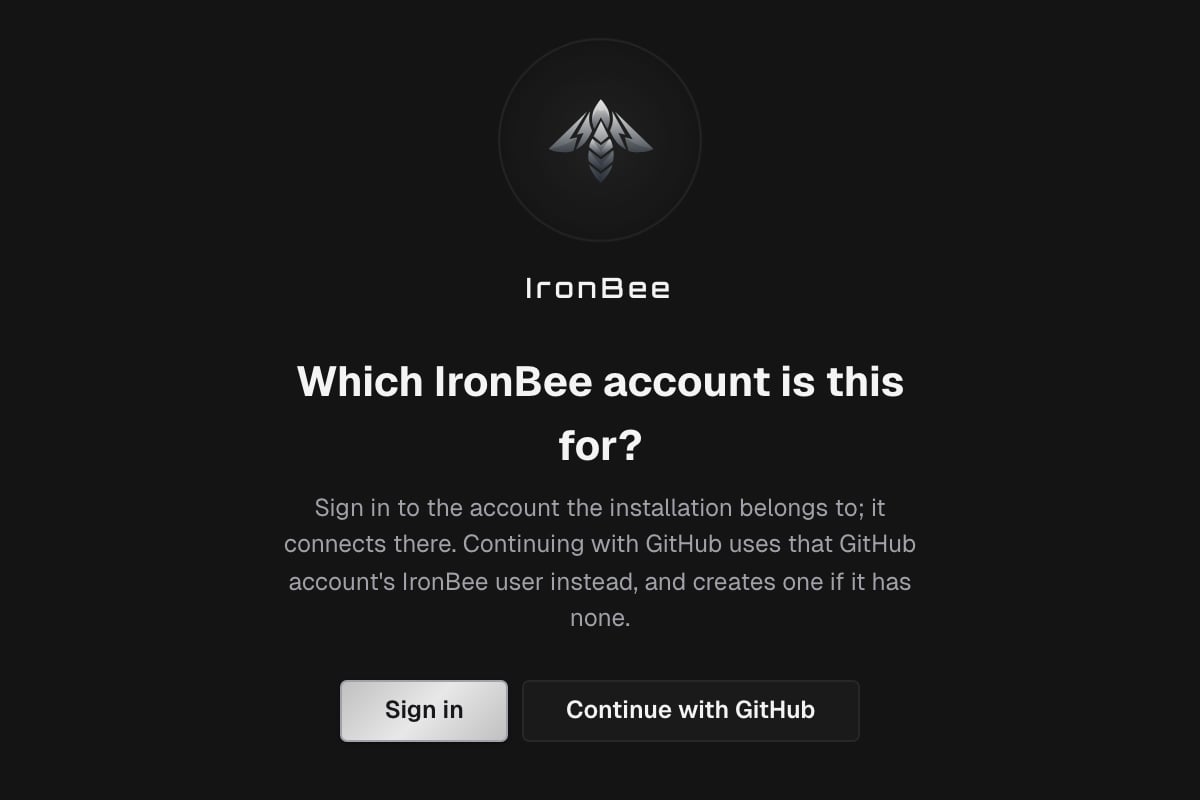
- If you aren’t signed in, IronBee asks Which IronBee account is this for? Sign in connects the installation to your account. Continue with GitHub uses the IronBee user of your GitHub account and creates one if it has none.
- On Connect GitHub to IronBee, pick the IronBee account and click Connect. When you installed the App yourself and administer exactly one account, this happens automatically.
3
Enable repositories
GitHub connected asks which repositories to verify. Click Enable projects to pick them now, or Later. When the connection happened automatically, the console opens the repository list for you.
Connecting an installation requires the owner or admin role in IronBee. If a different GitHub account installed the App, IronBee asks you to Confirm this installation is yours. Click Confirm with GitHub and authorize with the GitHub account that ran the installation.
Enable repositories
A repository becomes an IronBee project when you enable it. You can do it in two places:- Integrations > GitHub: expand the installation, open the actions menu (the three dots) next to a repository and choose Enable.
- Projects > New project: pick the GitHub installation, then the repositories.
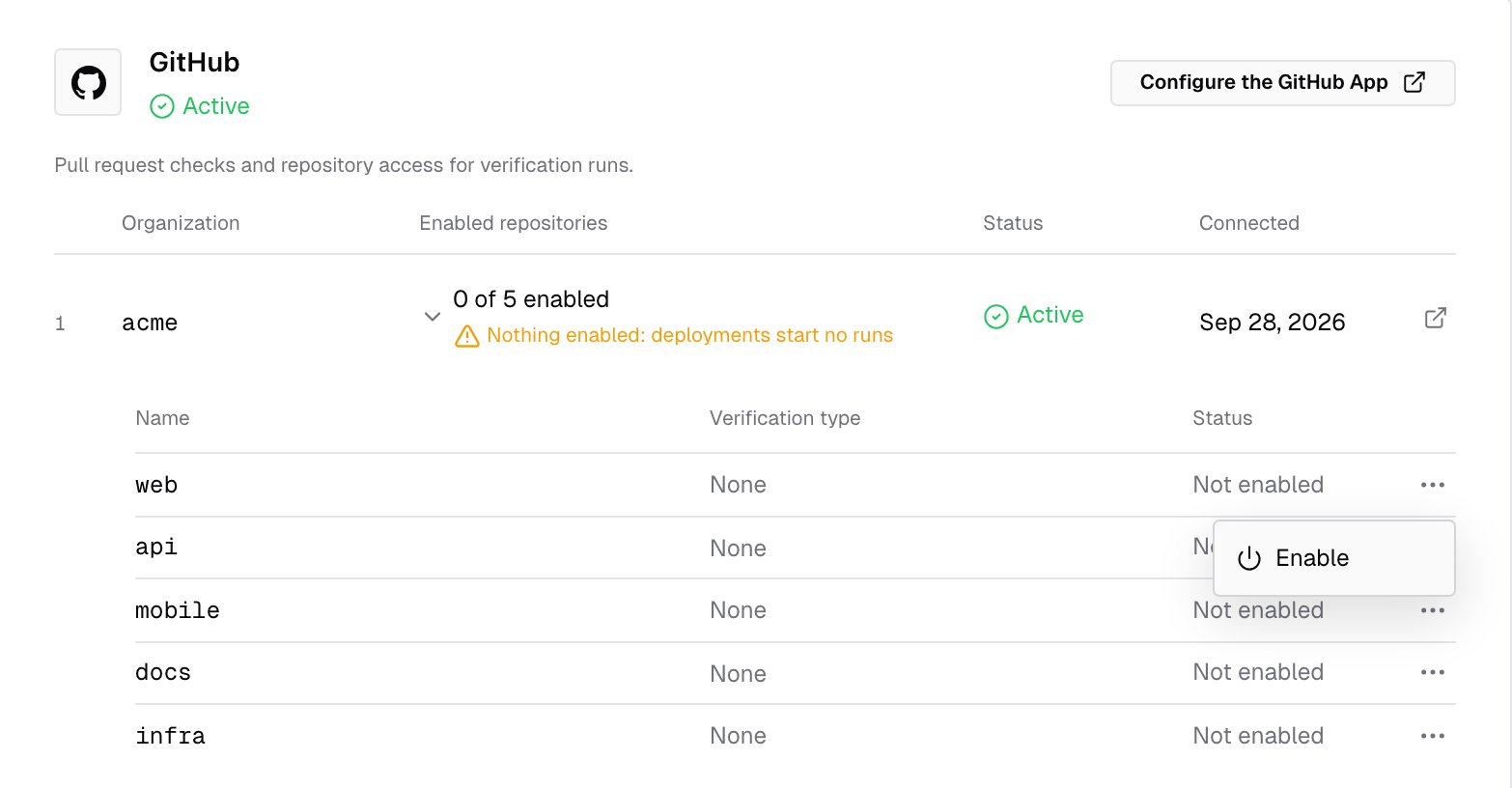
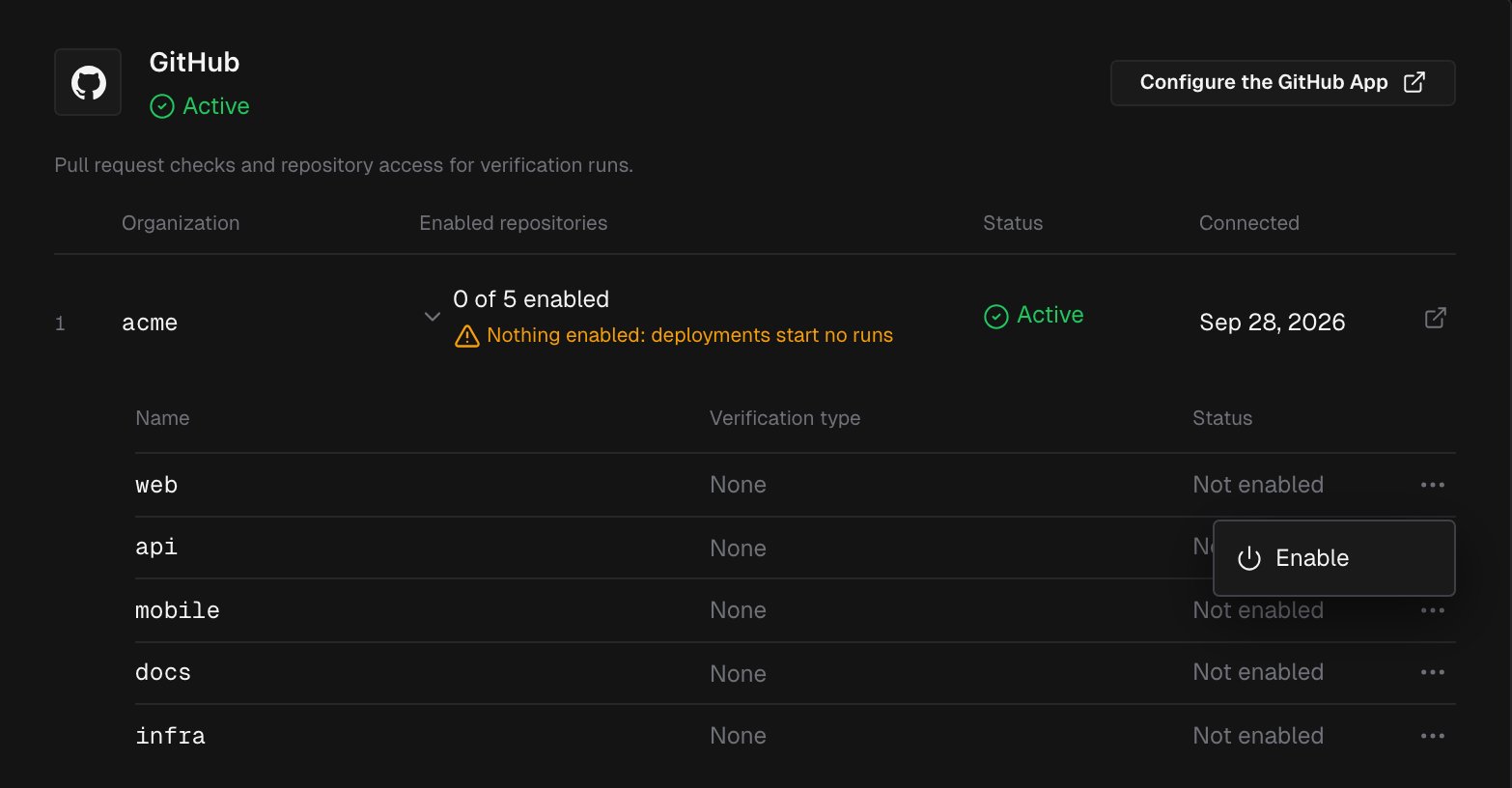
ironbee verify in that repository report to it.
Each repository’s row shows its Verification type and its Status, Enabled or Not enabled. In the row’s actions menu, Edit type changes the type and Disable stops verification while keeping the project and its history. The gear icon, Project settings, opens the project.
What the App uses its access for
The App never pushes to your repository and never opens or merges a pull request. When the GitHub Action fixes a finding, the action commits the fix with your workflow’s own token.
What appears on the pull request
This section applies to Vercel and Netlify deployments. Runs from the GitHub Action report through the workflow instead: the job result and the action’s own report comment. See Running in CI. The check. When a run starts, IronBee opens a check on the deployed commit:- It’s named IronBee Verification for a Web project, and IronBee Verification · API for an API project.
- While the agent works, it reads IronBee is verifying this deployment.
- When the run ends, the same check is completed:
When IronBee doesn’t start a run for a deployment, the check reads IronBee did not verify this deployment and gives the reason. The check’s Details link opens the run’s verification detail page in the console.
The comment. For a real verdict, IronBee also posts one comment on the open pull request for that commit, and edits it in place on every re-run. The comment contains:
- the verdict headline
- a Summary
- the Issues
- the pull request’s Important files changed
- a link to View the full verification
Managing the installation
Integrations > GitHub lists every connected installation with its Organization, Enabled repositories, Status (Active or Suspended) and when it was Connected. Manage on GitHub opens the installation’s settings on GitHub, and Configure the GitHub App changes its repositories. Changes on GitHub flow back automatically:- Adding or removing repositories refreshes the list. The console confirms it with GitHub installation updated when you return.
- Suspending the installation on GitHub shows it as Suspended. Unsuspending restores it.
- When a repository leaves the installation’s scope, or the App is uninstalled, its project becomes Not active. It keeps its history and settings, and you can enable it again later.
Troubleshooting
What’s next?

Vercel
Verify preview deployments as a Vercel deployment check.

Netlify
Verify deploy previews, with the result on the deploy page.
GitHub Action
Verify every push and pull request from your own workflow.