

- what it saw, in the recording and screenshots
- what it did, in the actions
- what went over the network, in the requests, traces and logs
- what it concluded, in the result
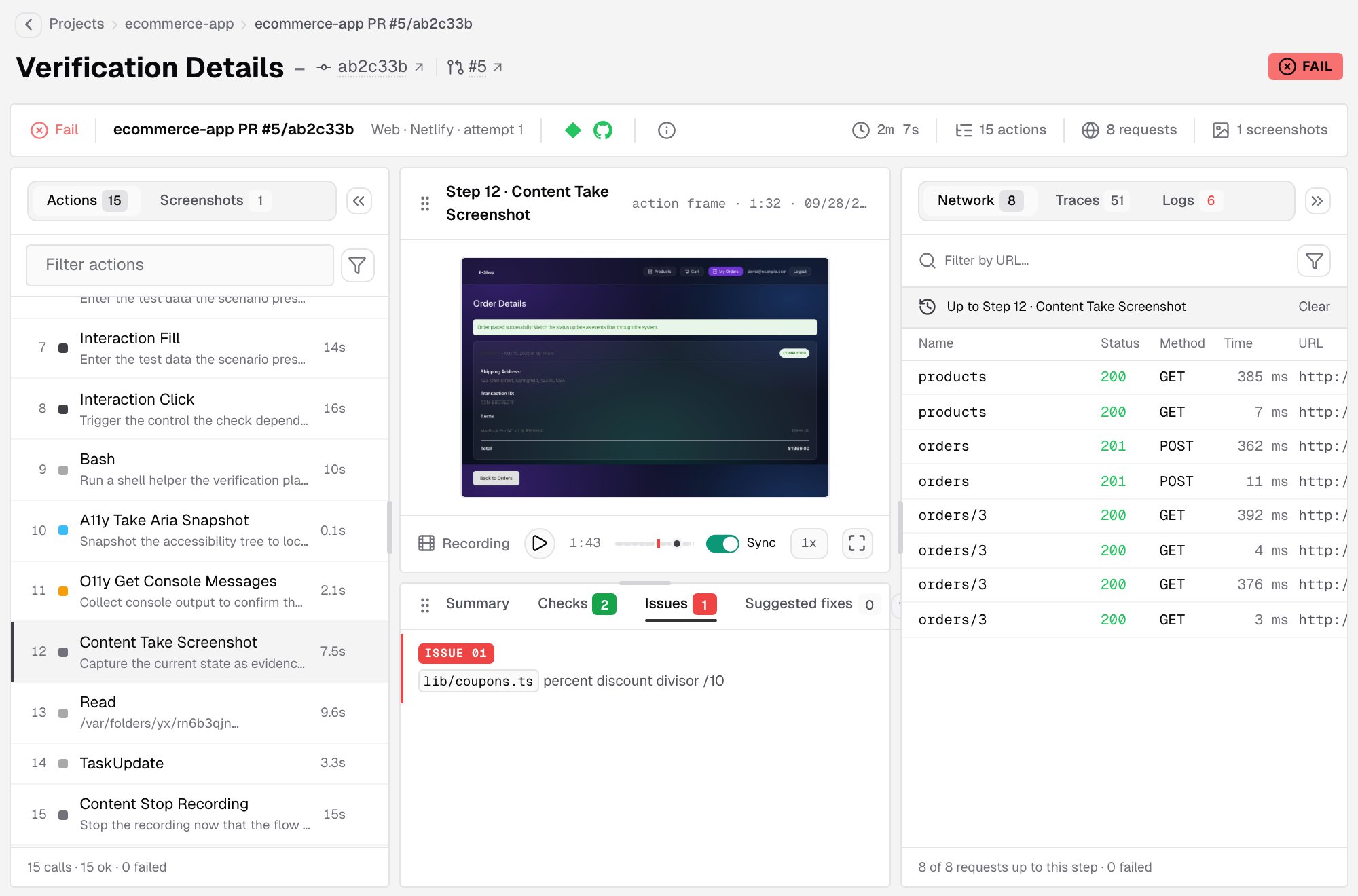
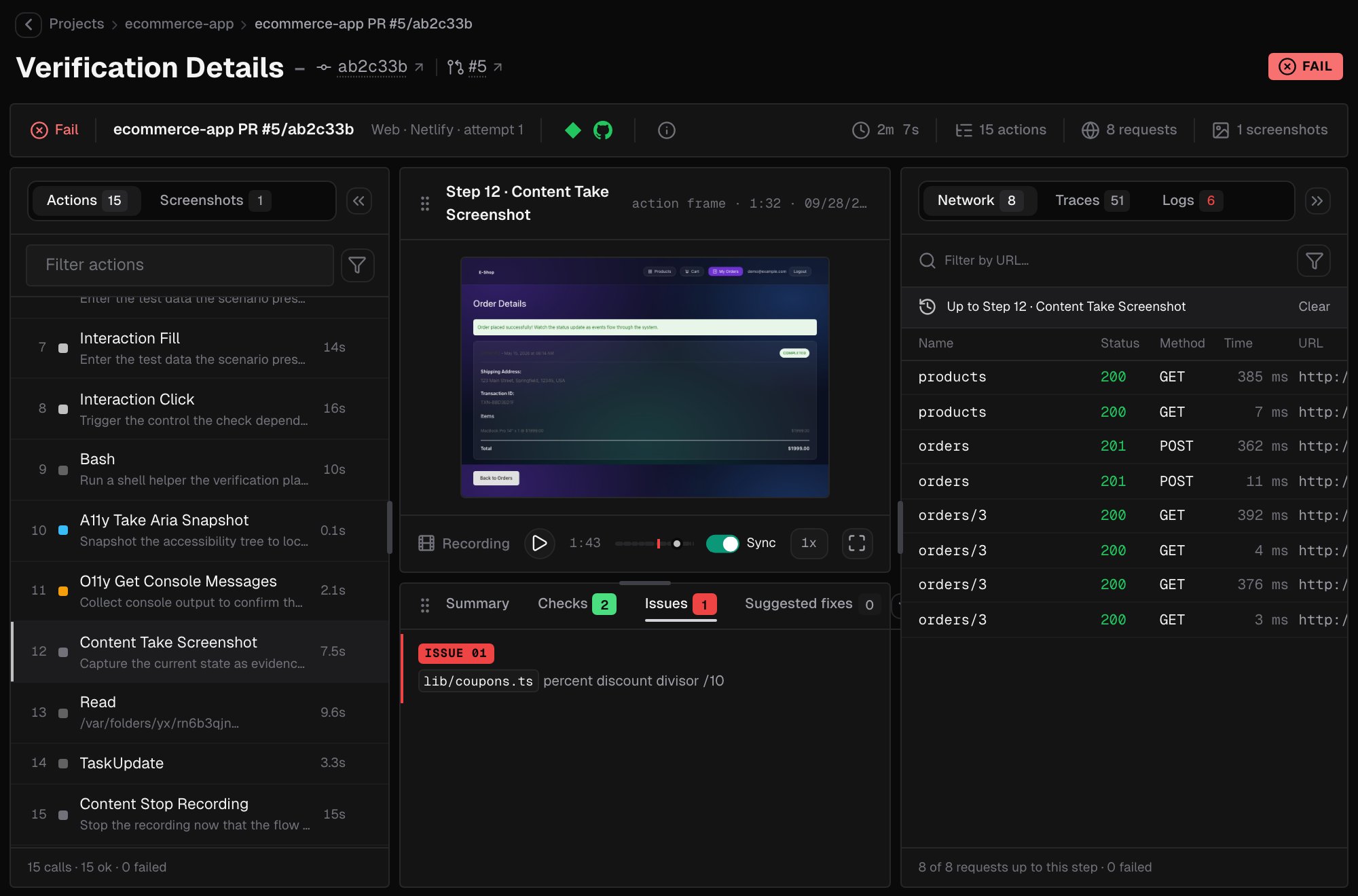
Header
The breadcrumbs lead back to the project. Next to the title, runs tied to a GitHub repository link to the commit and the pull request. On the right, a badge shows the result, or the status while the run has no result yet. The strip below the title summarizes the run:- The result, the run’s name, and its type, trigger and attempt, for example Web · Vercel · attempt 1.
- The callbacks that report the result back to Vercel, GitHub or Netlify.
- Run details, the info icon, which opens the run’s facts: its name and id, project, trigger, type, attempts, duration, why it ended, when it was created, started and ended, any error, and the delivery of each callback.
- The duration, and how many actions, requests and screenshots the run recorded.
Watch a run live
While a run on IronBee is in progress, the page shows it live: the browser view, every action as it executes, and the network requests behind it. The stage goes through Authorizing, Connecting to the run and Waiting for the first frame before the stream starts. The live view is for watching. Anyone in the account can open it, and the stage shows how many people are watching. When the run ends, the page switches to the recording as soon as it’s uploaded. See The recording.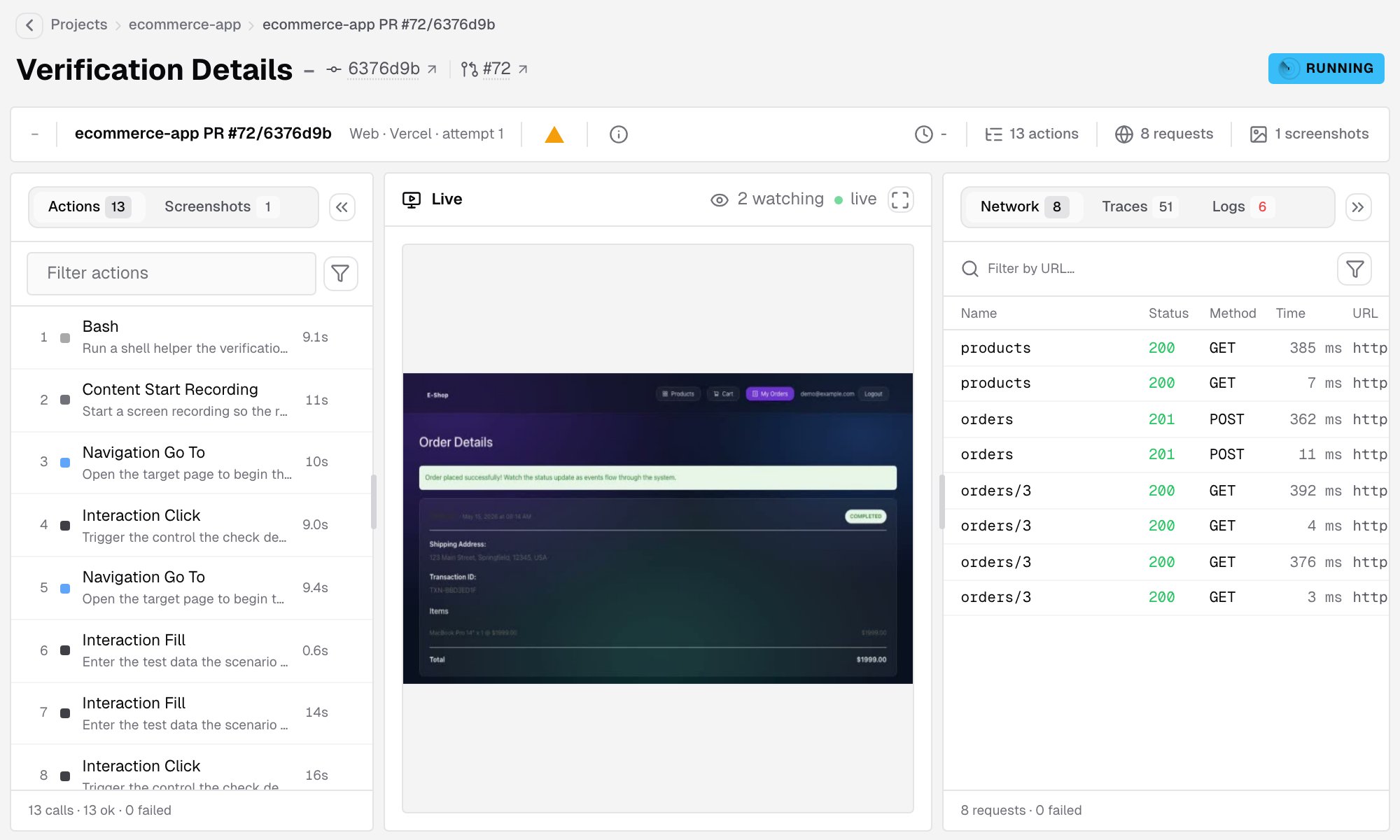
The recording
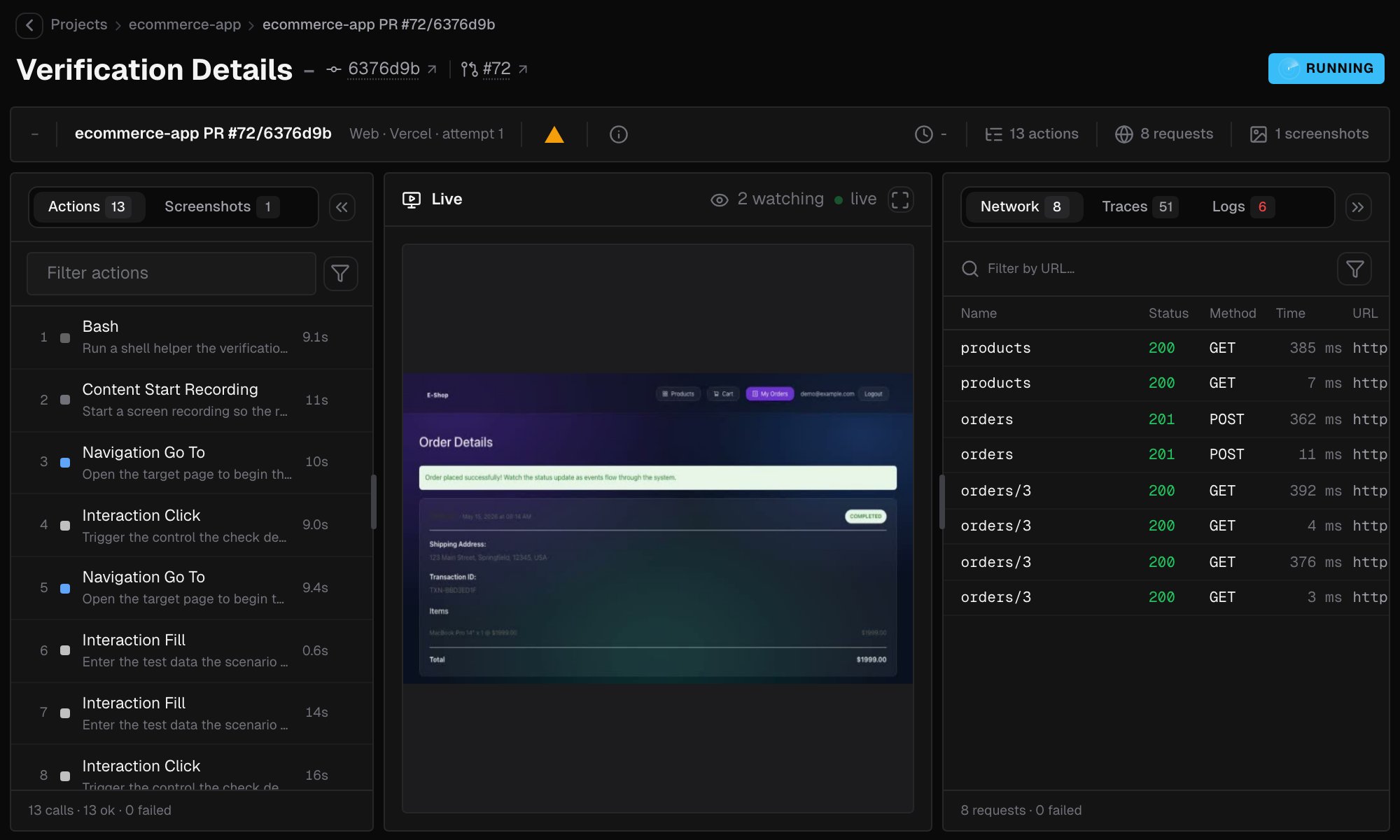
After a run, the recording replays what the run saw:- Play, and scrub with a preview on hover.
- Change the speed: the smart speed moves quickly through idle stretches.
- Go fullscreen.
- Keep the actions, the network and the logs synced to the playback position.
Actions and screenshots
The left panel lists what the run did:- Actions is every step, in order. Filter the list, or turn on Only IronBee tools to hide everything else. Hover a step and click Show details to see the tool call and its result. Copy raw event copies it.
- Screenshots shows every screenshot the run took.
The result
The result panel shows the verdict of the run:
You can resize the panel, collapse it, or swap it with the recording.
Network, traces and logs
The right panel inspects what went over the wire:- Network lists every request the run made.
- Open a request to see its General, Request, Response and Others details.
- Bodies show as Preview or Raw.
- Traces shows the run’s spans as a tree, with a bar for each span’s timing. Search the spans, and open a span to see its details. The footer counts the spans and the errors among them.
- Logs lists the log records the run collected.
Keyboard shortcuts
Share a view
The page’s URL keeps the selected tab, panel, step and screenshot. Copy it to point a teammate at the exact moment you are looking at.What’s next?
Verifications
Every run of a project, with its trigger, status and result.
Findings
Patterns the daily analysis finds across a project’s sessions.