

- a file with a high fix-cycle rate
- a pattern of retries
- a habit worth changing
Open a project’s findings
Open Findings in the sidebar and pick a project. You can also click a findings count on a project card, or follow a finding from a recommendation’s causal chain.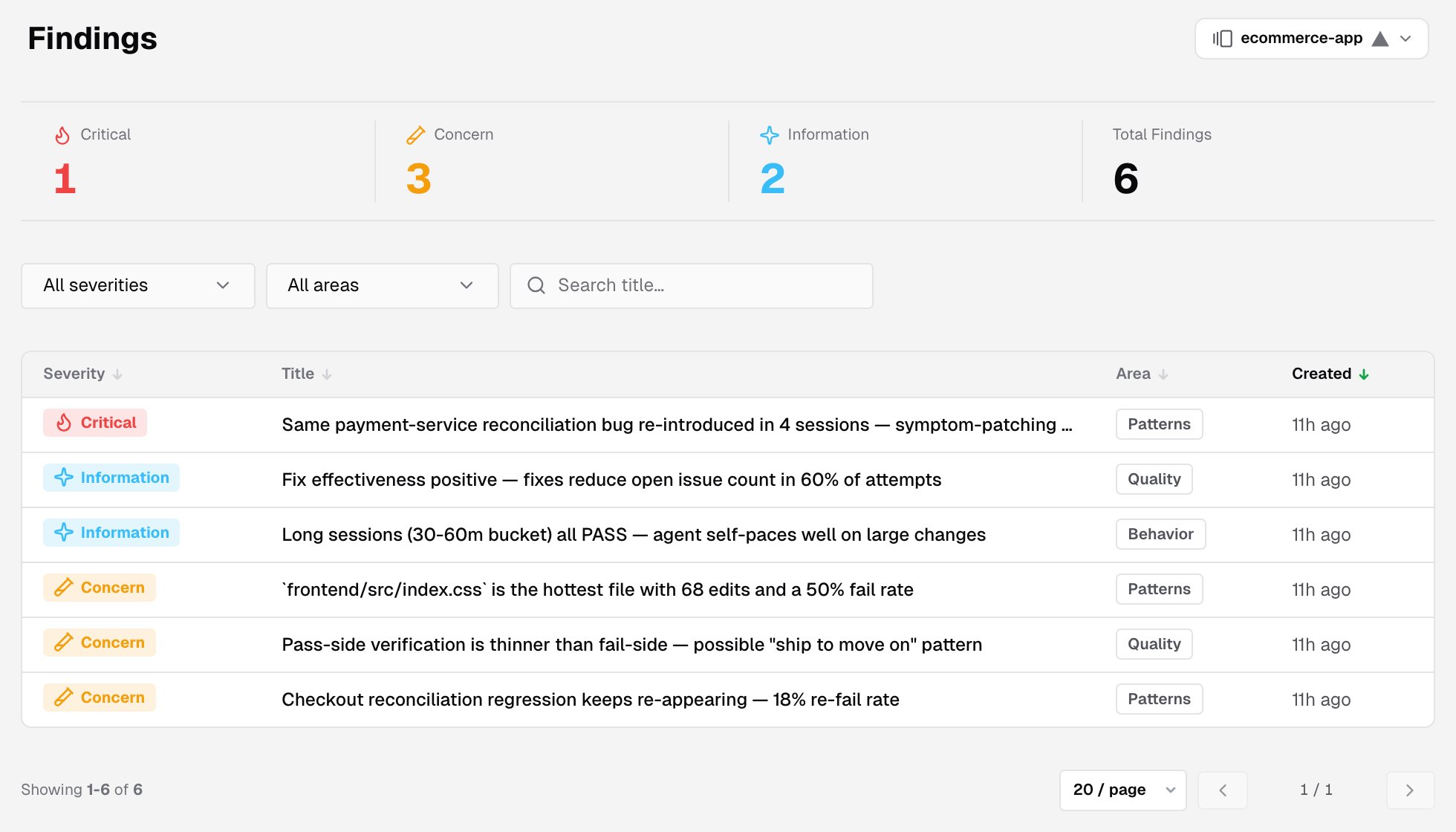
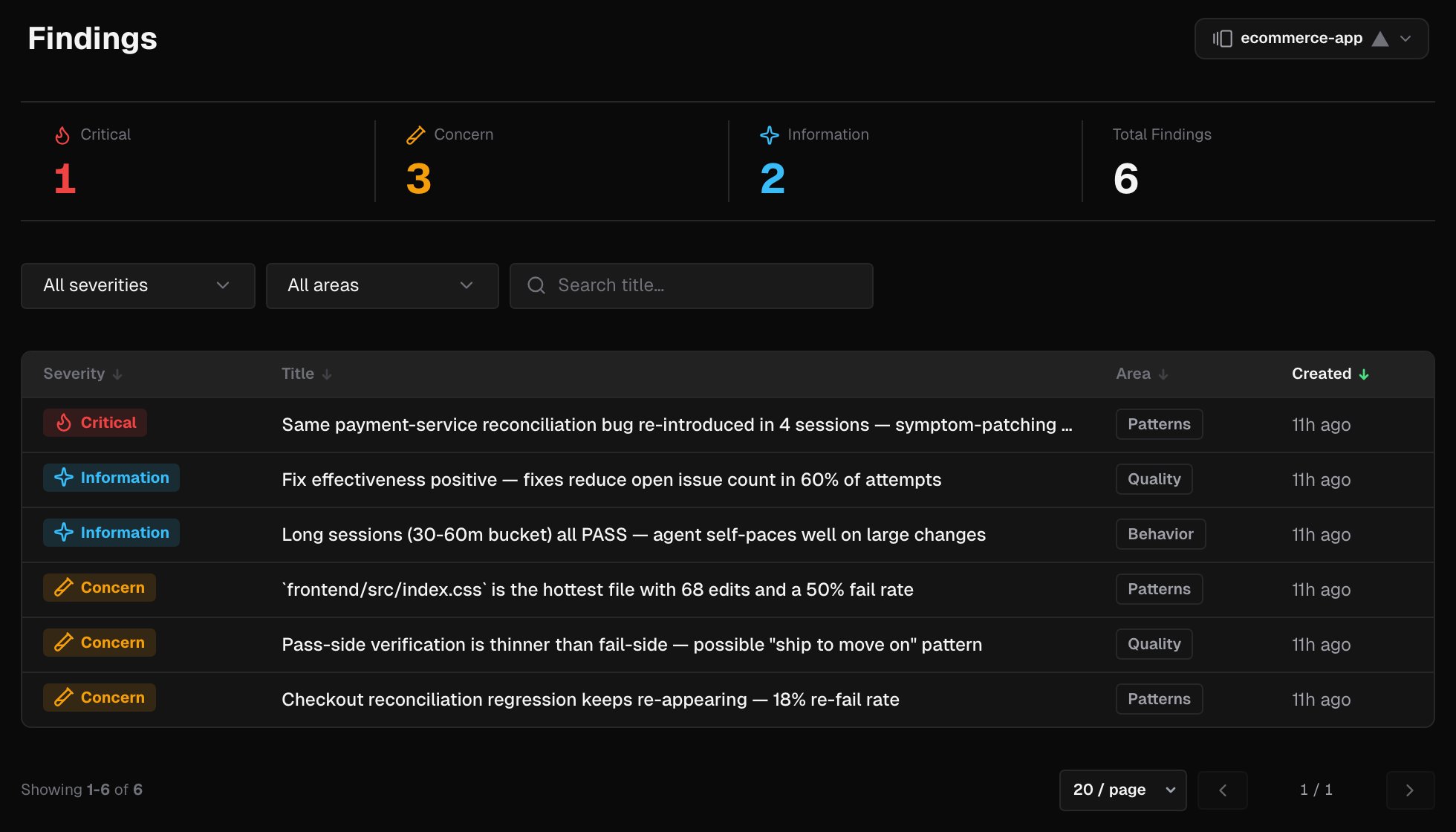
The findings page covers observations across sessions. The problems a single verification run found are its Issues, on its verification detail page.
Severity
Only Concern and Critical findings can have recommendations attached.
Areas
Counts
Four tiles at the top count the project’s active findings: Critical, Concern, Information and Total Findings.Filter and search
- Filter by severity (All severities) and by area (All areas).
- Search title… matches finding titles from 3 characters.
- Clear filters resets them.
The findings table
Every column sorts. The newest findings come first. Show 20, 50 or 100 rows per page.
Finding details
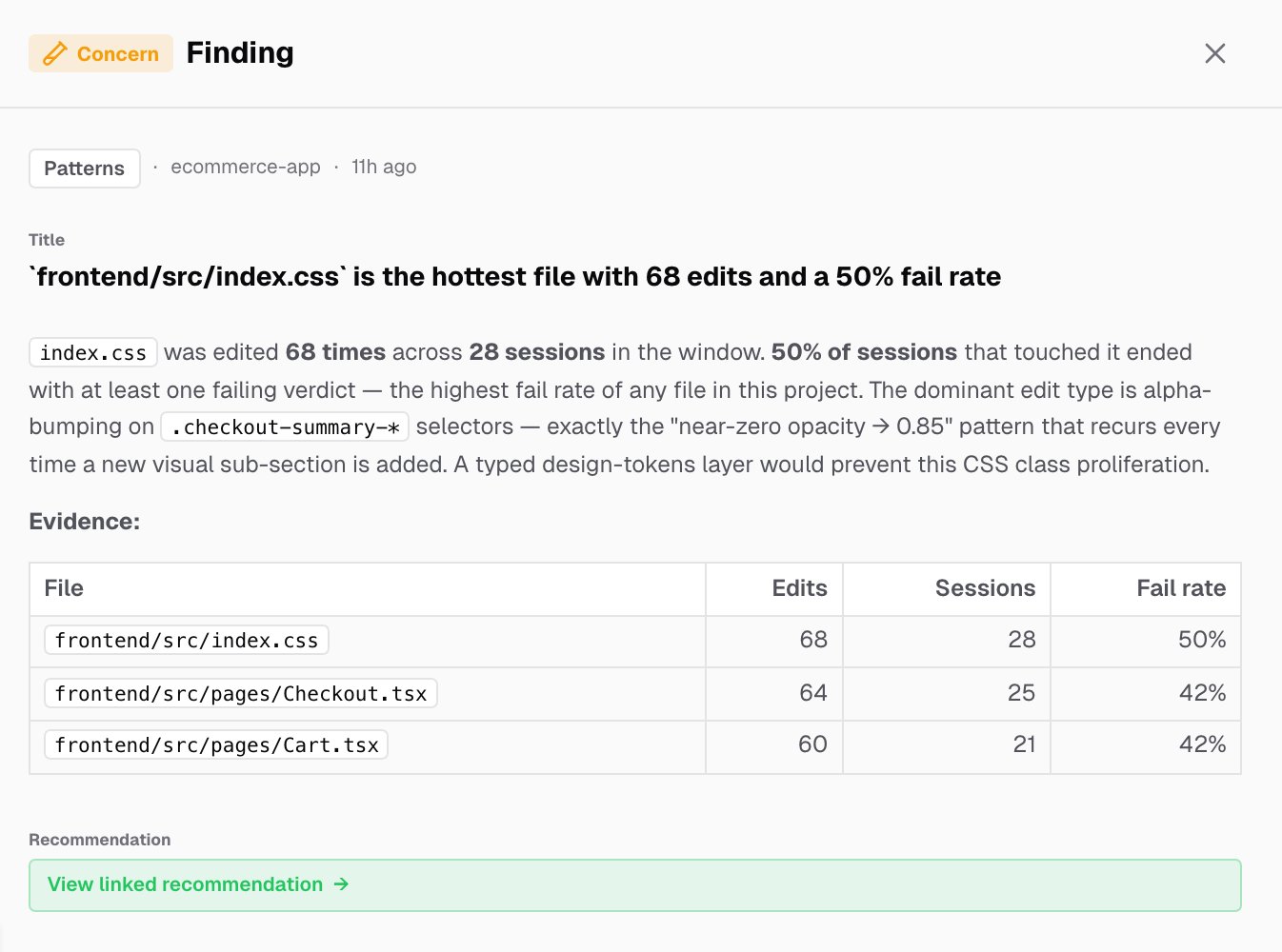
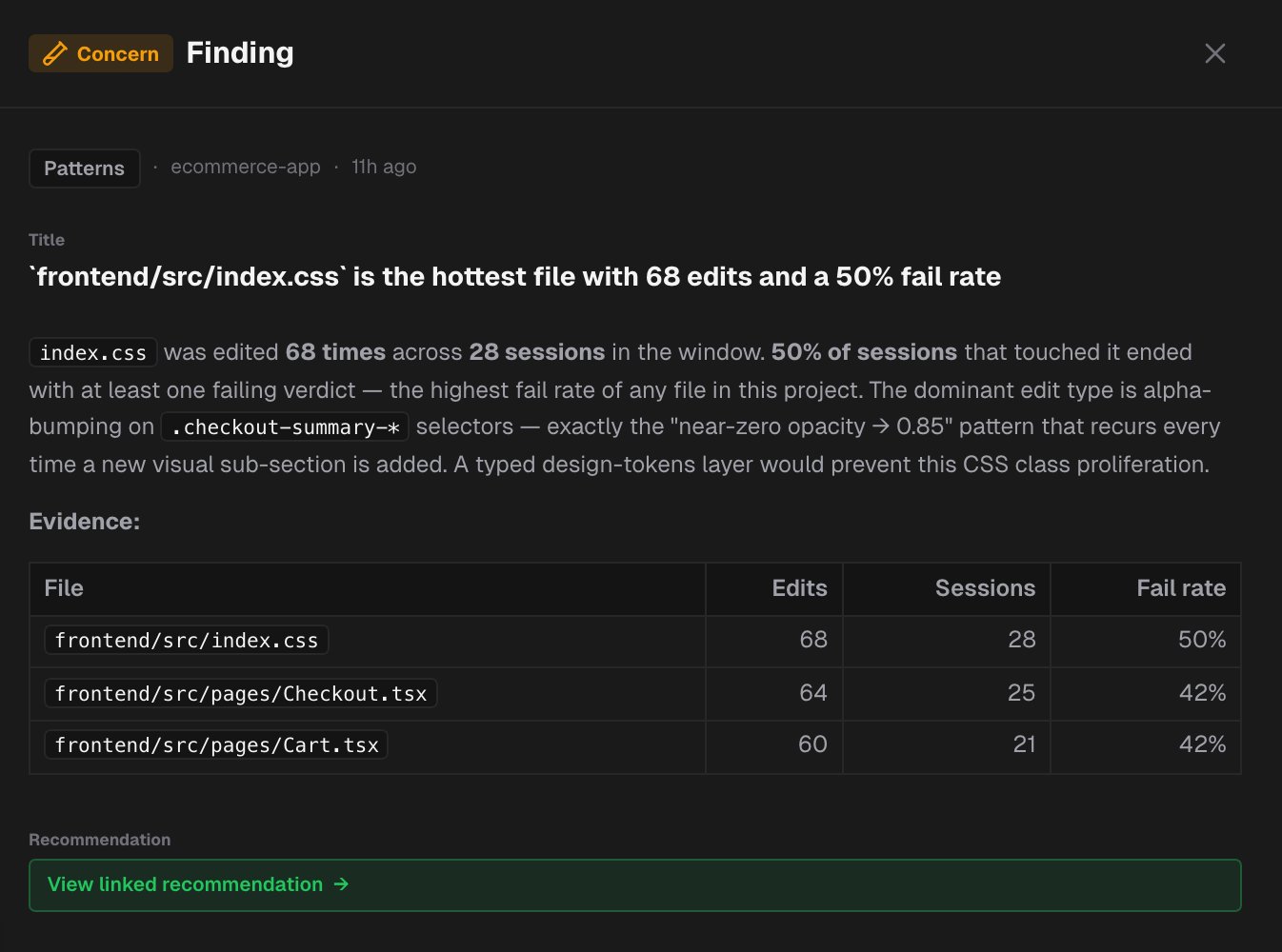
Click a row to open the finding:- The severity, the area, the project and when it was created.
- The title and the full description, with the evidence and metrics behind it. Some findings add a table or a chart.
- View linked recommendation, for Concern and Critical findings. It opens the recommendations that came from this finding.
Related pages
Recommendations
Directives generated from findings.
Analysis
The daily quality analysis that produces findings.