

Open an analysis
Open Analyses in the sidebar and pick a project. The page shows the project’s latest quality analysis and when it was generated.- If the project has no analysis yet, the page says No analysis has been generated for this project yet.
- An analysis built from few sessions carries a Limited data label.
- Cards appear only when they have data. Hover the info icon on a card to see what it measures.
⌘K palette.
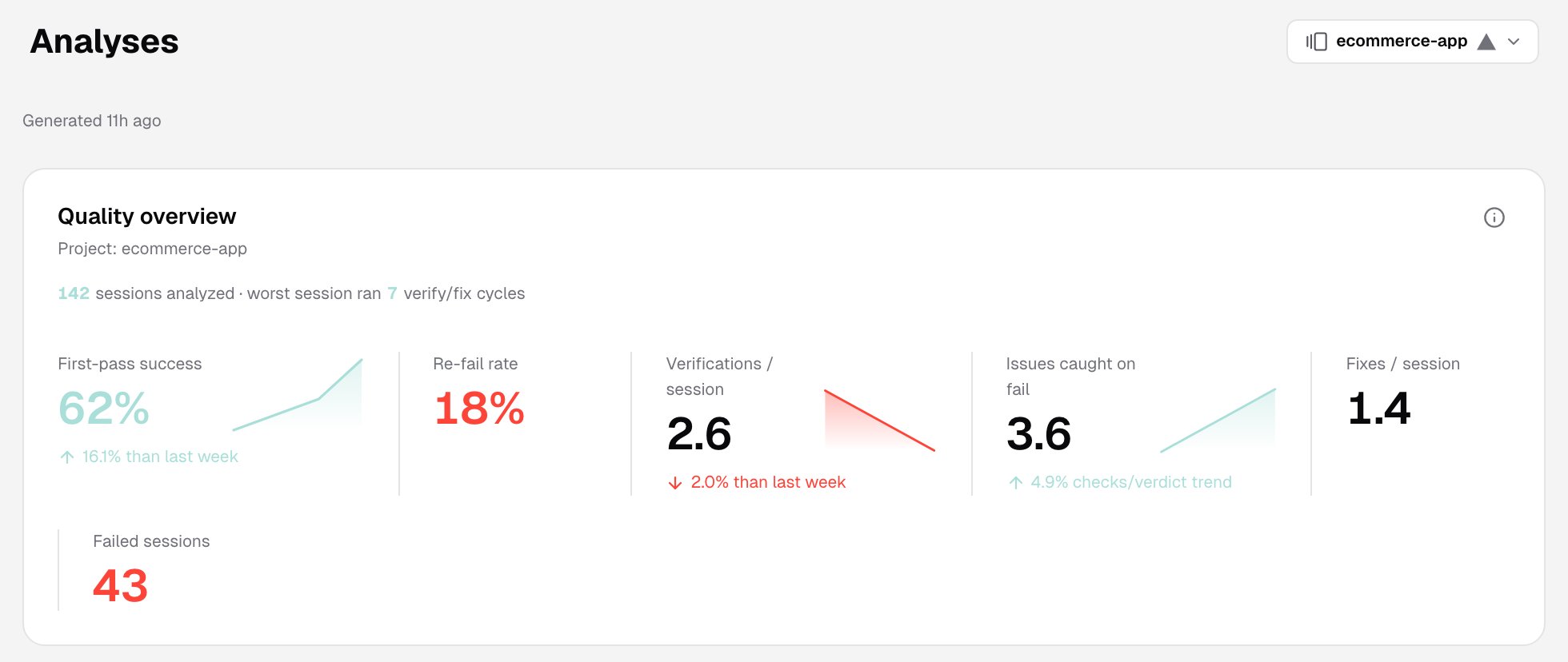
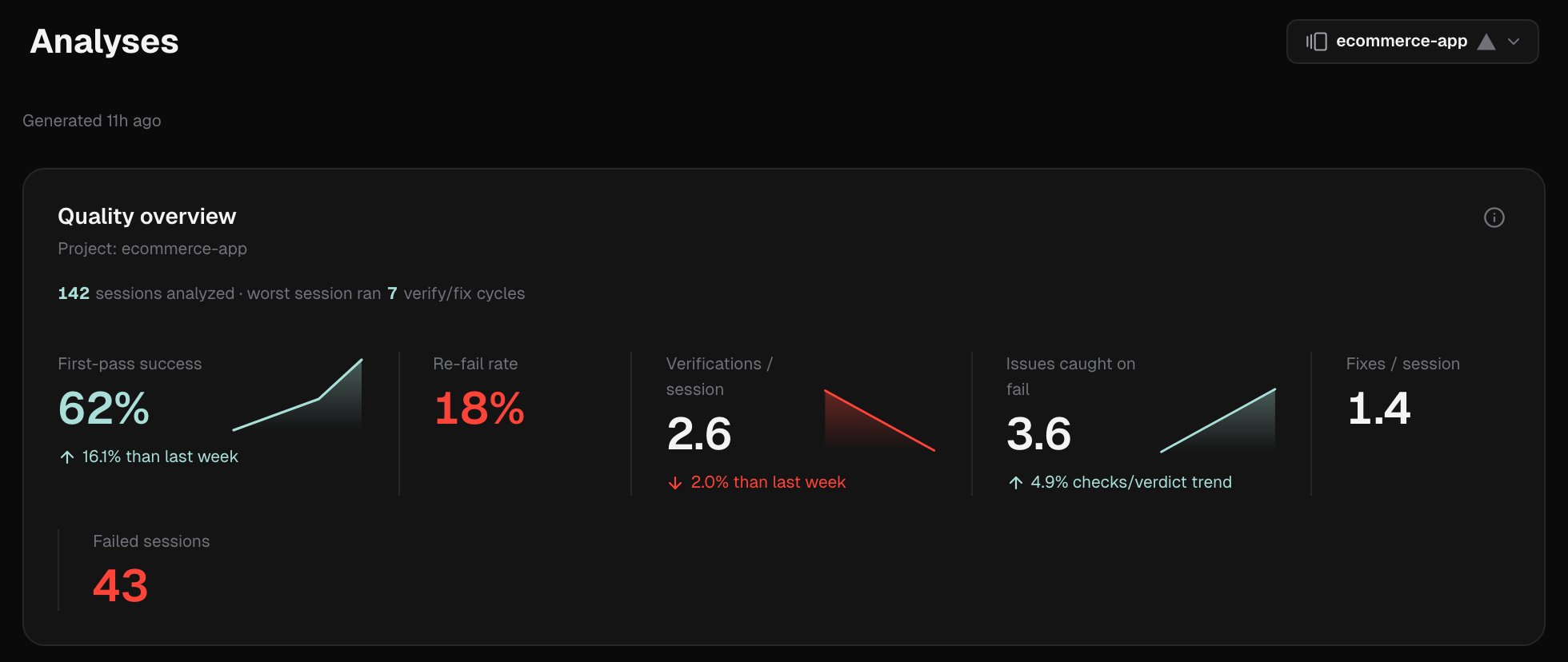
Quality overview
The headline states how many sessions were analyzed and how many verify and fix cycles the worst session ran. Below it are six metrics:
First-pass success and Verifications / session also show a weekly sparkline and the change from the previous week. Issues caught on fail shows the weekly trend of checks per verdict instead.
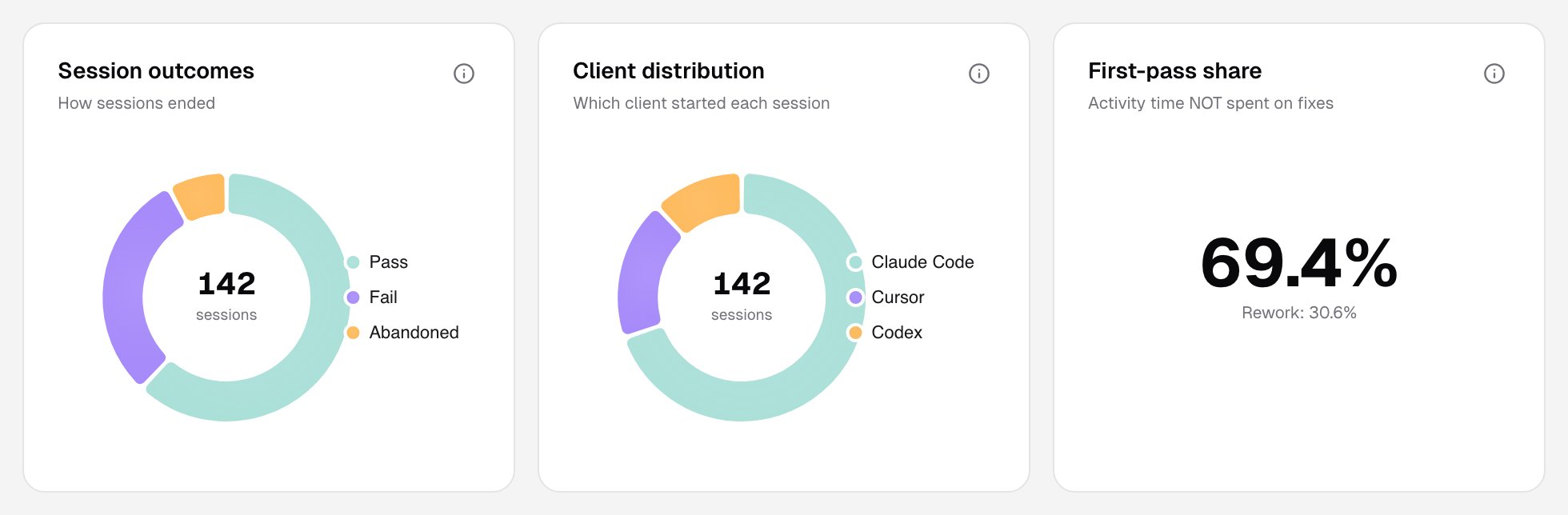
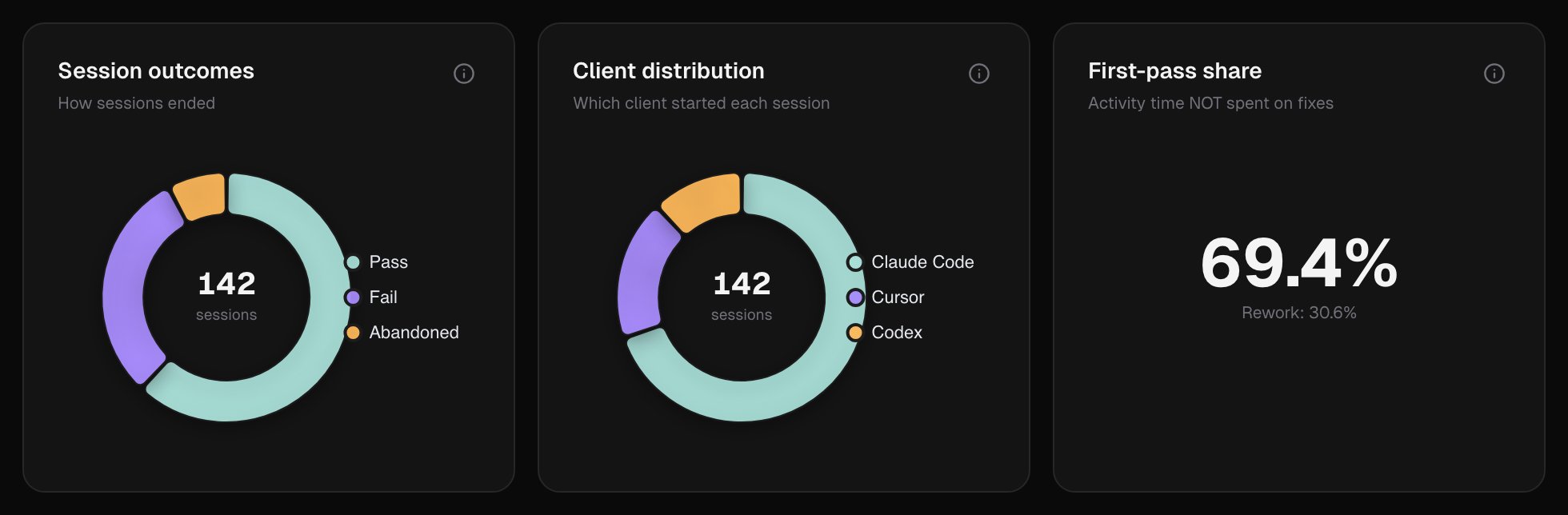
Session outcomes
- Session outcomes: how sessions ended.
- Pass: the last verdict passed.
- Fail: the last verdict failed.
- Abandoned: the last verdict failed and a new cycle started after it.
- Completed: the session ended without a verdict.
- Client distribution: which AI client ran each session: Claude Code, Cursor or Codex.
- First-pass share: the share of time not spent on fixes, against rework.
Where time goes
How session time splits across coding, verification and fixes, with the average duration of a session, an activity, a verification and a fix.Issues before vs after fix
The average issue count before a fix attempt and after it. It shows whether fixes resolve the problems the agent finds.Verification depth
Verification depth: on pass vs on fail compares how thoroughly the agent checked before it passed and before it failed:- Checks / verdict
- Screenshots / verif.
- Aria snap. / verif.
- Issues / verdict
Fix outcomes
Fix cycles grouped by what they did:- Helpful: the fix reduced or resolved the issues.
- No-effect: the issues didn’t change.
- Backfiring: the fix introduced new issues.
Top blockers
The most frequent reasons the verification gate blocked the agent from finishing, such as a failed verdict, a missing verdict, or a verification that didn’t use the required tools.Hot files
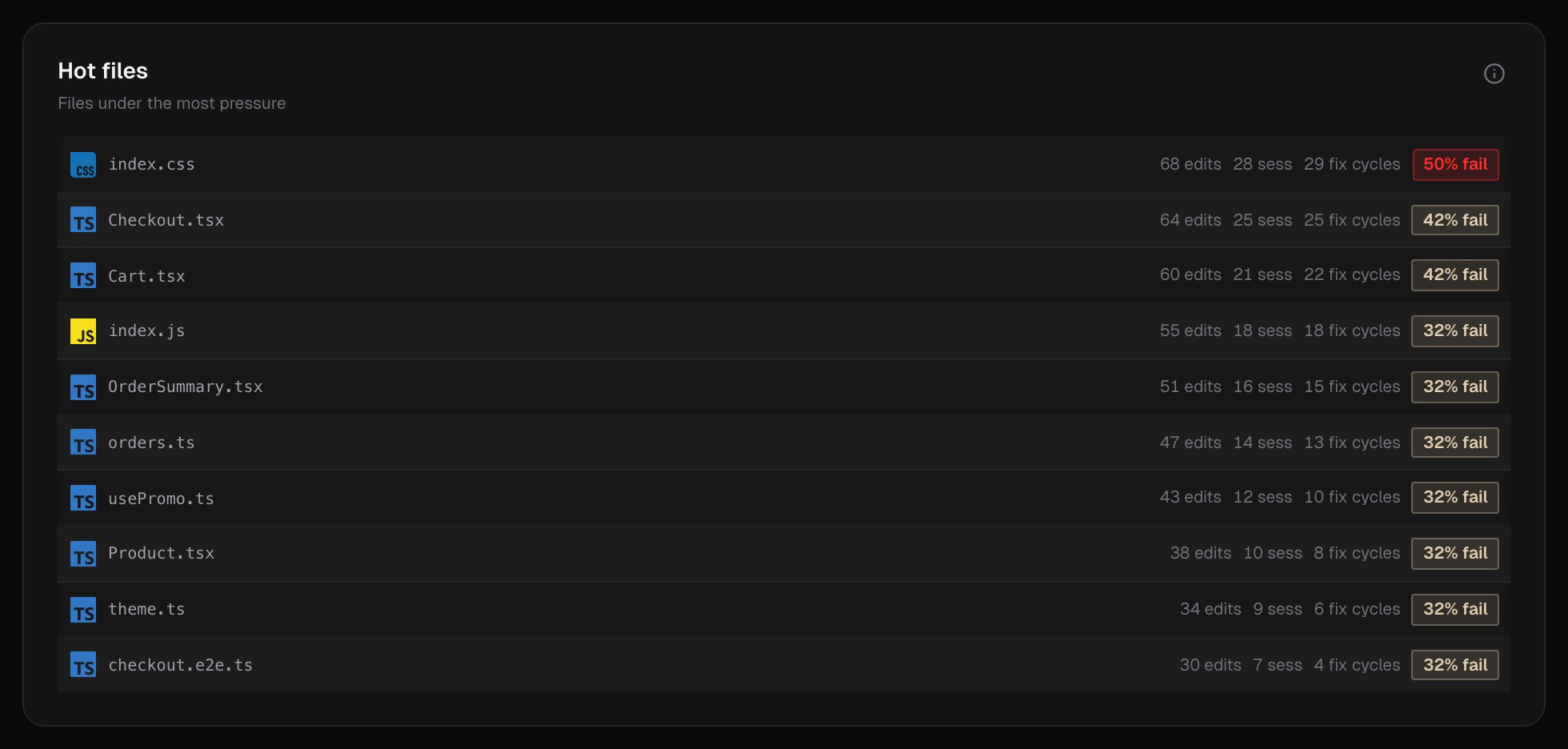
The files the agent edited most, with how many sessions touched them, how many fix cycles they needed, and their fail rate.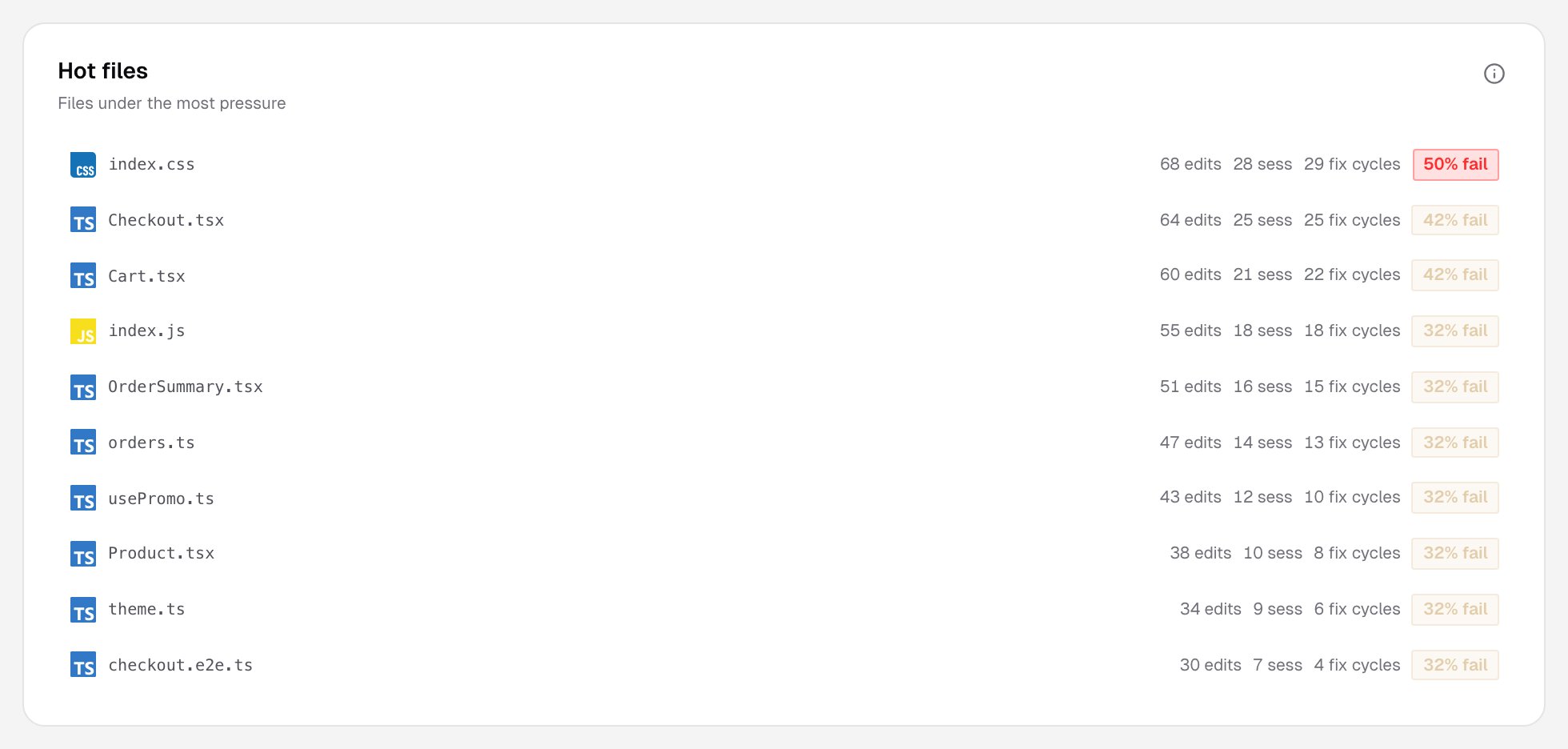
Weekly trend
A chosen metric by week: pass rate, efficiency, cycles or checks.Outcomes by session size
A heatmap of session outcomes by duration and by number of activities. It shows whether longer or busier sessions fail more often.Recent corpus
Three lists from recent verdicts:- Recent issues: what the agent flagged in failed verifications.
- Recent fixes: what the agent said it did to resolve problems.
- Recent verification checks: what the agent verified.
Related pages
Findings
Observations the analysis surfaces.
Recommendations
Directives generated from findings.