

What makes recommendations different
Recommendations are not generic advice, they are imperative instructions written specifically for the AI coding agent. They are automatically injected into the agent’s system prompt on the next session, so the agent adjusts its behavior without you needing to manually relay the feedback. Example recommendations:- “Always check contrast ratio, form validation, and error states before writing a verdict.” (quality finding)
- “After a fix, re-run all checks, not just the failing one.” (efficiency finding)
- “Button.tsx has a 70% fail rate, take extra care when modifying this file.” (patterns finding)
Open a project’s recommendations
Open Recommendations in the sidebar and pick a project. You can also:- click the recommendations count on a project card
- click View linked recommendation on a finding
- open the notifications bell in the top bar. Its notification shows how many active recommendations your projects have, such as 5 recommendations to act on. Click it to open Recommendations.
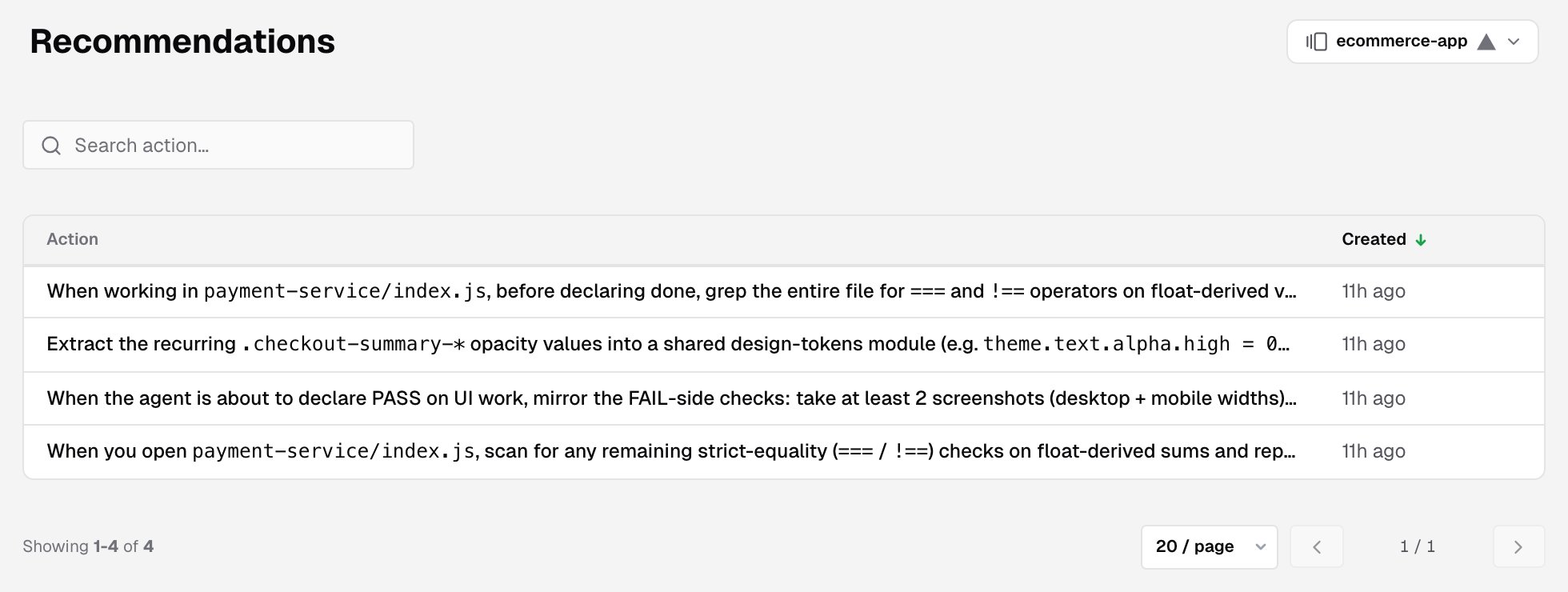
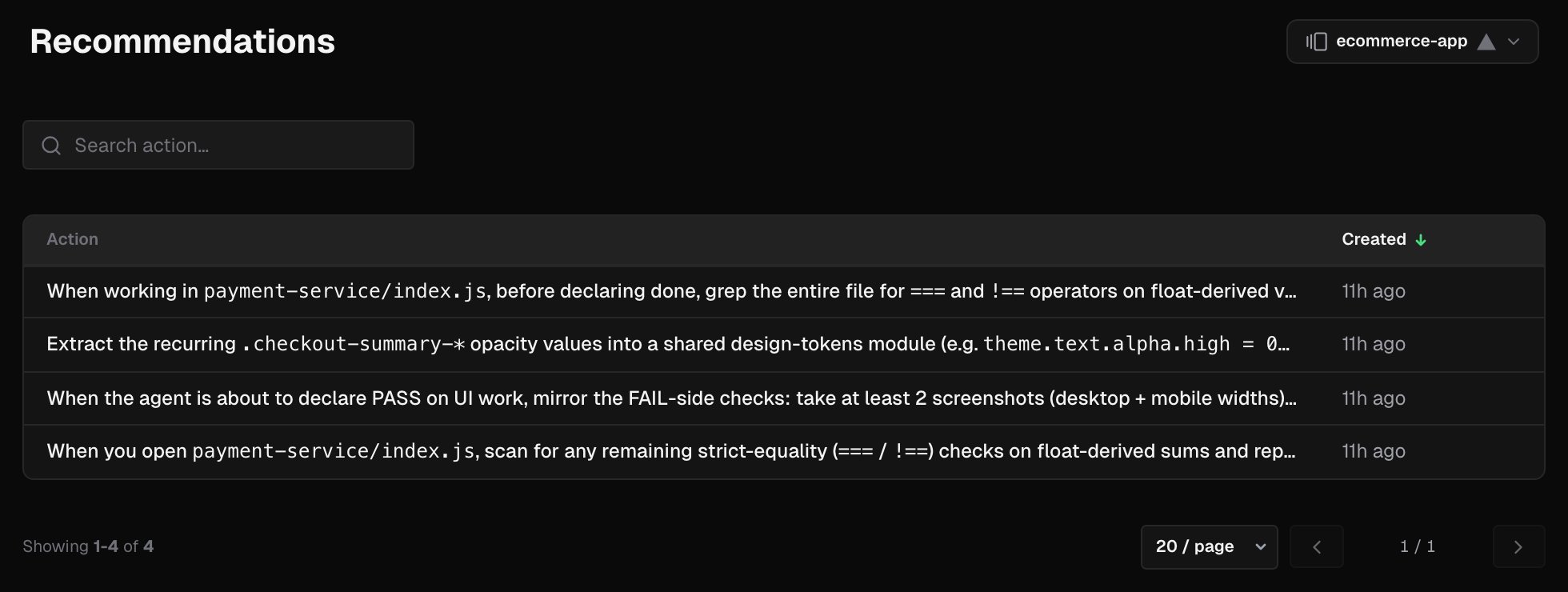
Search
Search action… matches recommendation text from 3 characters. When you arrive from a link to one finding or one analysis, a Finding or Analysis chip pins the list to it. Remove the chip to see every recommendation.The recommendations table
Sort by Created. The newest recommendations come first. Show 20, 50 or 100 rows per page.
Recommendation details
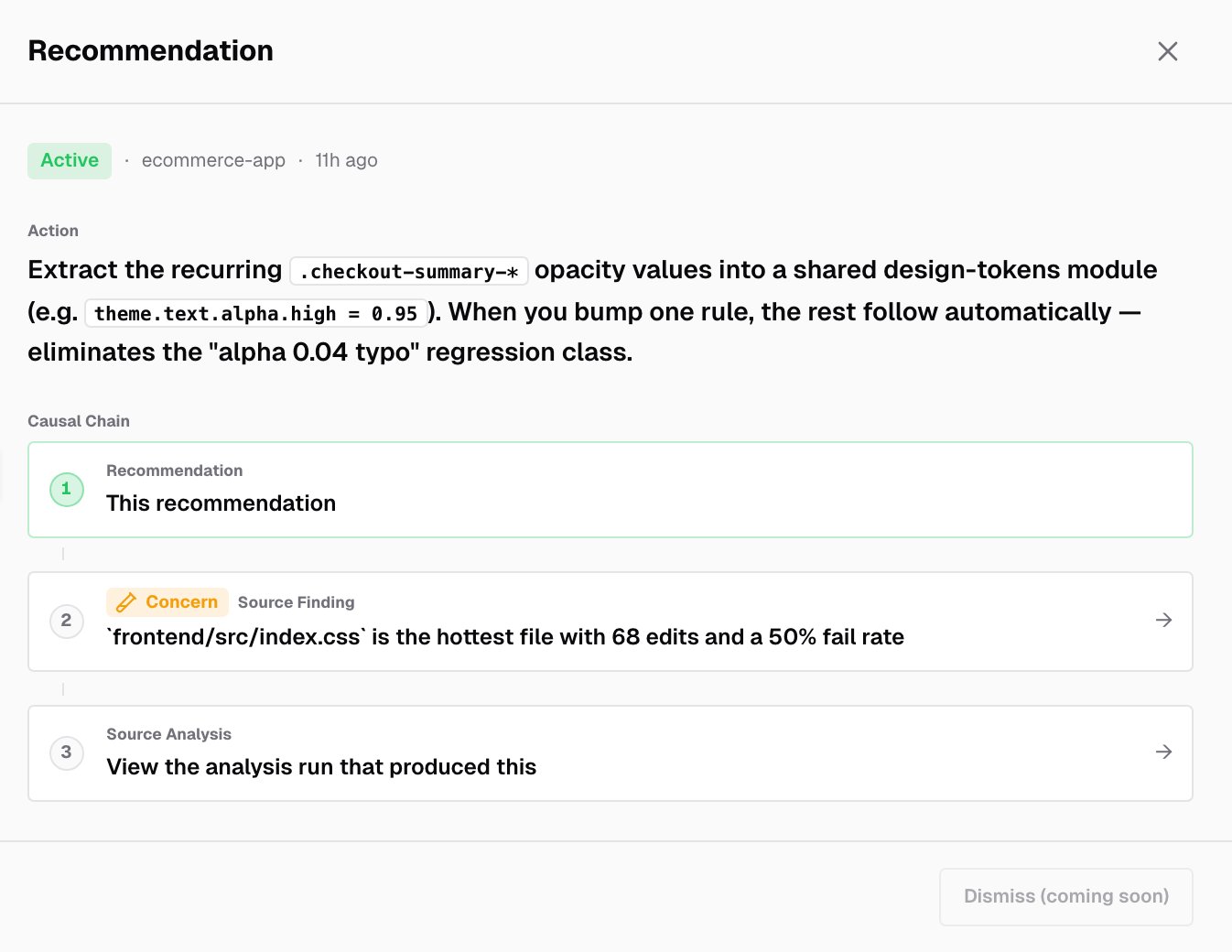
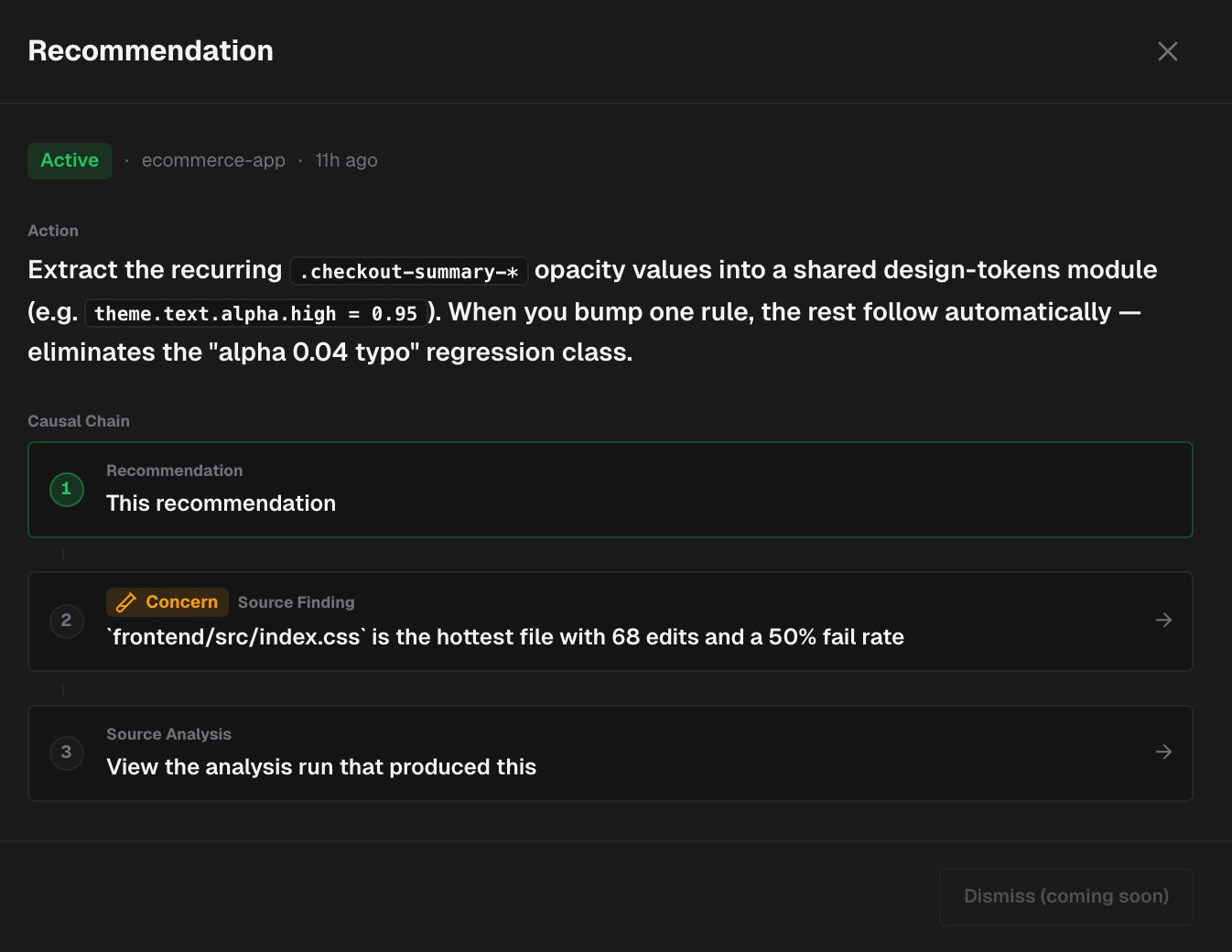
Click a row to open the recommendation:- Its status (Active), the project and when it was created.
- The full directive, under Action.
- The Causal Chain, which shows where the recommendation came from:
- the recommendation itself
- its Source Finding, with the finding’s severity. Click it to open the finding.
- its Source Analysis. View the analysis run that produced this opens the project’s analysis.
Related pages
Findings
The observations recommendations come from.
Analysis
The daily quality analysis.