

- every deployment on Vercel or Netlify
- every push and pull request, with the GitHub Action
The Integrations page
Owners and admins open Integrations in the console’s sidebar. The page lists the providers under Connected and Available. Select one to see its installations and the projects in each.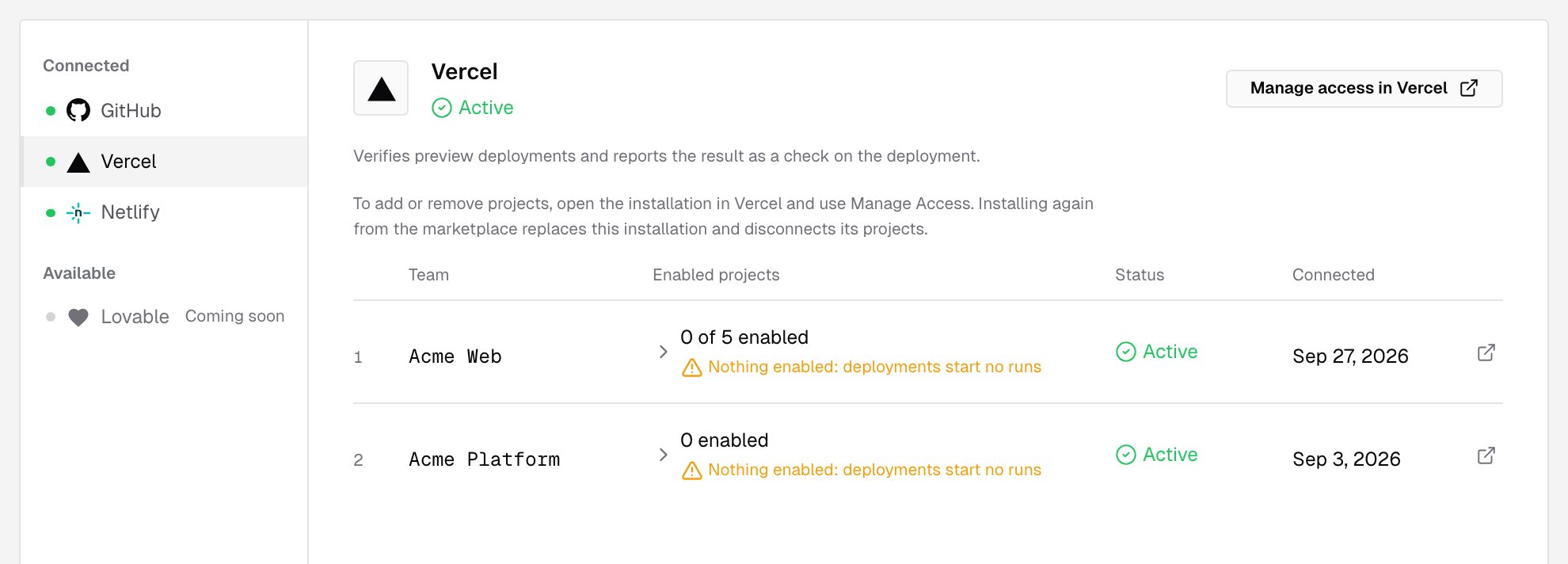
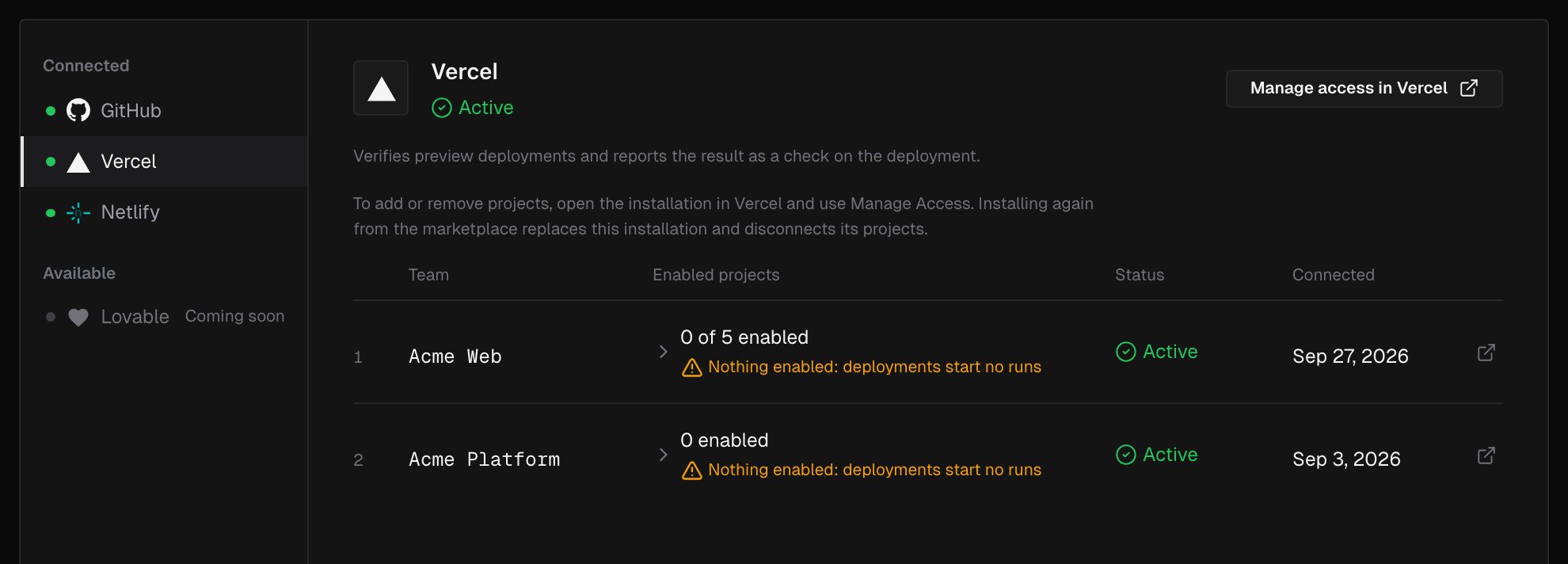
You can connect more than one. A common setup is Vercel or Netlify for deployments, plus the GitHub App so the runs verify each pull request’s changes and report on it.
How a deployment gets verified
1
Connect the provider
Install the integration on the provider’s side and connect it to your IronBee account. Connecting needs the owner or admin role.
2
Enable projects
A deployment starts a run only once its project is enabled. Until then, the Integrations page shows Nothing enabled: deployments start no runs. Enable projects from the provider’s page, with Enable in a project’s actions menu, or from Projects > New project.
3
Give IronBee access to your previews
If your previews are protected, store the way in as a secret in the project’s settings: a Vercel Bypass token or a Netlify site Password.
4
Deploy
The next deployment starts a verification run. Follow it live from Projects, and read the result on the provider, on the pull request, and in the console.
Projects and verification types
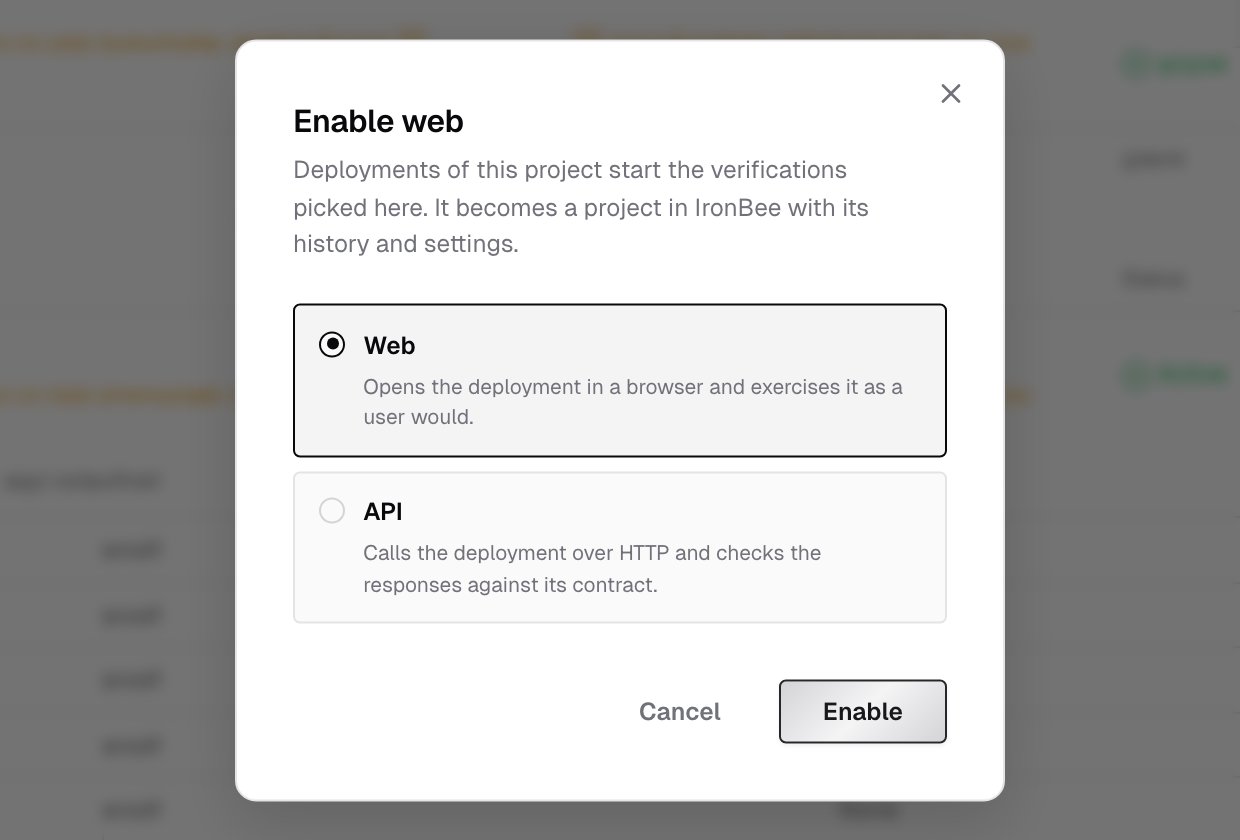
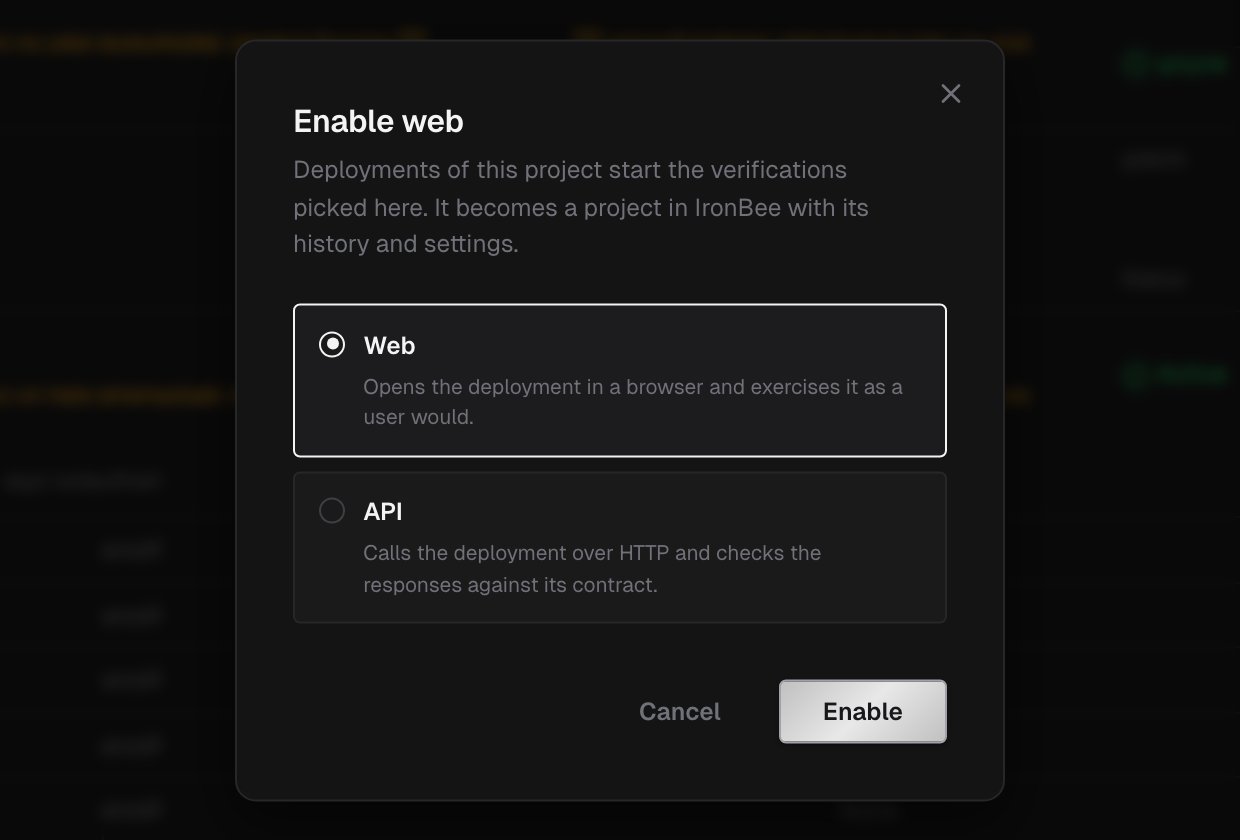
Each enabled GitHub repository, Vercel project or Netlify site becomes an IronBee project. It keeps its runs, its settings and its history. Every project has a verification type:- Web opens the deployment in a browser and exercises it as a user would.
- API calls the deployment over HTTP and checks the responses against its contract.
Environments, variables and secrets
A run is against one of the project’s environments, and uses that environment’s variables and secrets on top of the project-wide ones. Integrations create environments automatically, named the way the provider names the deployment:
Manage them in the project’s Settings: Environments, Variables and Secrets.
Where results appear
Every run links to its verification detail page, with the recording, the actions, the network requests, traces and logs, and the result.