
- A rule says what a review must or must not do: look for something and report it, or leave something alone.
- A memory says what is true or preferred in a part of the code. It informs the review and never produces a finding of its own.
- In the console, on the Rules and Memories pages under Code review in the sidebar.
- In the repository, as Markdown files under
.ironbee/. See Repository files.
Rules
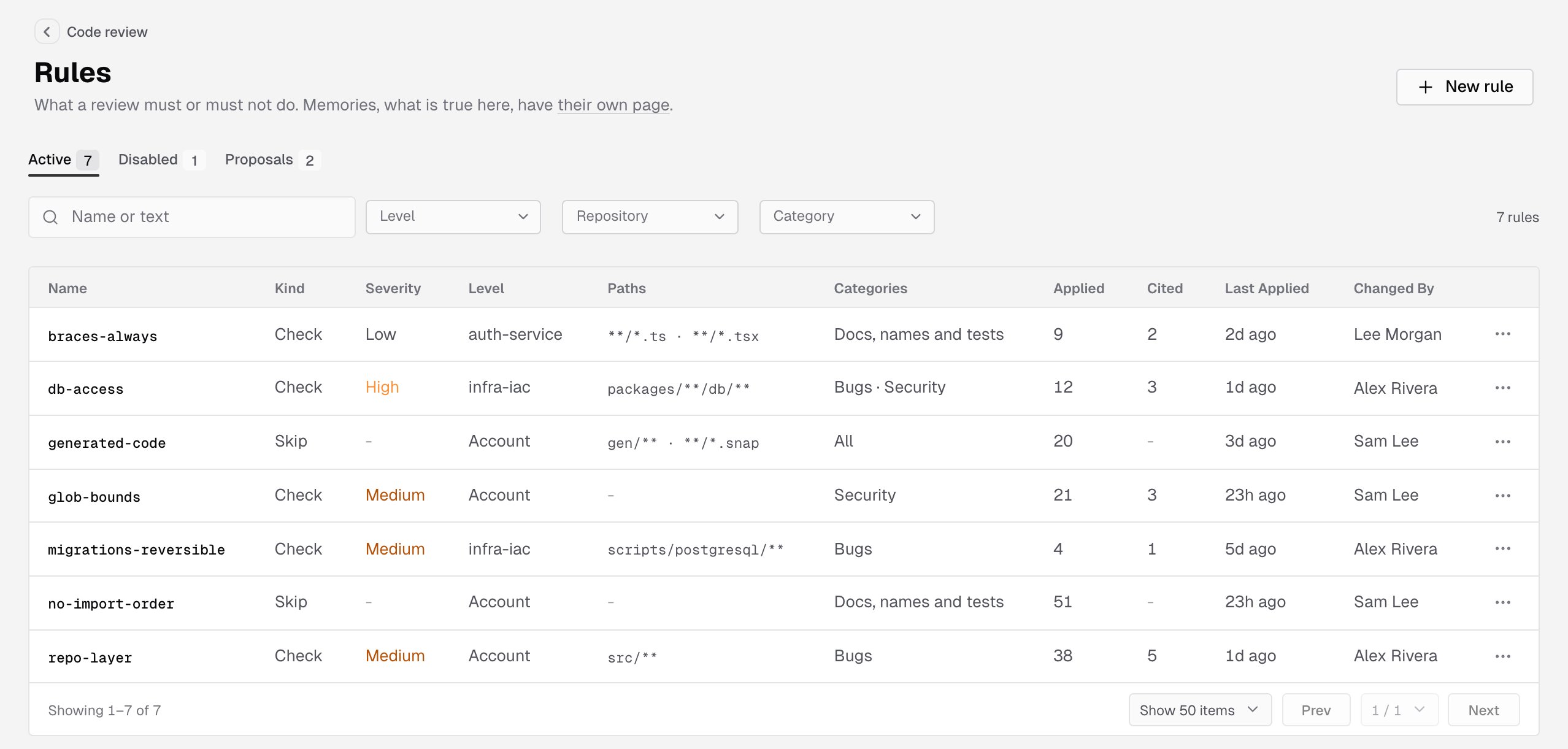
Every rule has a kind:
A rule’s Severity is None, Low, Medium, High or Critical. It’s the lowest severity a finding that cites the rule gets. With the default Block merging when setting, an open finding at Medium or higher keeps the IronBee review check from passing.
When you change a Check rule, reactions to earlier findings that cite it no longer hold back new ones. See Learn from the team’s reactions in Code review settings.
Write a rule as what must or must not happen. What is merely true belongs in a memory.
Memories
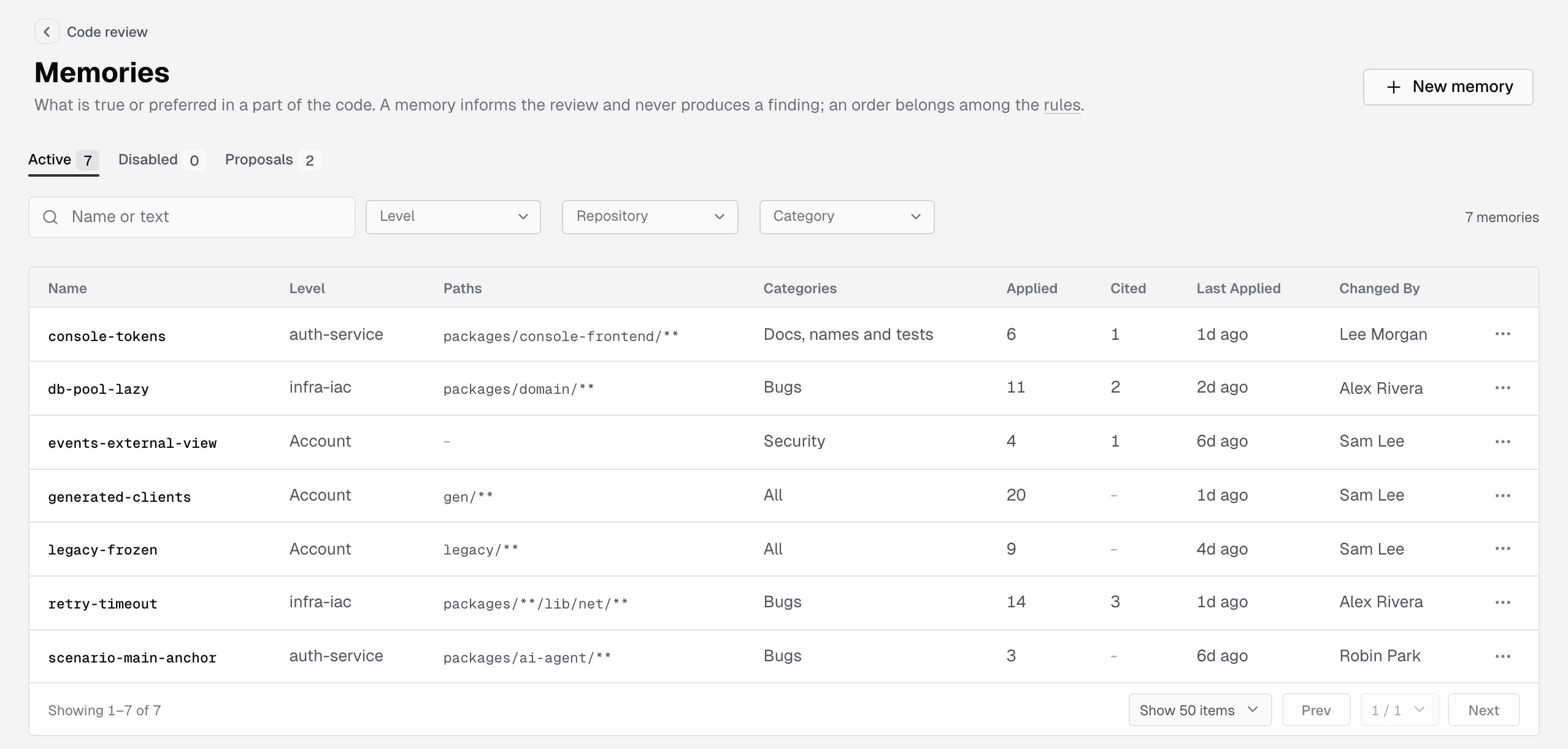
A memory tells the review what is true or preferred in a part of the code, so it can judge whether something is a defect there. For example: code undersrc/legacy/ only gets security fixes, or a helper is the preferred way to read configuration.
A memory never asks for a finding. When a finding rests on one, the finding cites it. Where a memory and a rule disagree, the rule applies.
Memories come from your team, written in the console or in .ironbee/memories/. IronBee doesn’t turn reactions into memories: the Learn from the team’s reactions setting handles thumbs-downs, resolved threads and hidden comments on its own.
To change a memory, click its row and edit it. To stop the review reading it without deleting it, clear Enabled in the dialog or pick Disable from the row’s menu. A disabled memory moves to the Disabled tab until you turn it back on or delete it. Rules work the same way.
Where an item applies
Each rule and memory has a level, optional paths and optional categories. Level:- Account: every repository of the account.
- Repository: one repository, picked in the dialog.
src/** or app/**/*.ts, separated by commas. * matches within one path segment and ** across segments. Empty means the whole repository.
Categories: the focus areas the item is for, as in Code review settings. None checked means every category.
An item that names only a focus area you turned off doesn’t apply.
A Skip rule or a memory reaches the security pass only when Security is checked. One with no category checked doesn’t reach it, and the review still reports any other security defect. Only owners and admins can check Security on a skip rule or a memory.
When items disagree: the narrower one wins. An account item is the widest, a repository item is narrower, and an item with paths is the narrowest.
When there are many items: if a review can’t read them all, it keeps the most specific first: items with paths, then repository items, then account items. Among rules, a higher severity comes first.
Turned off in a repository
An account rule or memory can be turned off in one repository, everywhere in it or under some paths, while other repositories keep it. The console shows where it’s off:- In the dialog of an account item, Turned off in lists each repository, with its paths or the whole repository.
- With the Repository filter set, an account item that repository turned off is dimmed, and its Level reads Off in the repository, with the paths when it’s off under some paths only.
disable.md.
The Rules and Memories pages
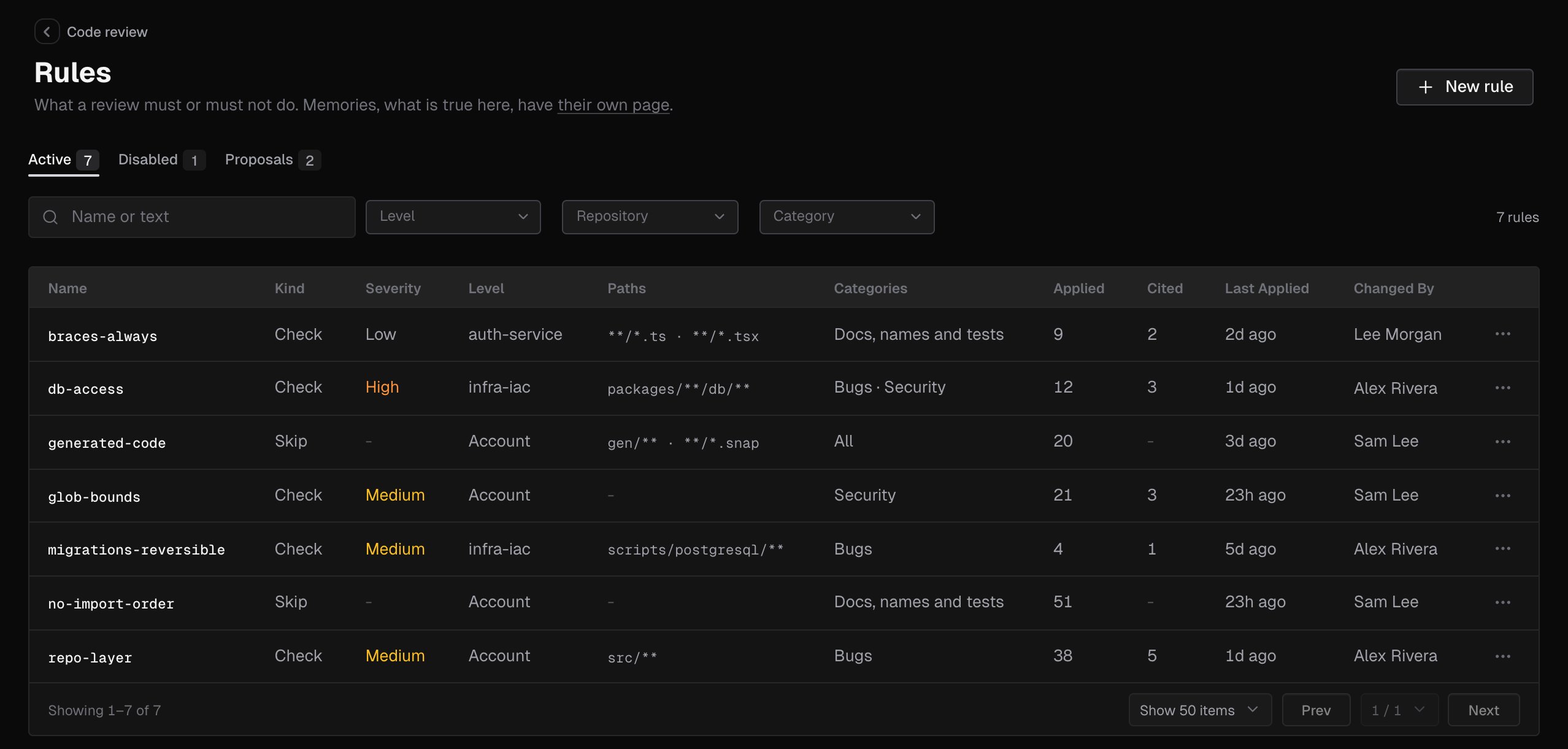
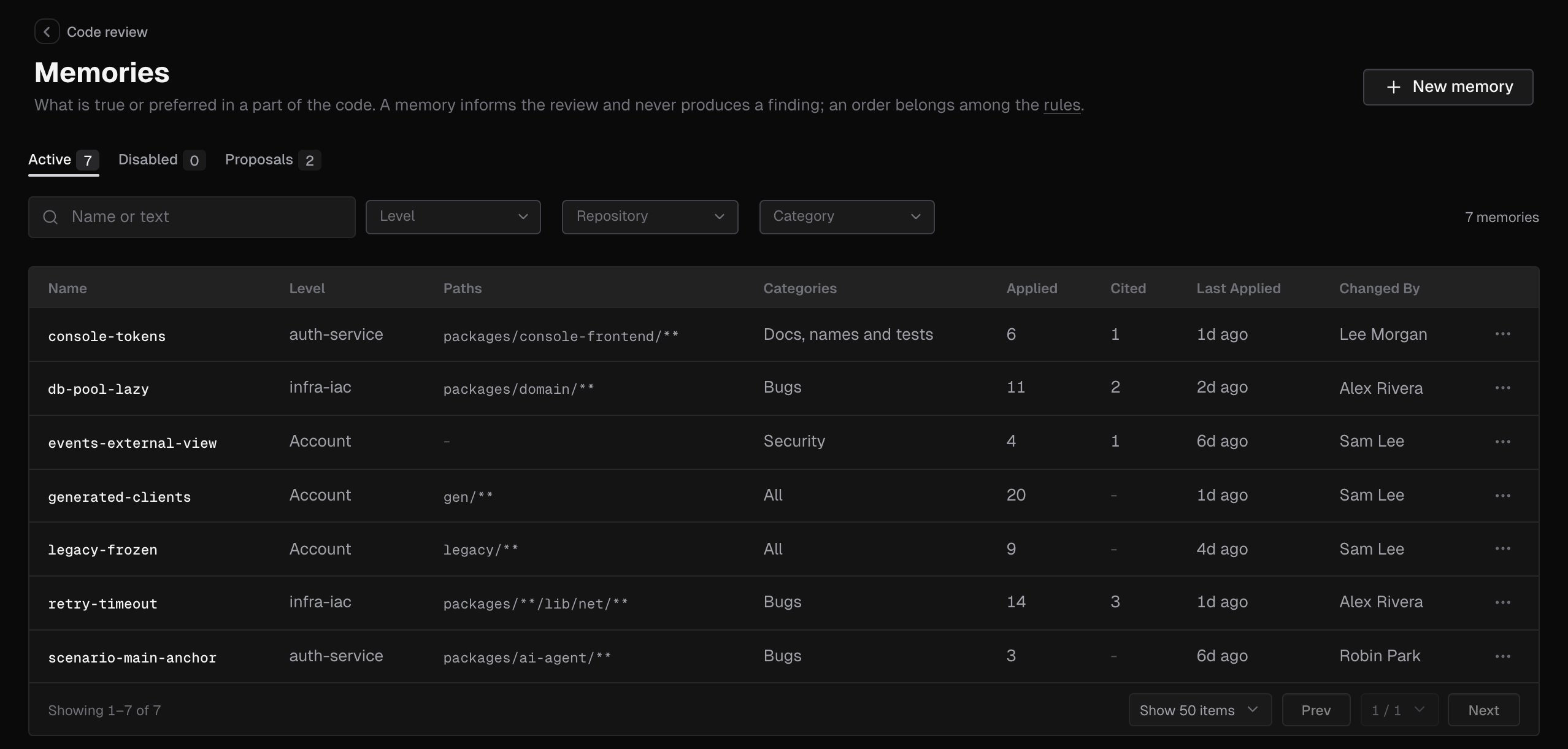
Open Code review in the sidebar and pick Rules or Memories. Both pages work the same way. Tabs: Active, Disabled and Proposals, each with its count. Filters, on Active and Disabled:
Clear filters resets them. Beside the filters, the page counts what it shows, such as 12 rules. Pages hold 25, 50 or 100 items.
Columns:
The row’s menu offers Edit, Disable or Enable, and Delete rule or Delete memory. A deleted item’s repository overrides and pending proposals go with it.
Empty states:
Under the list, a note says that repository files are read from each pull request’s base branch and aren’t listed on these pages.
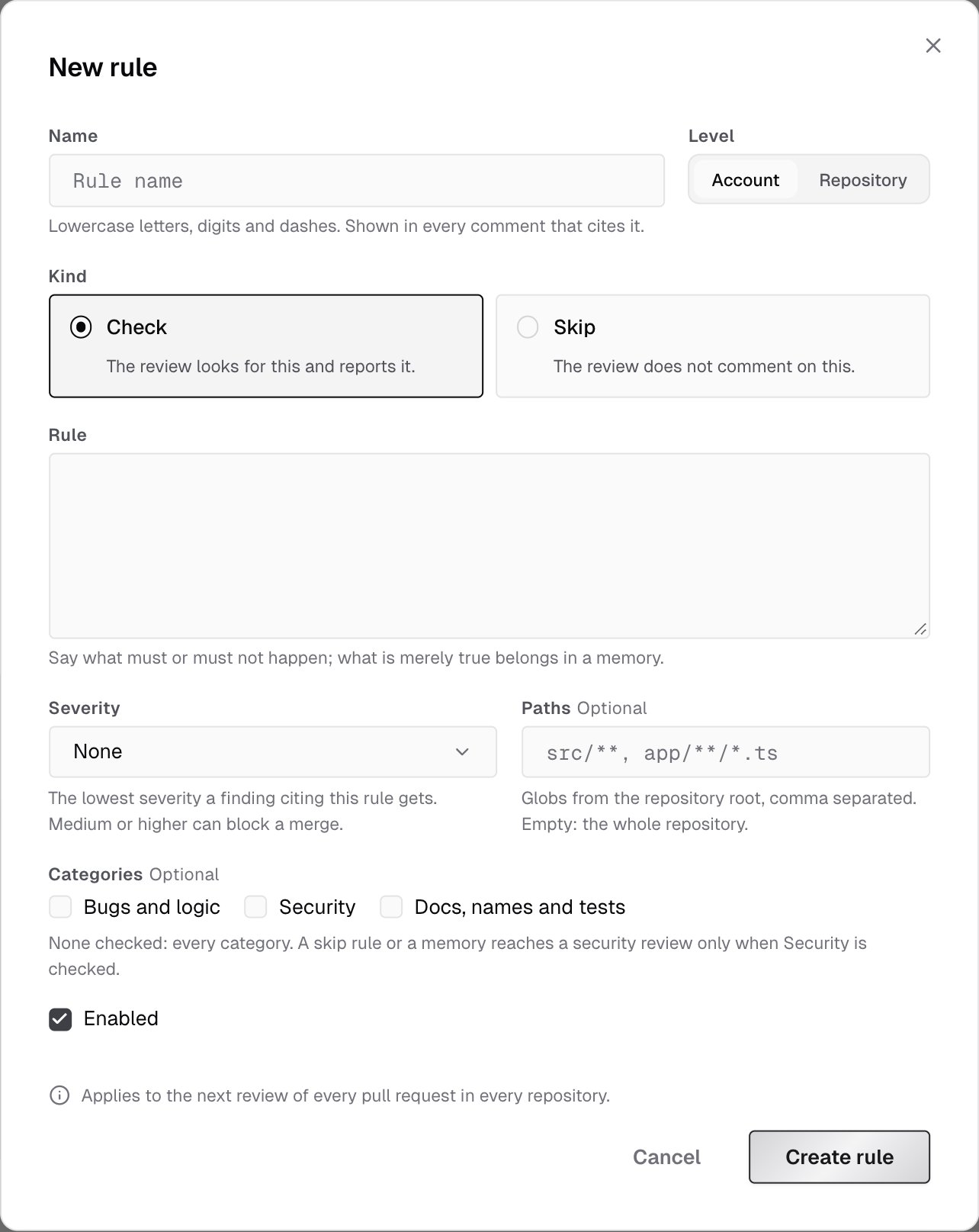
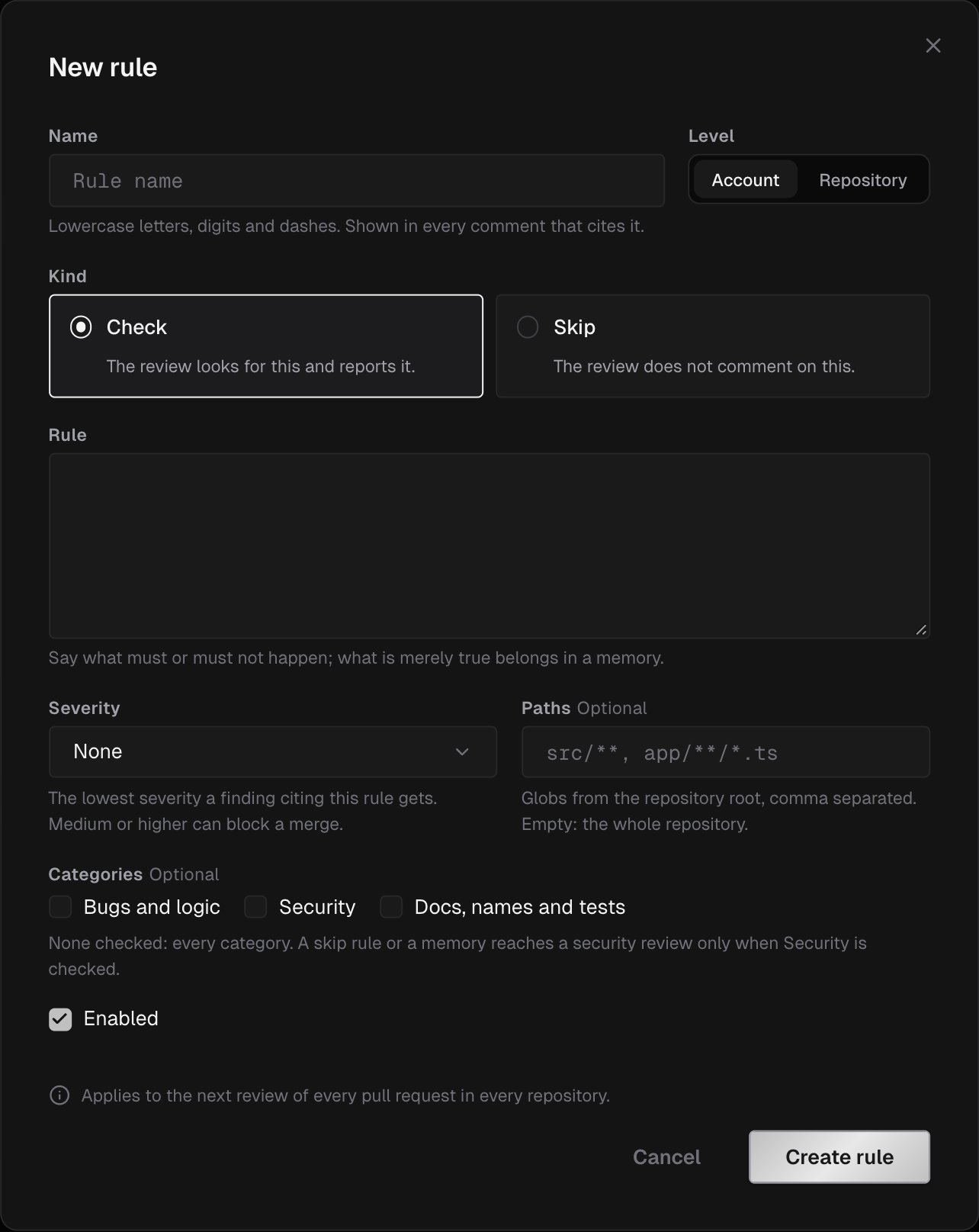
Create or edit a rule or memory
Click New rule or New memory, or click a row to edit it.
A new item starts at Account level, as a Check rule with no severity, enabled.
The dialog’s footer says where the change applies, such as Applies to the next review of every pull request in every repository. Click Create rule, Create memory or Save changes. In an existing item’s dialog, Delete rule or Delete memory asks you to confirm first.
The dialog refuses an item without a name or text, a name another item of the kind already has, a missing repository, a text over the limit and paths that break the rules above. The message shows under the field.
Who can change rules and memories
For a member, the dialog’s button reads Propose and its footer says Your role proposes changes; an owner or admin applies them. In the row’s menu, Disable, Enable and Delete say they’re proposed to an owner or admin. See Roles and permissions.
Proposals
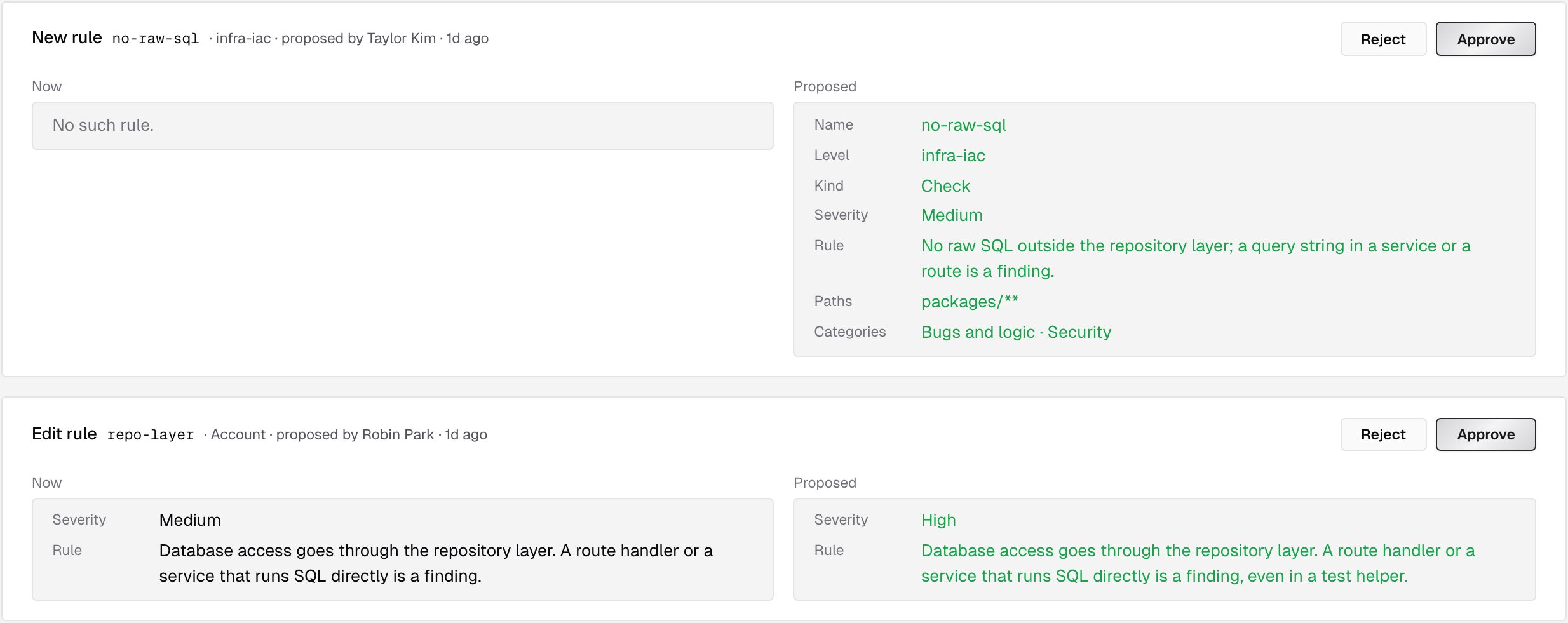
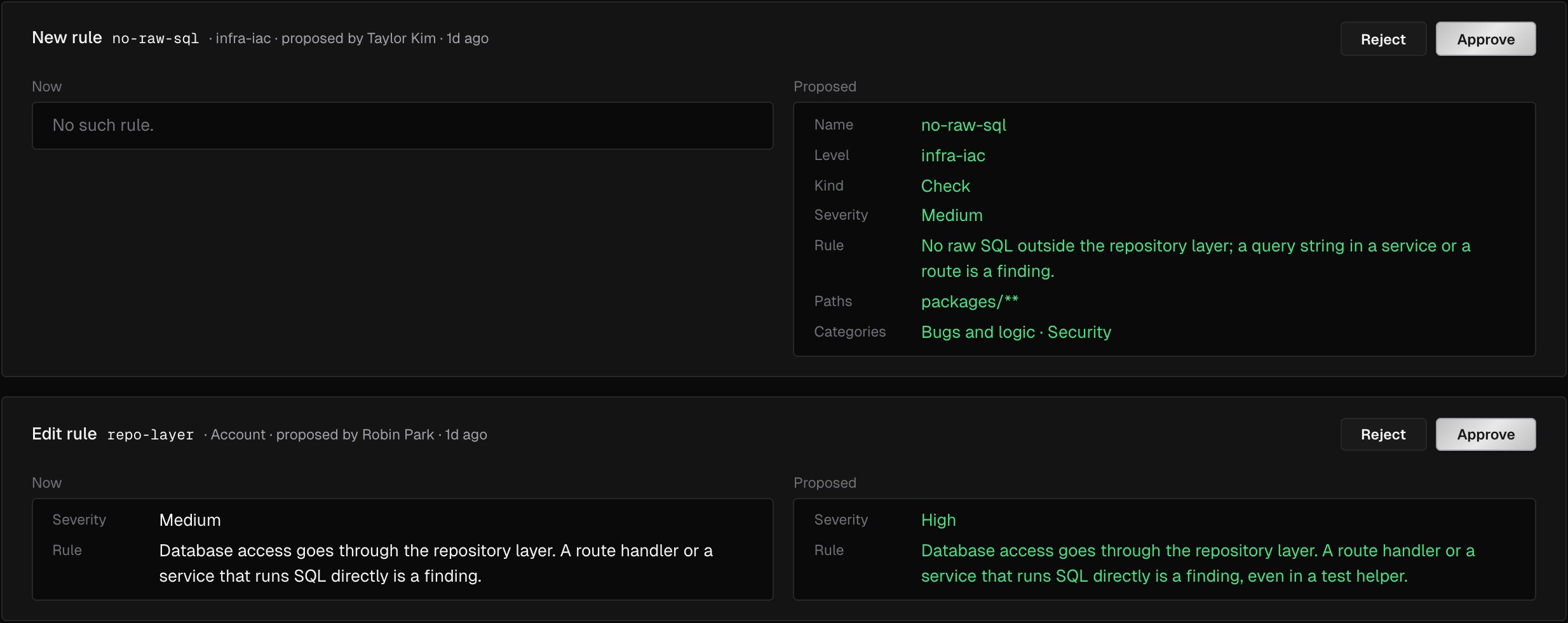
A member’s change waits on the Proposals tab until an owner or admin decides it. The oldest comes first. Each card names the change and the item, such as New ruleno-raw-sql, Edit memory or Disable rule, with its level, who proposed it and when. Two columns compare each field the change touches: Now and Proposed. A card can also ask to Turn the rule off in a repository or Turn the rule back on in a repository.
- Approve applies the change exactly as proposed, under the proposer’s name.
- Reject drops it, and nothing of it is kept.
Repository files
IronBee also reads rules, memories and skills from Markdown files in the repository:
The file’s name, without
.md, is the item’s name: .ironbee/rules/no-raw-sql.md is the rule no-raw-sql. A skill takes the name in its SKILL.md’s front matter, or the file’s name when there’s none.
These files aren’t listed on the Rules and Memories pages. The Rules and memories from the repository setting turns them on or off; it’s on by default. See Code review settings.
Where IronBee looks
- The base branch: files are read as the pull request’s base branch has them. A pull request that adds or changes a file isn’t reviewed by its own change; the change applies once it’s merged.
- The root and the folders above each changed file: an
.ironbee/folder insideservices/billing/is read when the pull request changes a file underservices/billing/. Its items apply only to files under that folder, and theirpathsare relative to it. - The nearest folders first, when there are more files than a review reads.
security is dropped from its categories.
Front matter
A file starts with YAML front matter between two--- lines. The body under it is the text.
- A memory can skip the front matter: the whole file is its text.
- A rule or a memory has a body or
from, not both. A skill hasfromand no body. - A body is cut at 1,000 characters for a rule and 500 for a memory. A text read through
fromis cut at 8,000. - A key that isn’t in the table for the file’s type leaves the file out.
.ironbee/rules/no-raw-sql.md
.ironbee/memories/legacy-frozen.md
.ironbee/skills/release-checklist.md
Turn a file off for a folder
Adisable.md in a folder’s .ironbee/ turns off rule, memory or skill files of the root or of a folder above, for files under that folder. It holds one key, disable: a list of file: followed by the file’s path from the repository root.
services/billing/.ironbee/disable.md
disable.md is ignored, since nothing is above it. A disable.md turns off repository files only, not console items.
When a file is left out
A file whose front matter isn’t valid, or breaks the rules above, is left out of the review. The review body lists each file it left out, with the reason. A file withenabled: false is skipped without a note.
Built-in checks
Beside the review, IronBee runs a fixed set of standards-based checks on the lines a pull request adds. Each check has its own severity, and its comment names the public standard it rests on, such as CWE-89. Some stay off test and mock files, such as files undertest/, __tests__/ or mocks/ and files named like *.test.ts or *_test.go.
You can’t configure built-in checks. They don’t appear on the Rules page, and you can’t turn them off or change their severity.
In ironbee review
ironbee review reads the same rules and memories as a pull request review: the console’s for the repository it reviews, and the .ironbee/ files as the branch you review against has them. The CLI never sends .ironbee/ files from your machine.
--no-knowledge turns off the repository files for that review only. Console rules and memories still apply.
What’s next?
Code review settings
Focus areas, merge blocking and the switch for repository files.
Pull requests
Findings in the console, with the rules and memories they cite.