
- The account: open Settings > Code review, or Code review > Settings in the sidebar. The page is marked All repositories, and its values are the defaults of every repository.
- One repository: open the project, go to its Settings tab and select Code review. The page is marked This repository only.
How a repository inherits
A repository follows the account for every setting until you change that setting on the repository’s page.- On a repository’s page: change a control, and the line under it reads Set for this repository. Click Reset to account default to follow the account again.
- On the account page: a value you set reads Set for the account. Click Reset to IronBee default to go back to IronBee’s default, listed in the tables below.
- Repositories that differ: under a row on the account page, 1 repository differs or N repositories differ counts the repositories that hold their own value of that setting. Changing the account’s value doesn’t change theirs.
- Review new repositories automatically is on the account page only.
- The on/off switch and the four lists in Repository-only lists are on a repository’s page only. They never follow the account.
Example comment
Beside the form, Example comment shows one fixed review comment, not generated, drawn the way the settings on the page would write it. A row with an eye mark changes the example as you change it, so you can see the effect before you save.Turn review on or off for a repository
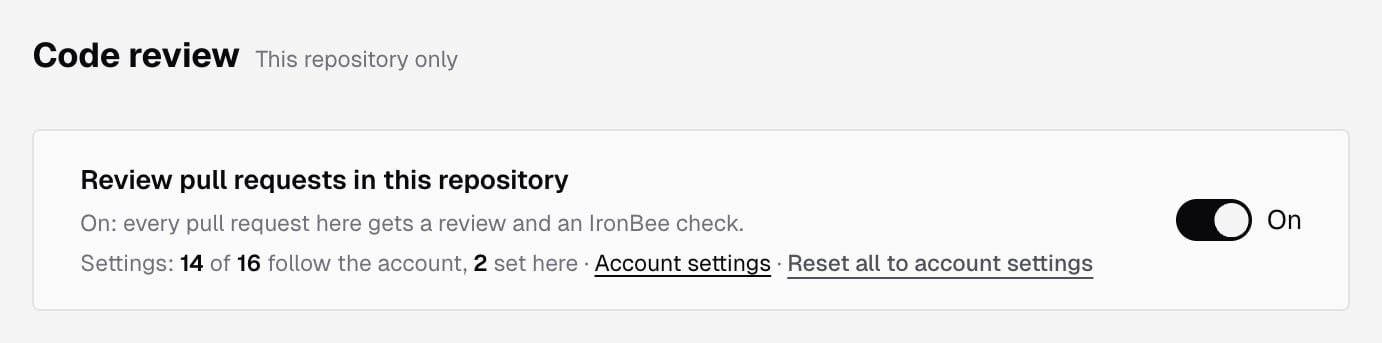
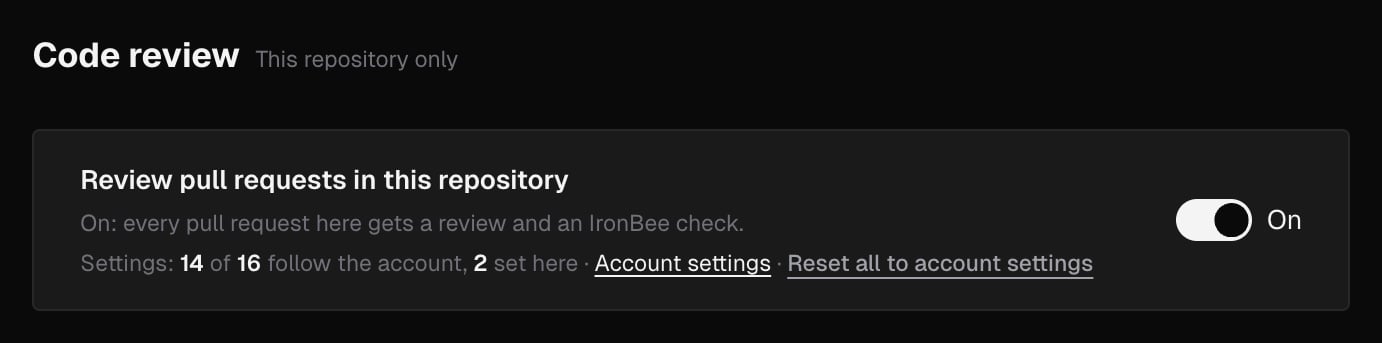
A repository’s page opens with Review pull requests in this repository:- On: every pull request in the repository gets a review and the IronBee review check.
- Off: no review and no check for the repository, and
@ironbee-ai reviewdoes nothing there.
Triggers
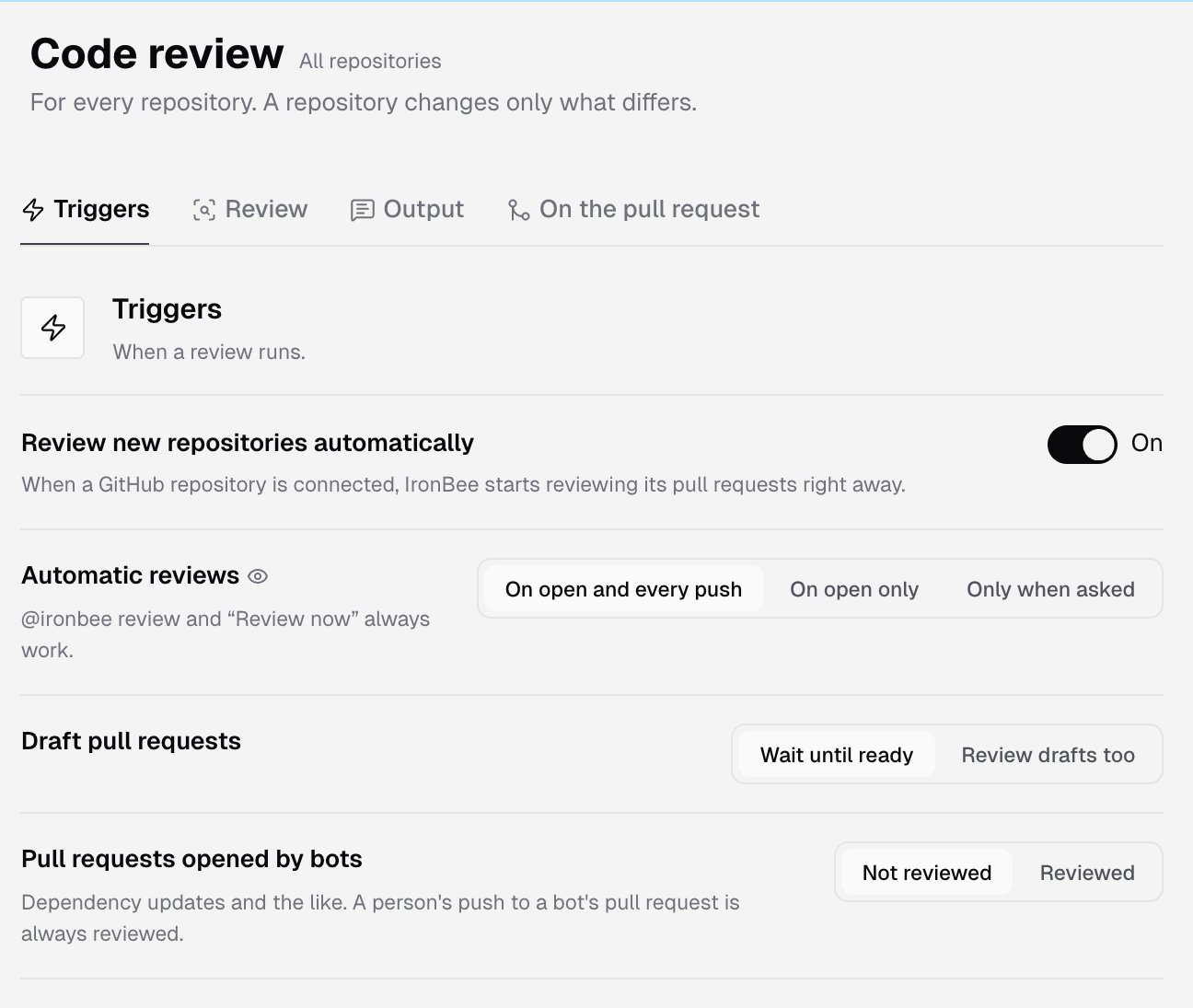
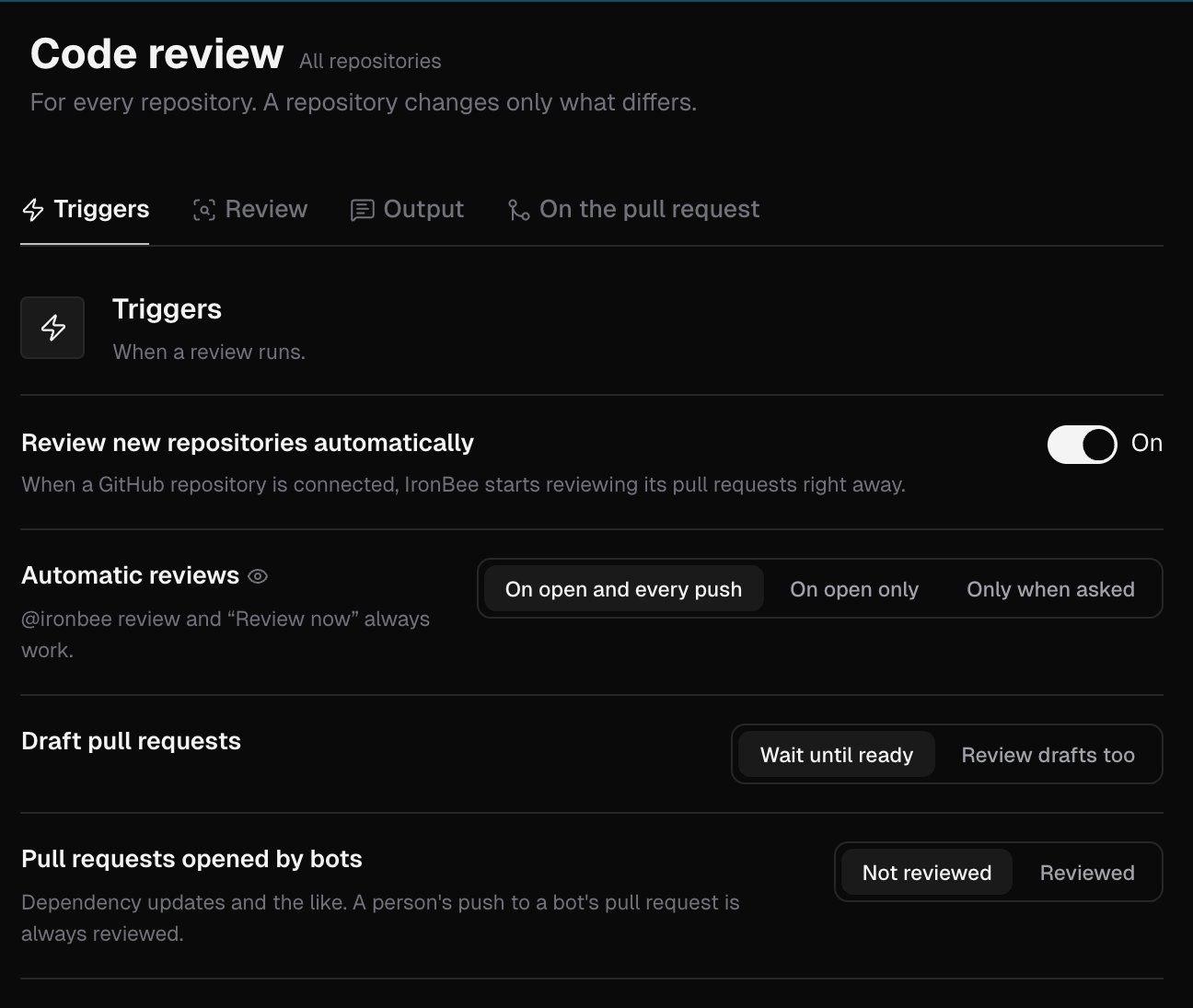
When a review runs.
On a repository’s page, this section also holds Target branches, Skip by label and Skip by title.
Review
What a review looks at, and how deeply.
Under Review depth, the console shows what a review at the chosen depth costs in credits, with a See the rate card link to Credit usage. For plans, see Pricing.
Docs, names and tests looks for text, names and tests that disagree with the code: messages, comments and names that say what the code doesn’t do, and docs or tests the change should have updated.
Extra checks are all off by default:
On a repository’s page, this section also holds Paths to ignore.
Output
What a review writes.On the pull request
Merging, replies and what the team teaches the review.
See Code review on GitHub for the check, the comments and the threads.
Repository-only lists
A repository’s page adds four lists to the form. Type an entry and press Enter, or click the list’s add button. Entries are trimmed, an entry already in the list isn’t added twice, and each entry has a remove button.
The three trigger lists only stop automatic reviews. A person who asks for a review with
@ironbee-ai review or Review now still gets one.
In a branch or path pattern, * matches within one path segment and ** matches across segments.
Each list has its own input rules:
No entry can be blank or hold control or text-direction characters. When a list is full, its input reads The list is full.
Save your changes
The bar under the form counts what you changed, such as 2 unsaved changes, and says when the change applies:- Account page: at the next pull request of every repository that follows the account.
- Repository page: at the repository’s next pull request event. A check on GitHub, a pipeline status on GitLab, or a build status on Bitbucket, keeps its result until the next review.
Who can change settings
Everyone in the account can see code review settings, at both levels. Only owners and admins can change them. Others see Owners and admins change these settings; you can see them. above a read-only form. See Roles and permissions. An archived project’s page is read-only for everyone, and says This project is archived. Unarchive it to change its code review settings. See Project settings. Code review runs on GitHub, GitLab and Bitbucket repositories only. On a Vercel, Netlify or CLI project, the page says Code review runs on GitHub, GitLab and Bitbucket repositories: connect the project’s repository through the GitHub App, a GitLab group or a Bitbucket workspace, and its pull requests are reviewed from the next one on. Open integrations leads to setting it up.What’s next?
Rules and memories
Teach the review what your team expects, in the console or in
.ironbee/ files.Code review on GitHub
The comments, the summary and the check on each pull request.