

- Project: General, covered on this page.
- Configuration: Environments, Variables and Secrets.
General
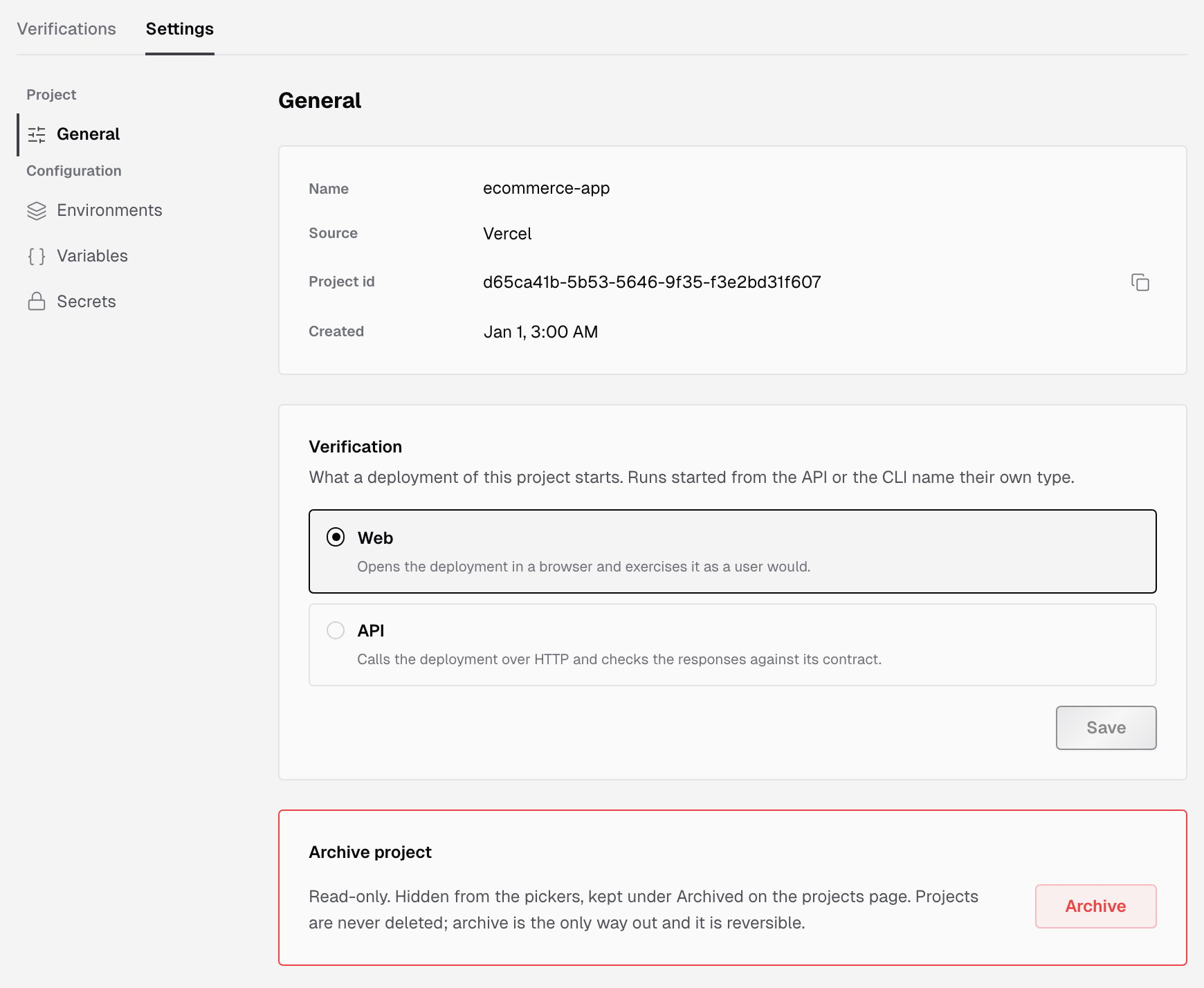
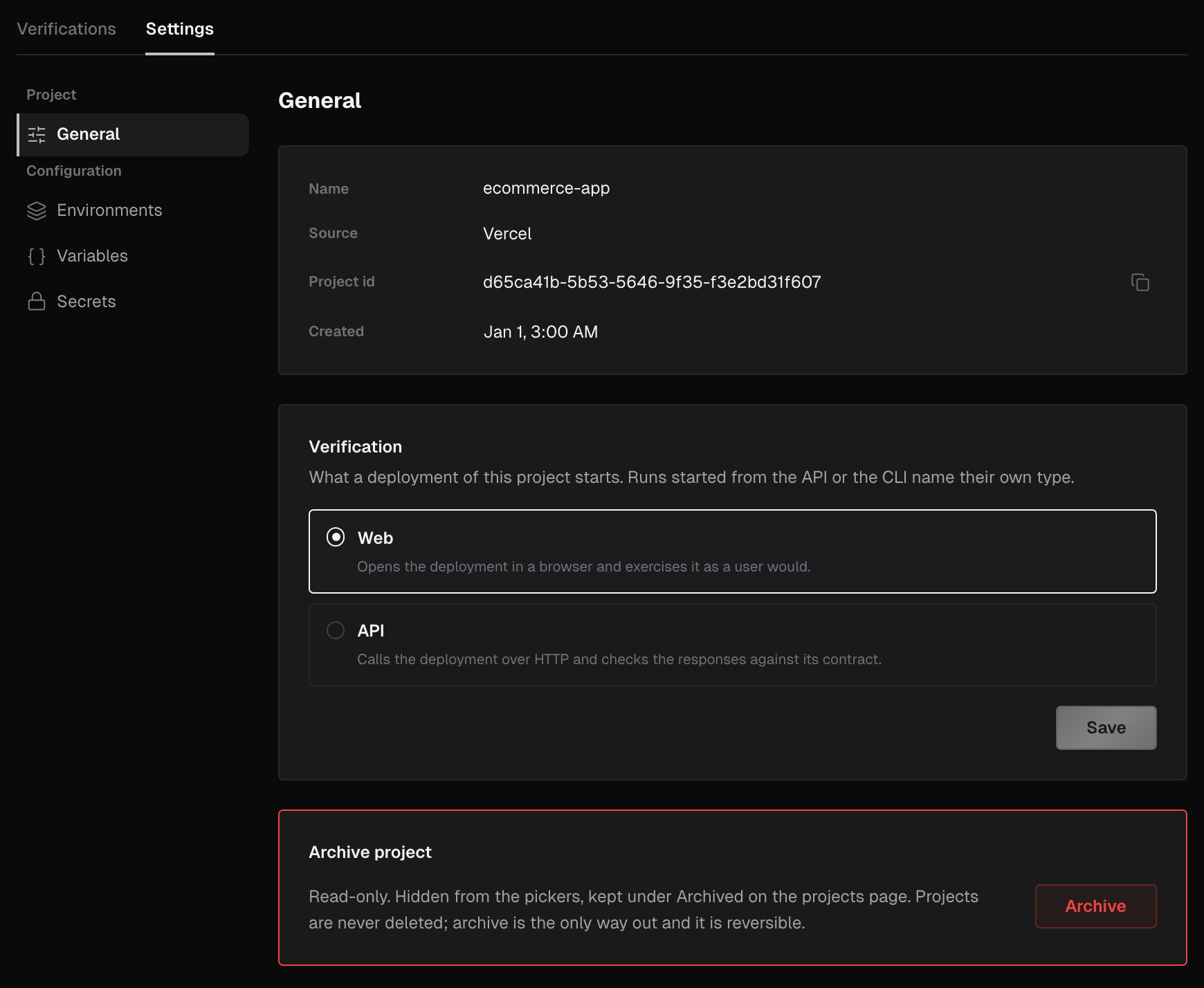
Verification type
The Verification card sets what a deployment of this project starts:- Web opens the deployment in a browser and exercises it as a user would.
- API calls the deployment over HTTP and checks the responses against its contract.
- The type applies to deployments from Vercel and Netlify. Runs started from the API or the CLI name their own type, so on a CLI project the selection has no effect.
- If a project is Not active, the card says its deployments aren’t verified. Click Open Vercel integration (or the Netlify or GitHub one) to enable it again.
Archive a project
Archiving takes a project out of use without deleting anything. Projects are never deleted. To archive, an owner or admin opens Settings > General, clicks Archive under Archive project, types the project’s name to confirm, and clicks Archive project.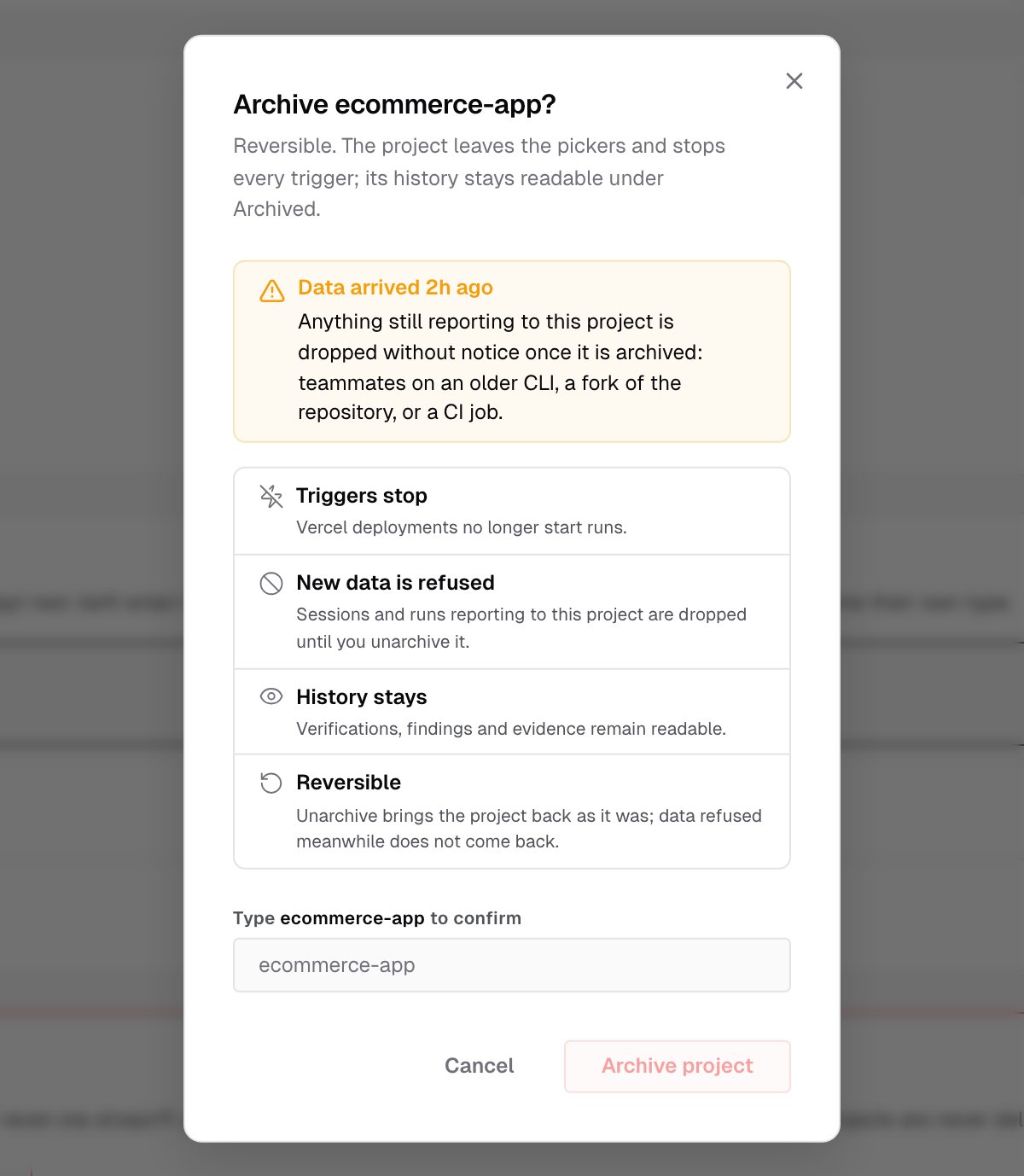
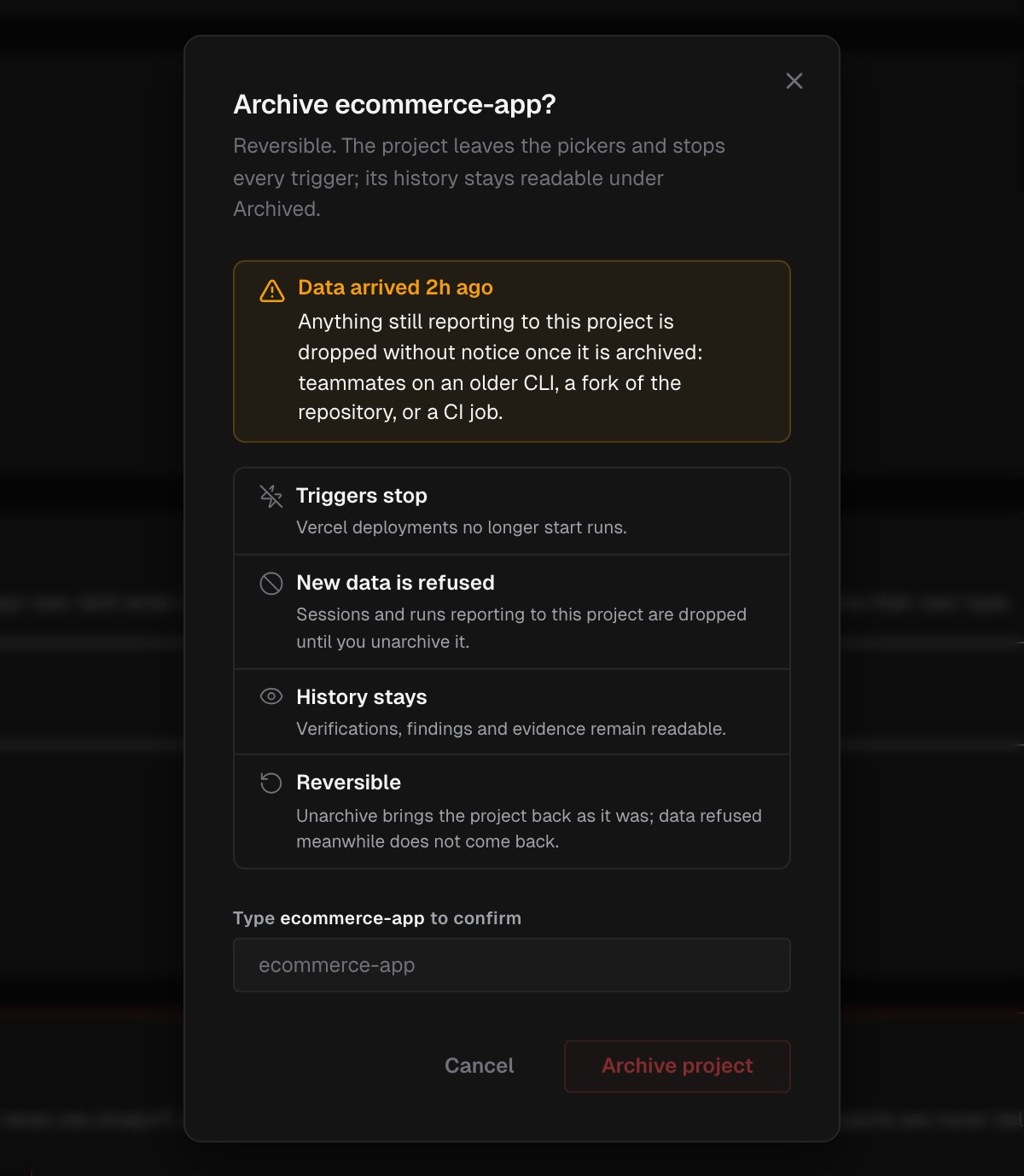
- Triggers stop. Deployments no longer start runs. For a CLI project, nothing starts on its own anyway.
- New data is refused. Sessions and runs reporting to the project are dropped until you unarchive it. That includes teammates on an older CLI, a fork of the repository, or a CI job.
- History stays. Verifications, findings and evidence remain readable.
- Reversible. Unarchiving brings the project back as it was. Data refused in the meantime doesn’t come back.
Unarchive a project
Owners and admins open Settings > Archived projects from the account settings. The list shows each archived project with its Project, Source and when it was Archived. Click Unarchive and confirm with Unarchive project. The project returns to the list and its triggers start again.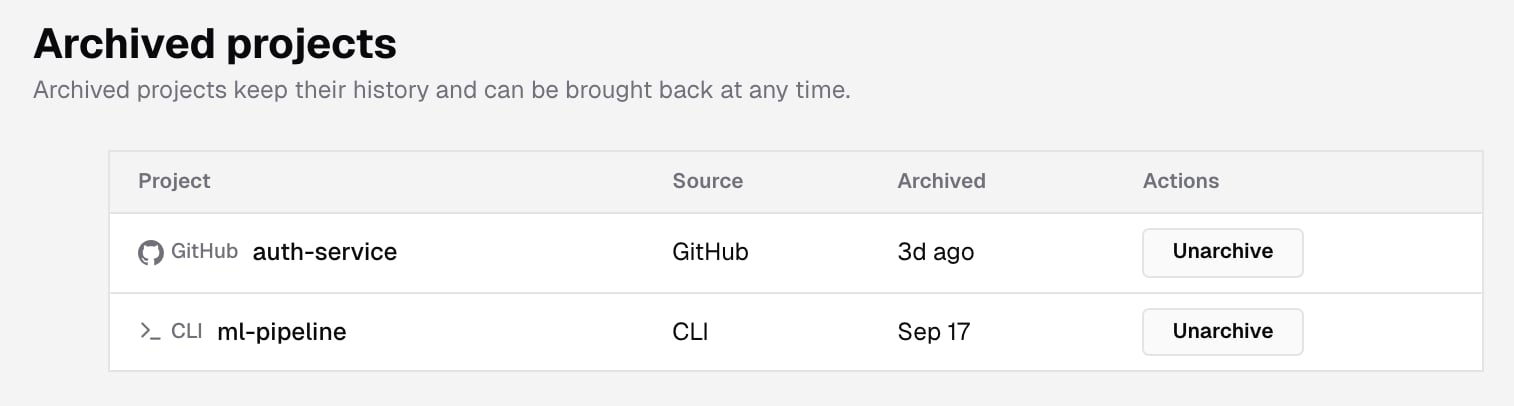
What’s next?
Environments
The deployments this project is verified against.
Secrets
Credentials a run can use without seeing them.