

- the command palette, for jumping to a project
- the Search page, for querying the data behind your projects
Command palette
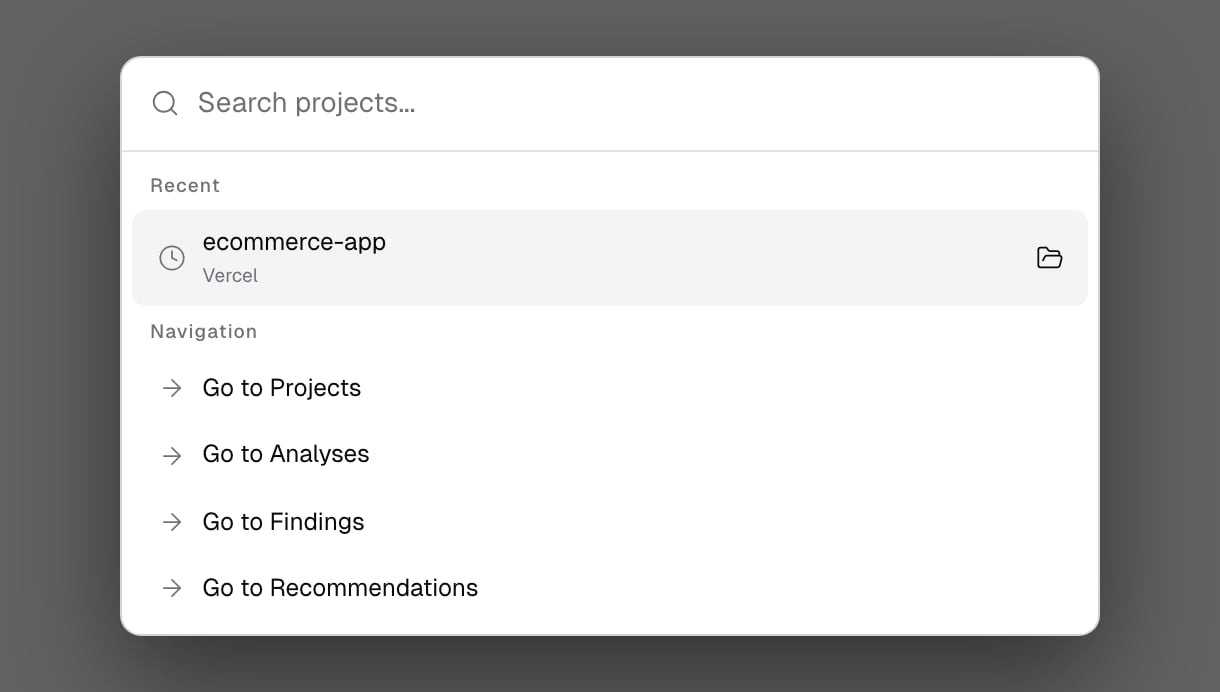
Press⌘K (or Ctrl+K), or click Search projects or anything… in the top bar.
- Type at least 3 characters to find a project by name. Picking one opens its Verifications tab.
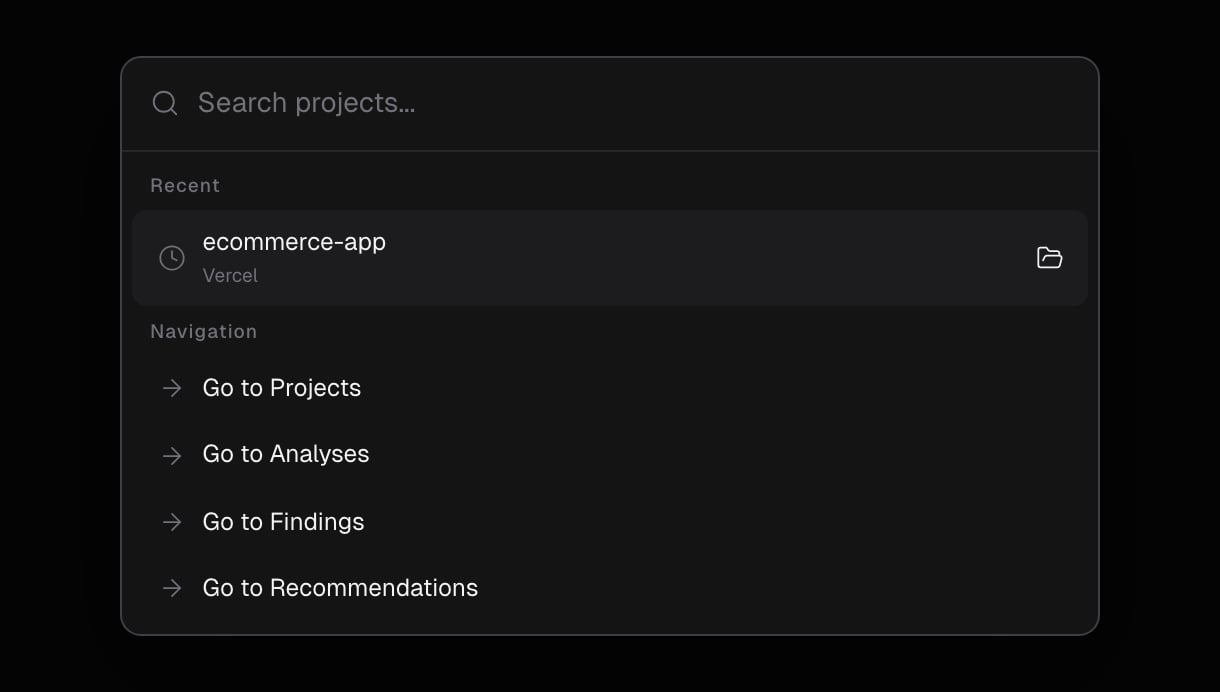
- With an empty query, the palette shows your Recent projects and Navigation shortcuts: Go to Projects, Go to Analyses, Go to Findings and Go to Recommendations.
The Search page
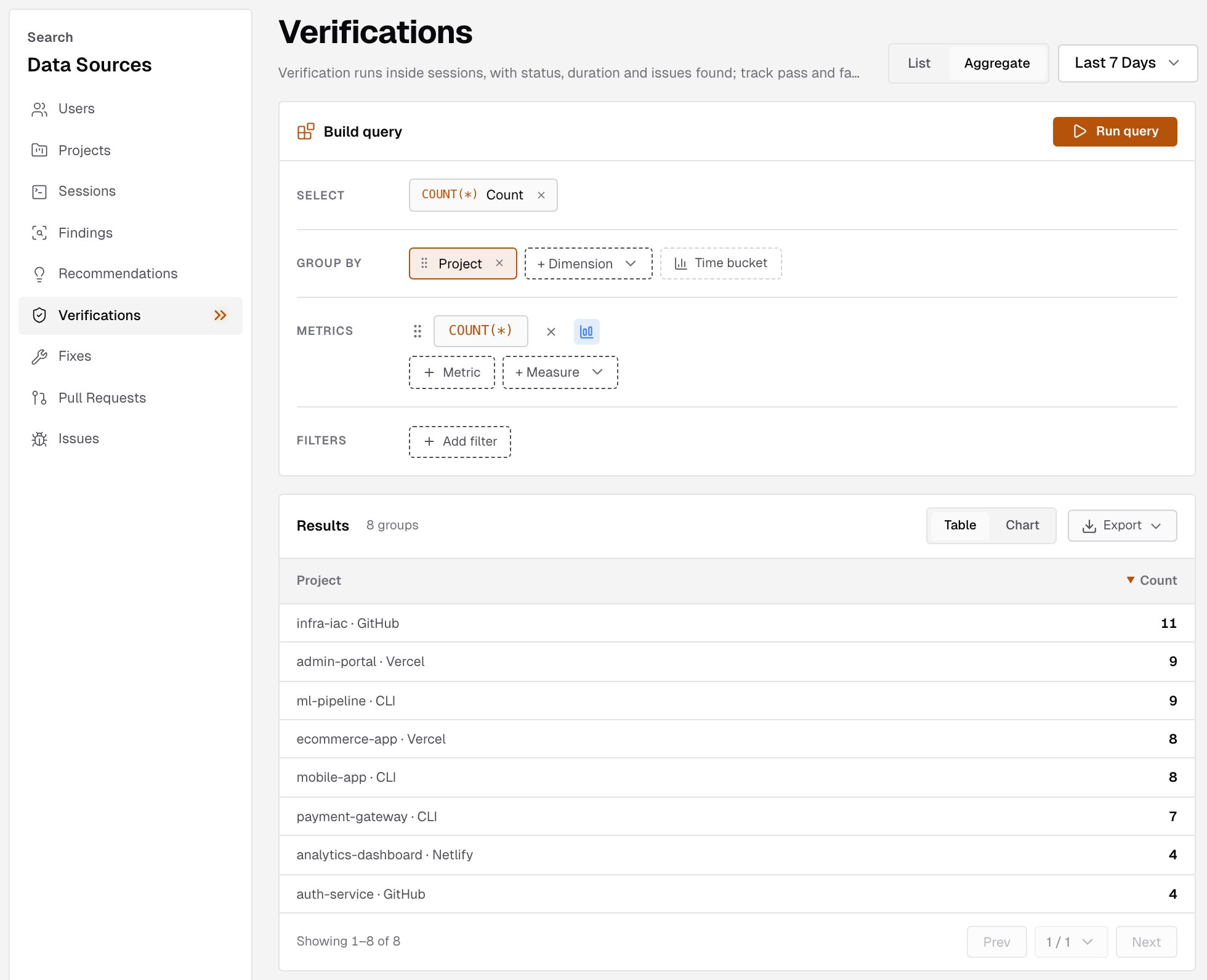
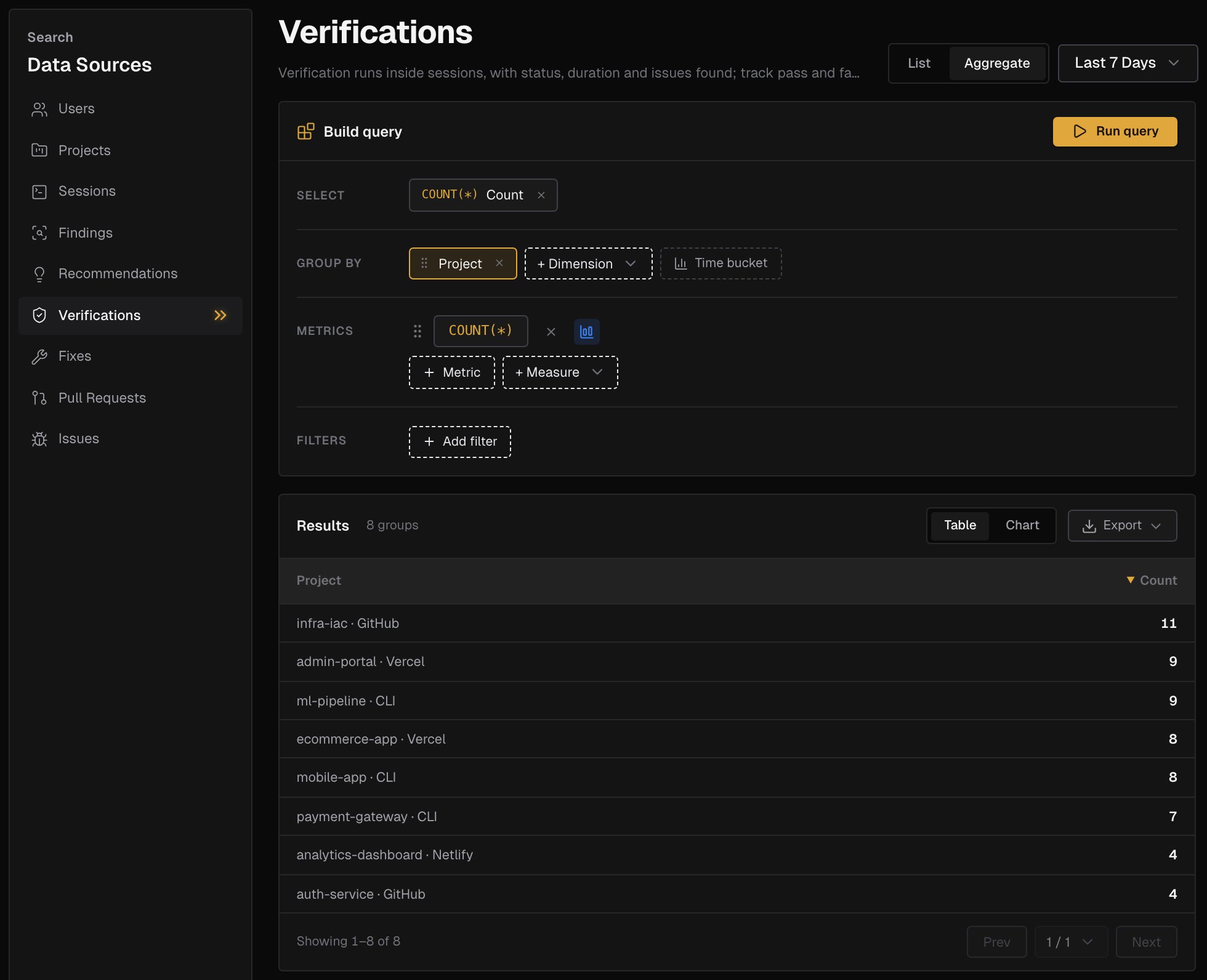
Open Search in the sidebar to build a query over your account’s data.- Under Data Sources, pick what to query: users, projects, sessions, verifications, fixes, findings, recommendations, pull requests or issues.
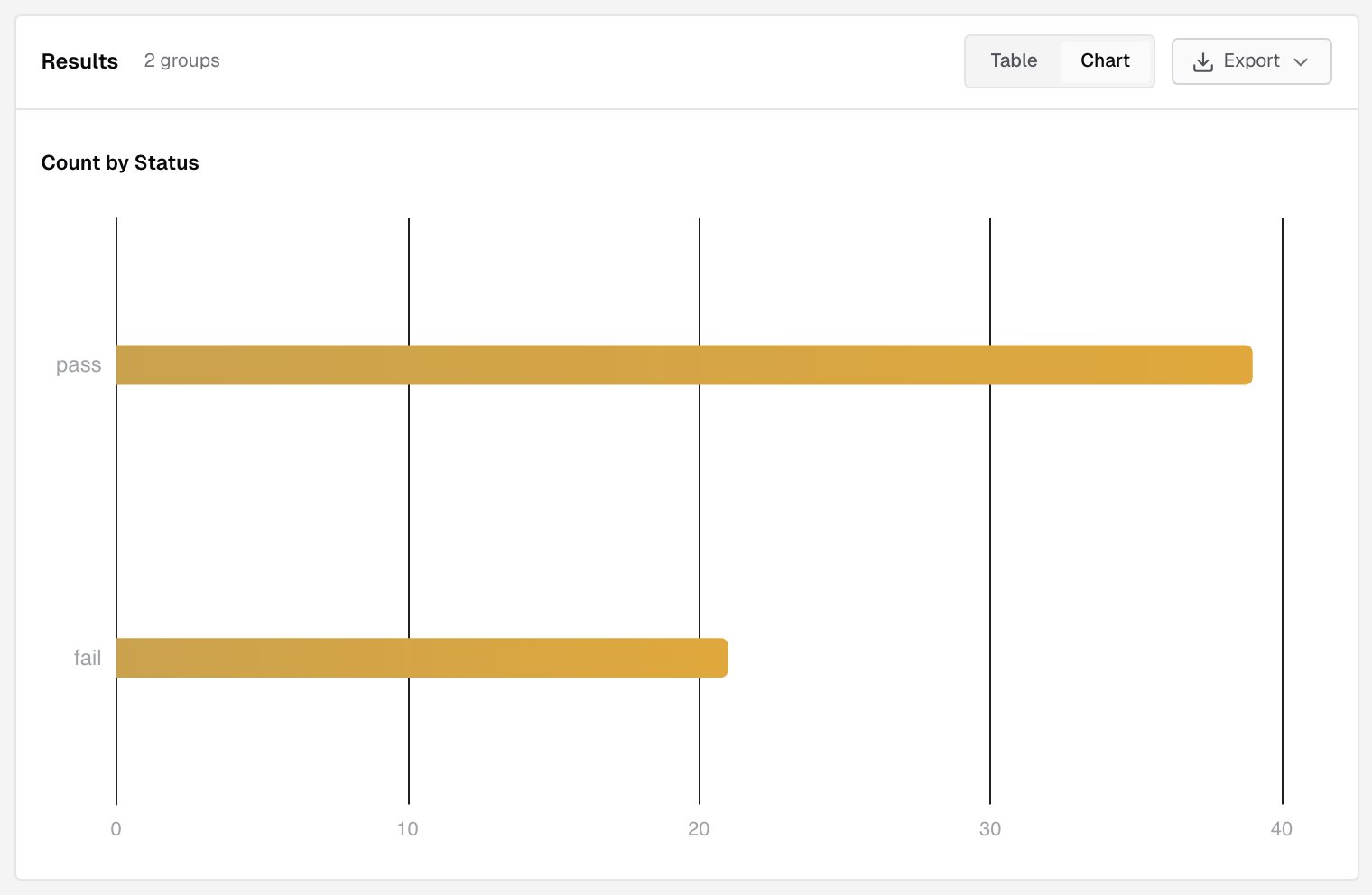
- Choose List to see rows, or Aggregate to count and summarize.
- Build the query:
- In List mode, pick the Columns to show.
- In Aggregate mode, add a Group by dimension and Metrics such as
COUNT(*). - Add Filters to narrow the rows in either mode.
- Pick a time range. It starts at Last 7 Days.
- Click Run query.
Related pages
Projects
Every project with its recent runs.
Verifications
Every verification run of a project.