

Your details
Avatar
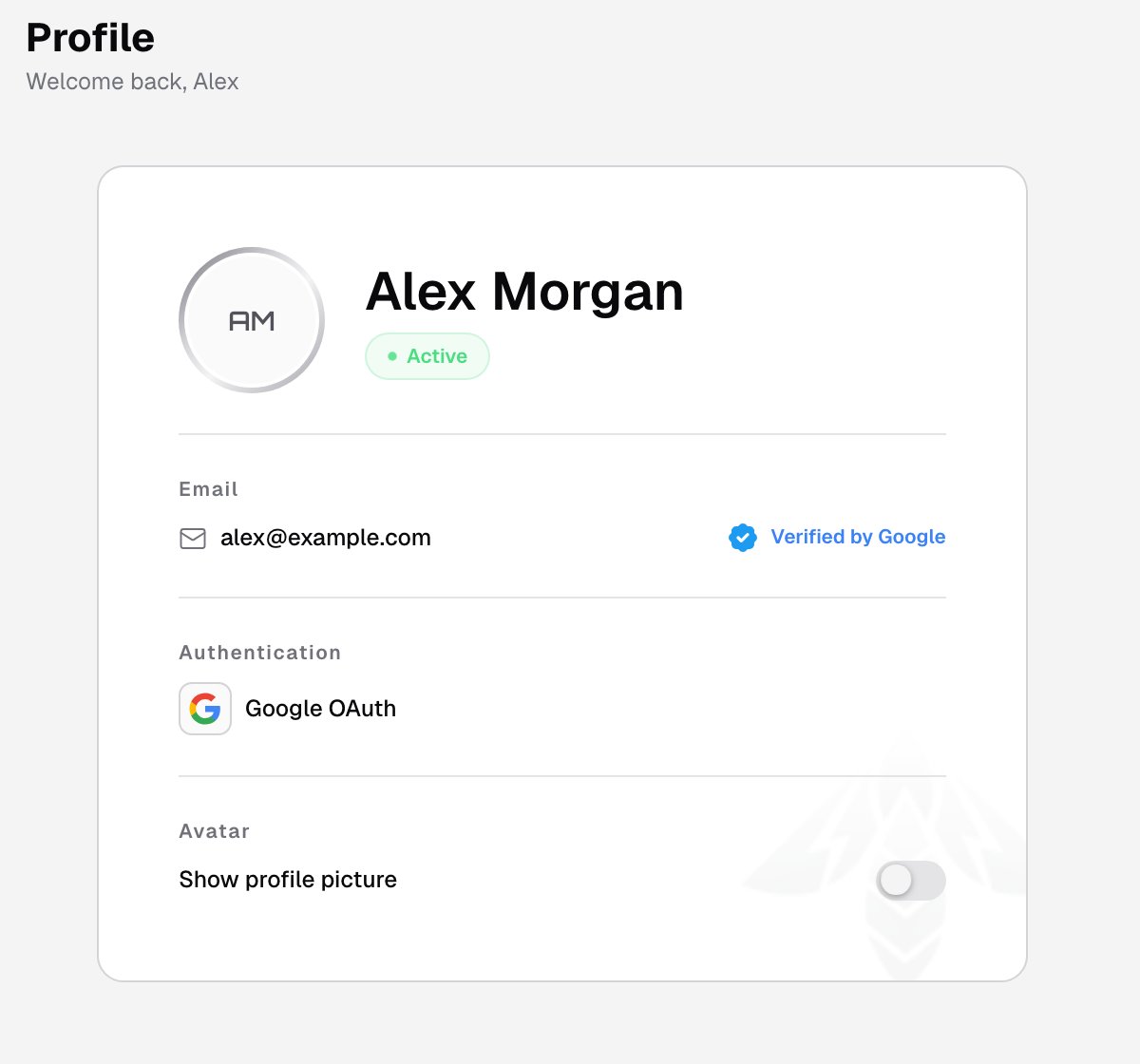
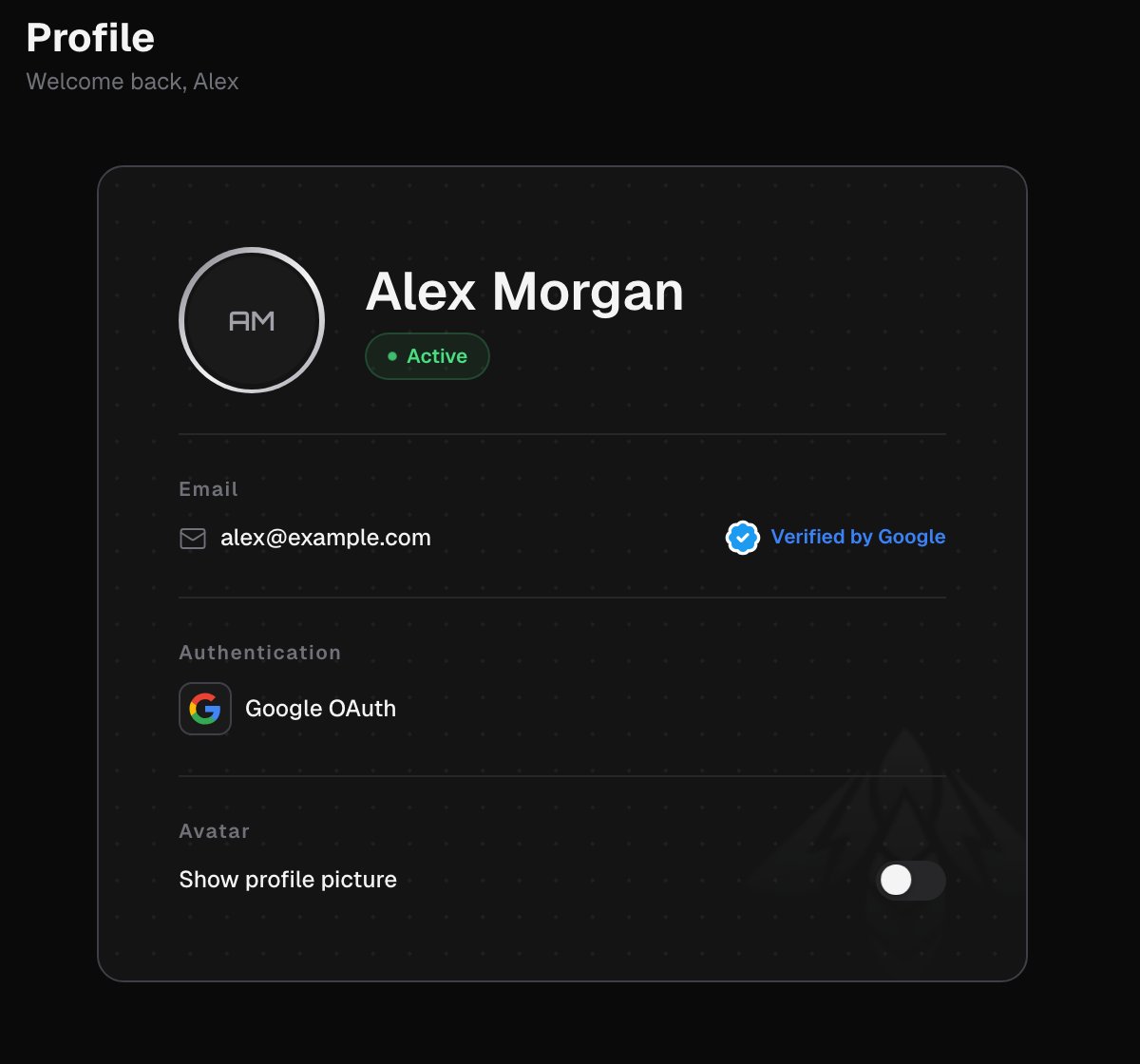
When your sign-in provider supplies a profile picture, the Avatar section offers a Show profile picture switch. It’s off by default. Turn it on to show your picture in the user menu and on this page. The choice is saved in your browser.Related pages
OAuth tokens
Personal tokens the CLI uses on your behalf.
Sign in
Sign-in methods and joining a team.