

Members
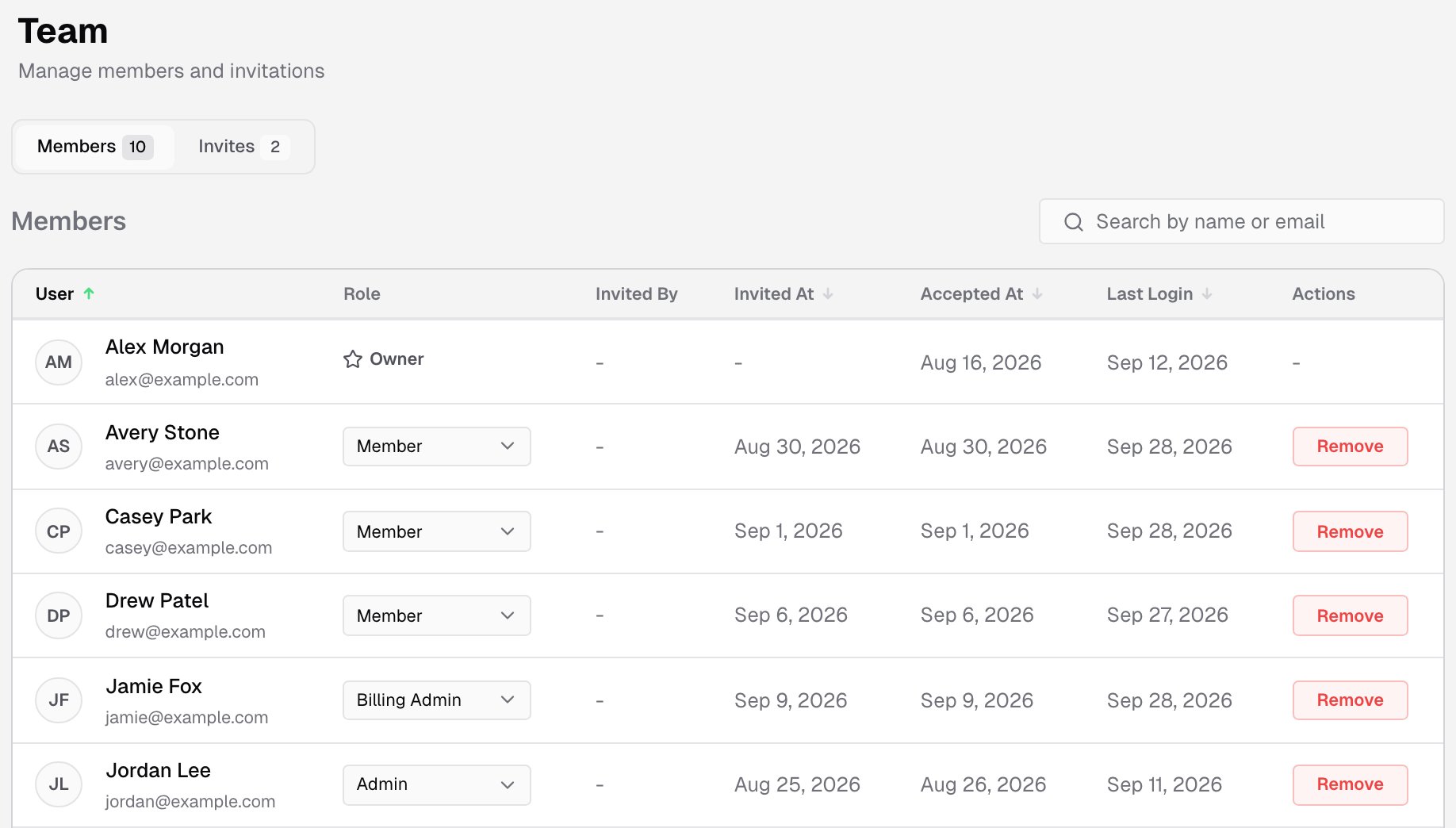
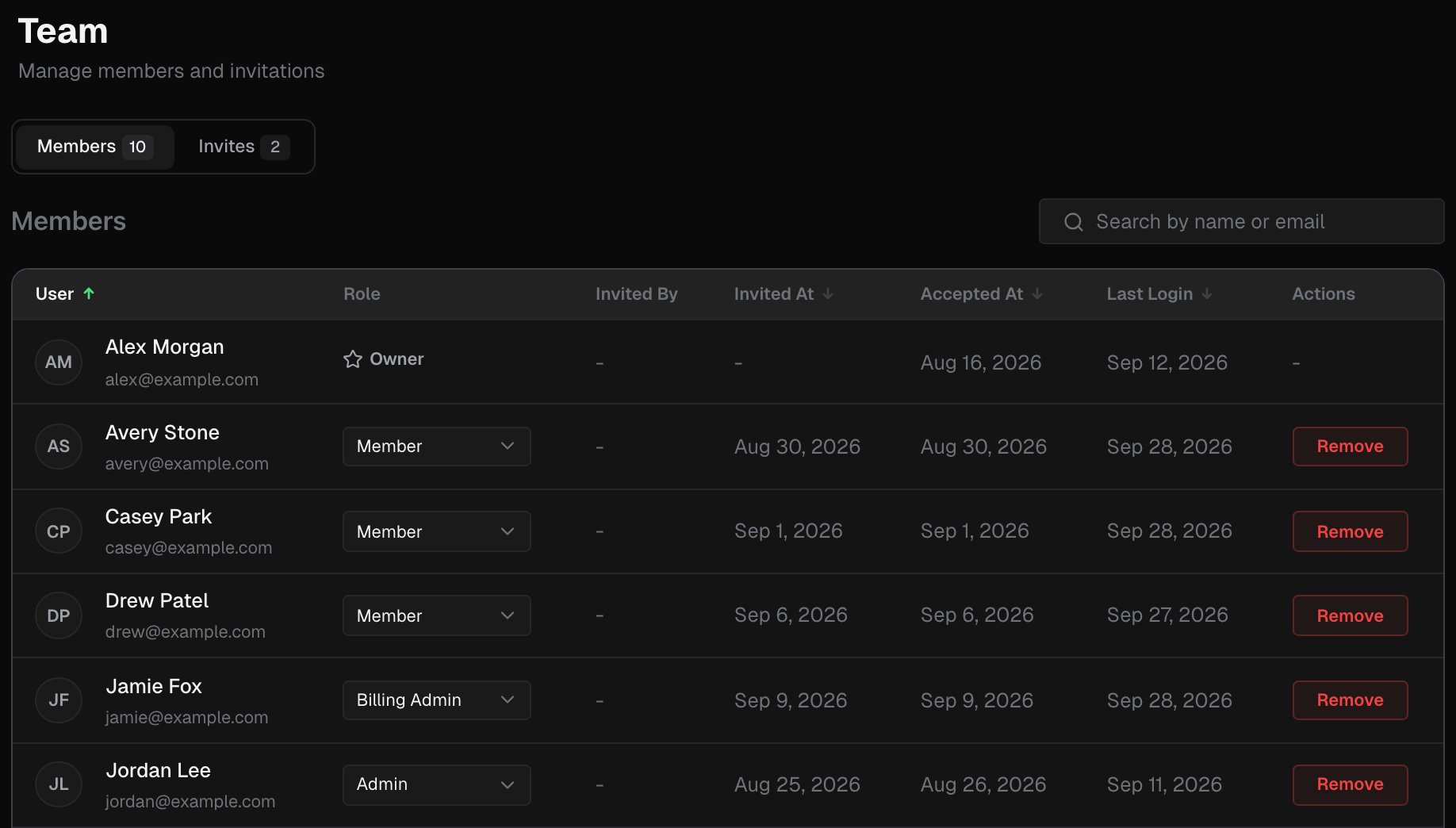
The Members tab lists everyone in the account:- User: their name and email
- Role
- Invited By: who sent their invitation
- Invited At and Accepted At
- Last Login
Invite a teammate
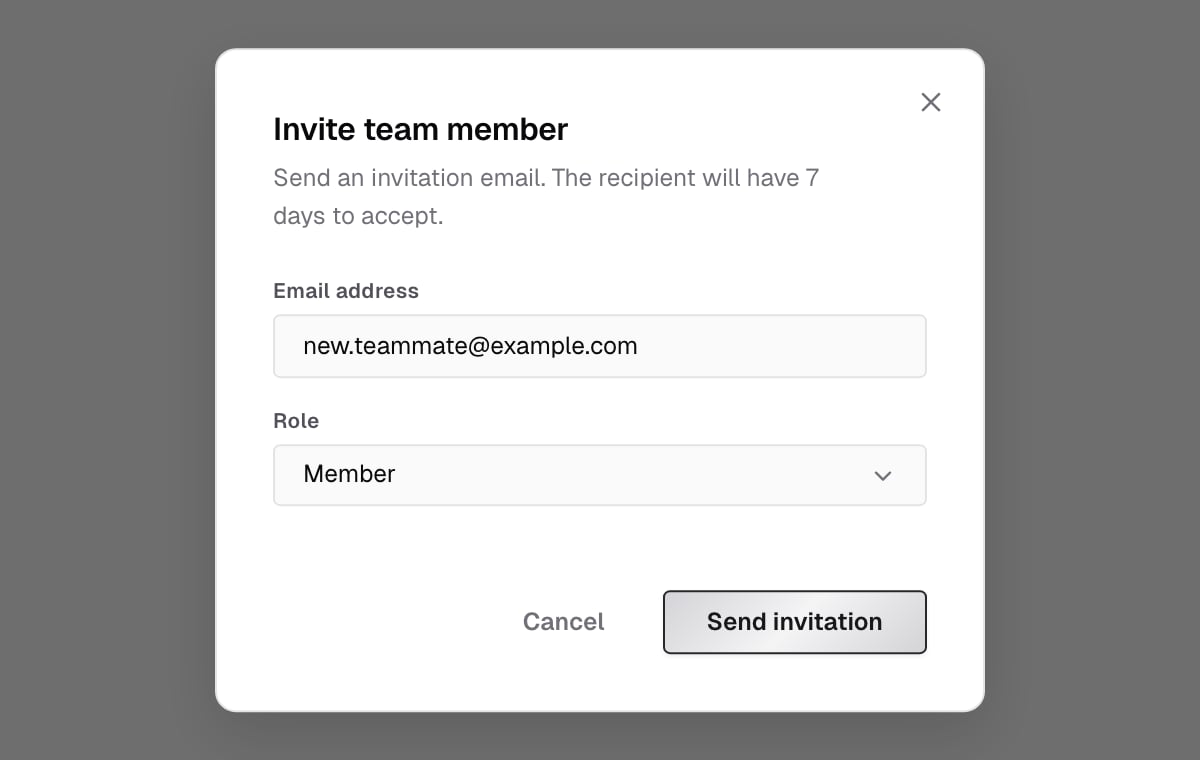
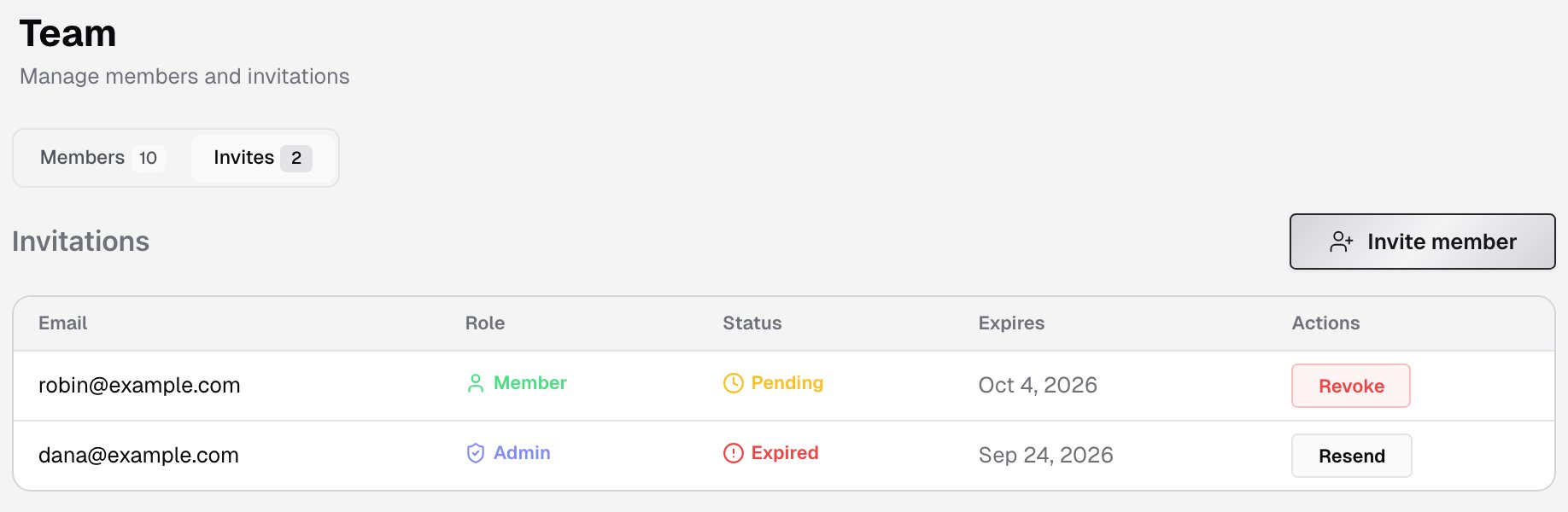
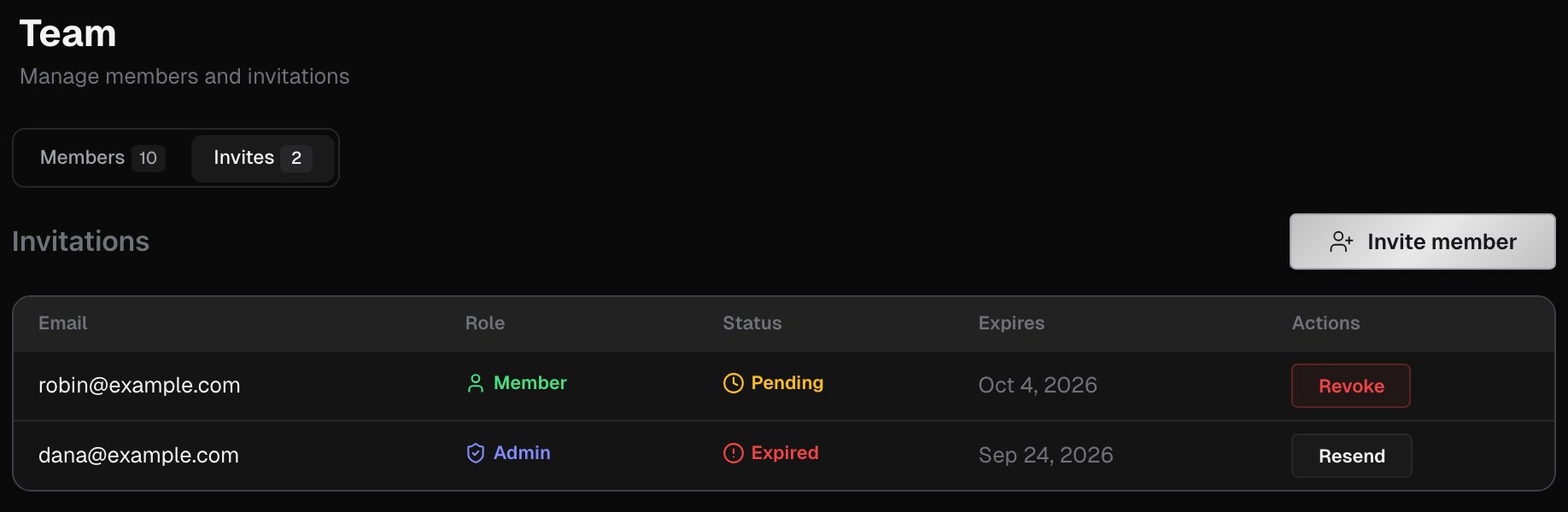
- On the Invites tab, click Invite member.
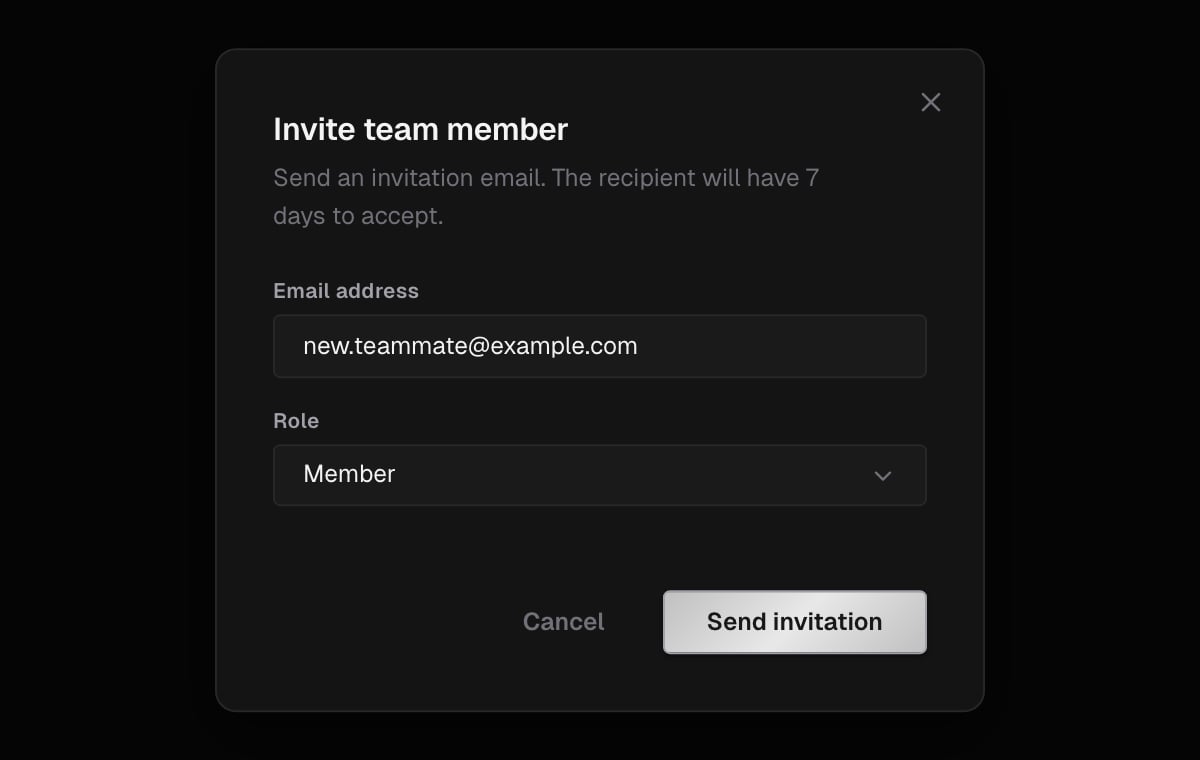
- In Invite team member, enter the Email address and pick a Role. Member is the default.
- Click Send invitation.
- Revoke a pending one, and confirm Revoke invitation?.
- Resend an expired one.
Accept an invitation
The person you invite gets an email with a link. The link opens a You’ve been invited page with the account, the role and the expiry date.- Signed in: click Accept invitation.
- Not signed in: click Continue with Google, Continue with GitHub or Sign in with email, using the invited email address.
Related pages
Roles and permissions
What owners, admins, members and billing admins can do.
Account
The account’s name and API key.