
Records
A record is one problem a scan found in the repository. A later scan that sees the problem again updates its record.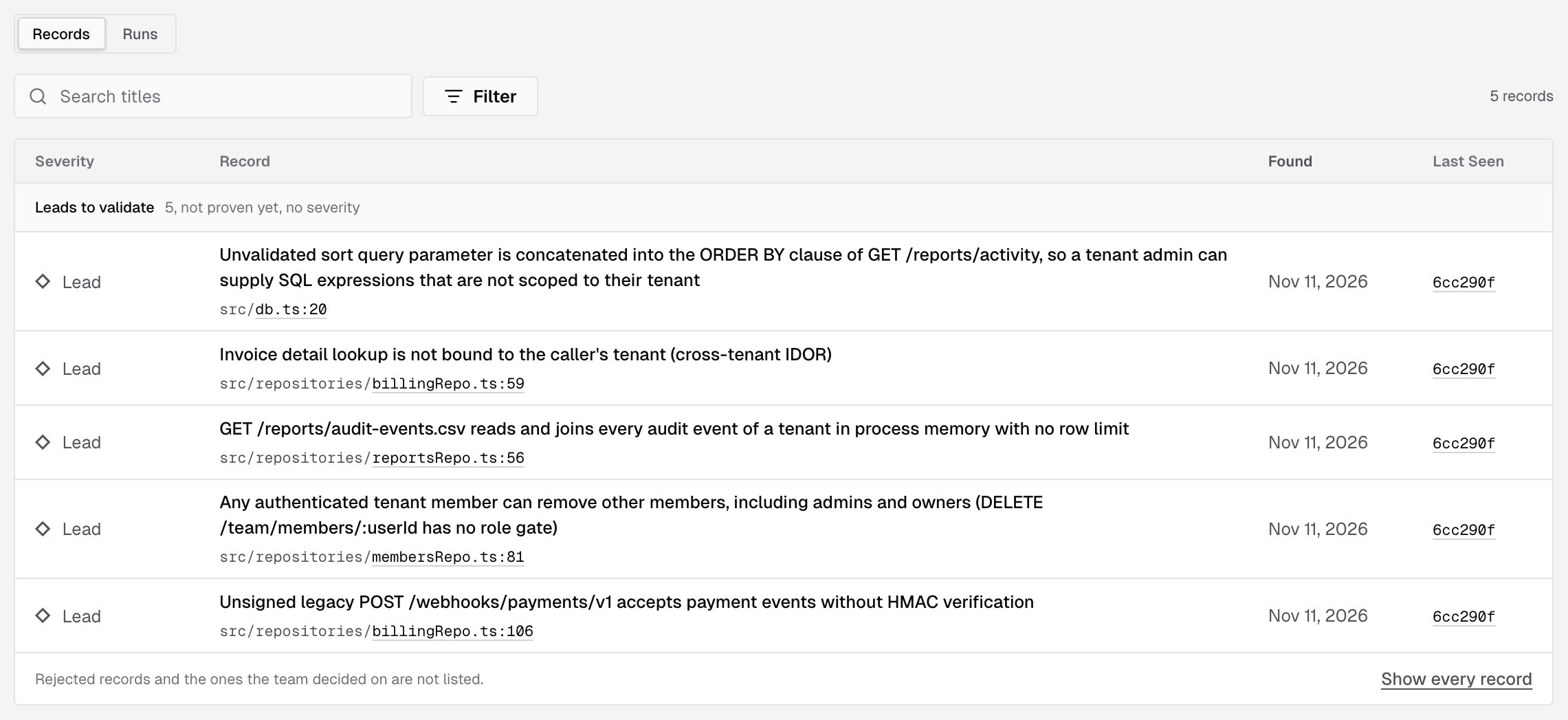
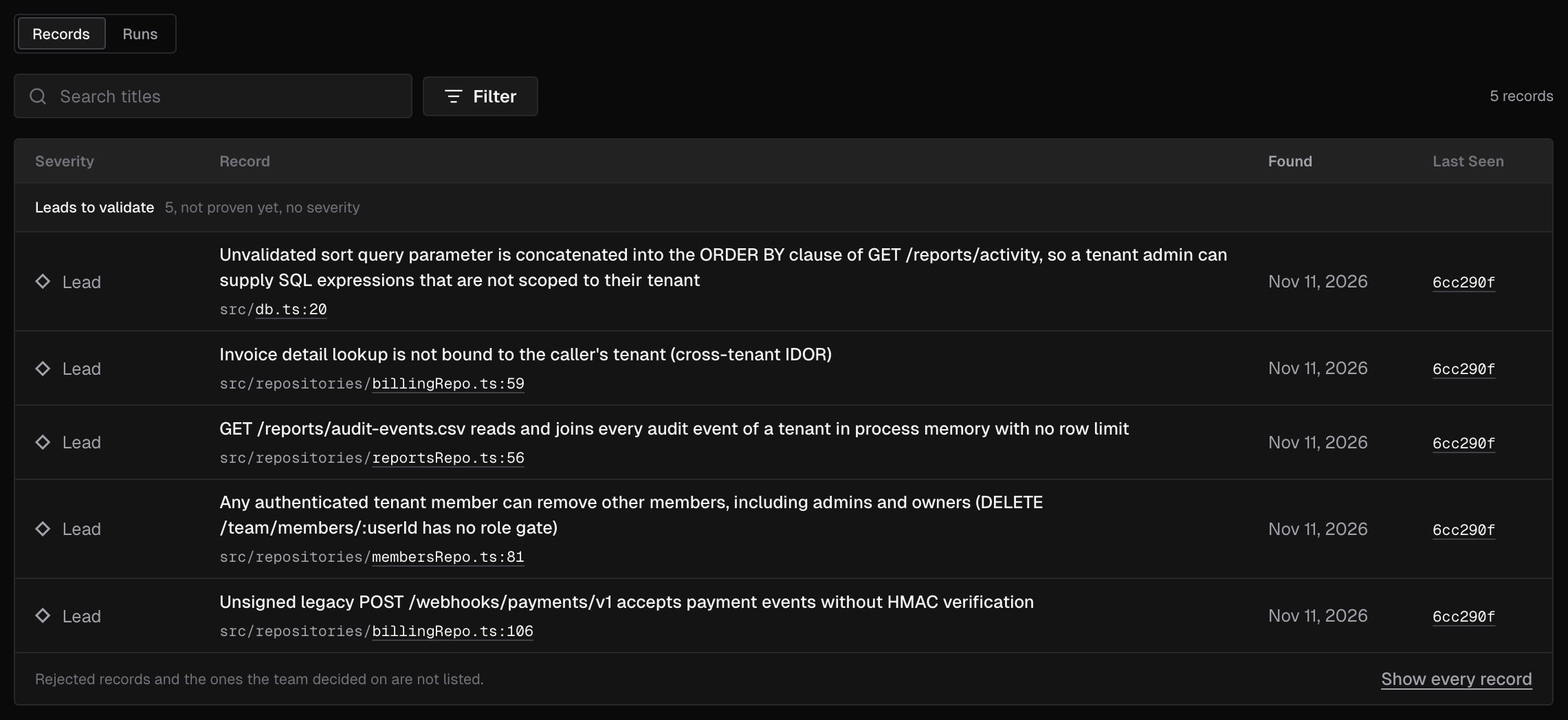
Each record shows:
Click a record’s title to open it. Load more loads the next records.
What the list shows
The list opens on what still needs a decision: the confirmed findings and the leads to validate whose decision is Open. Under the list, a line says Rejected records and the ones the team decided on are not listed. Click Show every record to see them all. To narrow the list:- Search titles searches the titles of the records loaded so far. Click Load more to search the rest.
- Filter has three groups:
- Verdict: Confirmed, Lead to validate, Rejected
- Severity: Critical, High, Medium, Low, Informational. A severity keeps confirmed records only
- Decision: Open, Accepted, Fixed elsewhere, Not an issue
- Reset filters goes back to the open records.
Read a record
A record opens in a panel on the right. At the top, it says Confirmed finding with its severity, or Not proven, so it has no severity for a lead. Open on GitHub, Open on GitLab or Open on Bitbucket opens the file at the scanned commit, on the record’s line.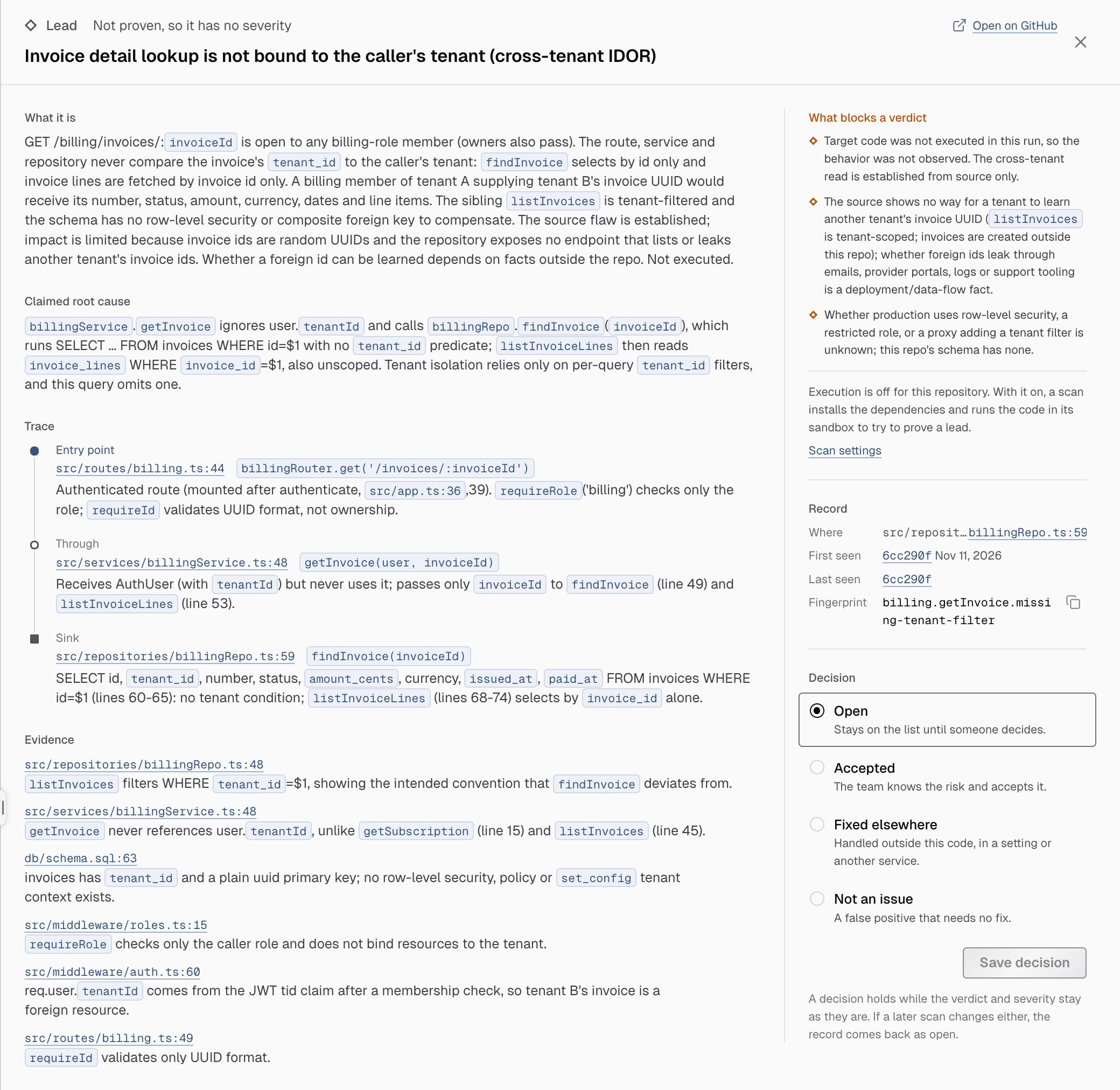
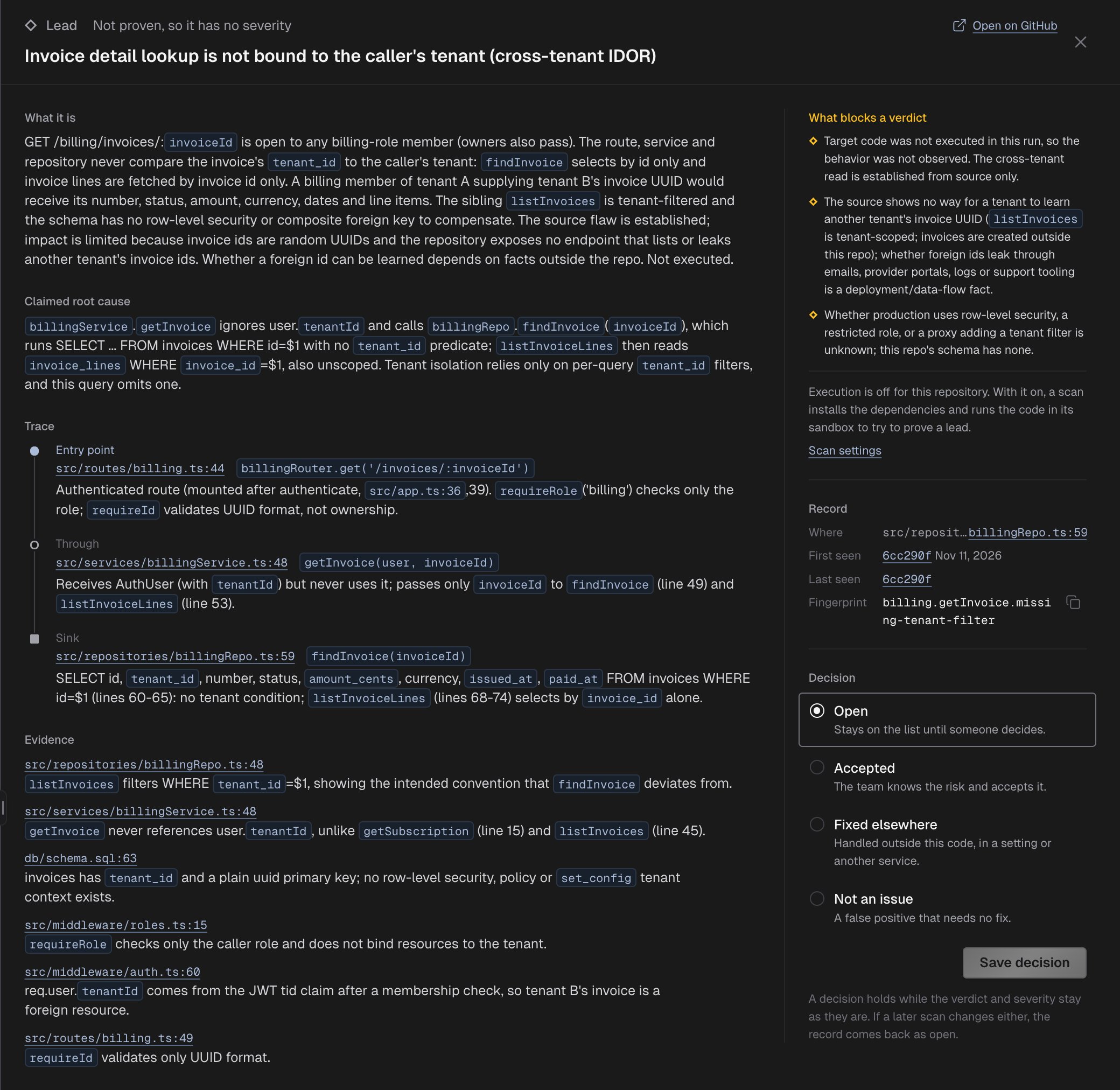
The record as the scan wrote it shows the same record as data. Click Show it as data to open it.
Beside the sections, the panel shows:
- Why this severity: the Likelihood, the Impact and the Confidence, each with its reason.
- What blocks a verdict: for a lead, what kept the scan from proving it. When Execution is off for the repository, it says so and links to Scan settings: with Execution on, a scan runs the code to try to prove a lead.
- Record: Where it is, when it was First seen and Last seen, and its Fingerprint, the id that stays the same from scan to scan. Click the copy button to copy it.
- Decision: your team’s decision. See Decide on a record.
Decide on a record
Under Decision, choose what your team does with the record:
Add a note if you want to say why, then click Save decision. Decision saved confirms it. The panel then shows the current decision and when it was set.
Saving a decision other than Open takes the record off the default list. It stays under Filter.
A decision holds while the record’s verdict and severity stay as they are. If a later scan changes either, the record comes back as Open. If a scan updated the record while you had it open, the console says The record changed since it was opened and shows it again as it is now. Check it and choose again.
There’s no decision for a problem you fixed in the code. Leave the record Open: a later scan that reads that code again rejects the record once the problem is gone.
Only owners and admins can decide, and not on an archived project.
Runs
The Runs tab lists every scan of the repository once it ends, scheduled or run by hand: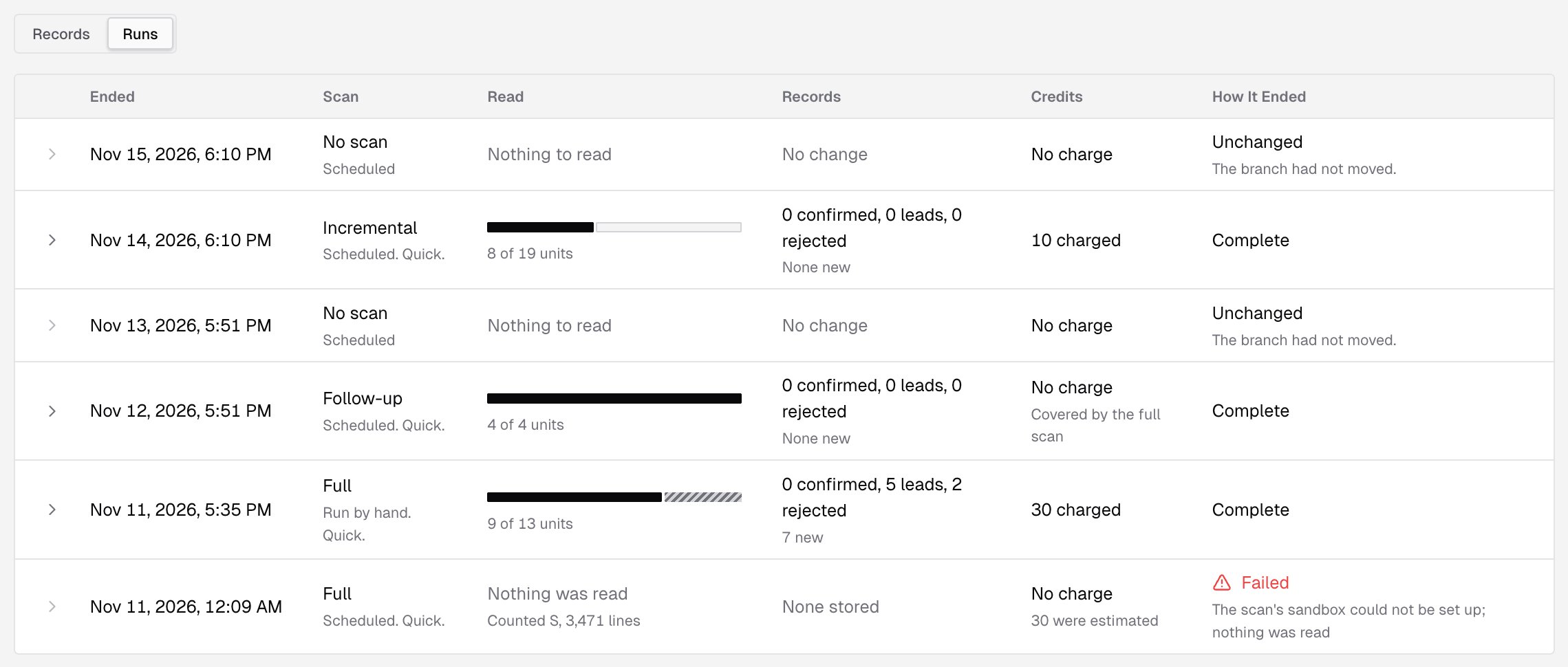
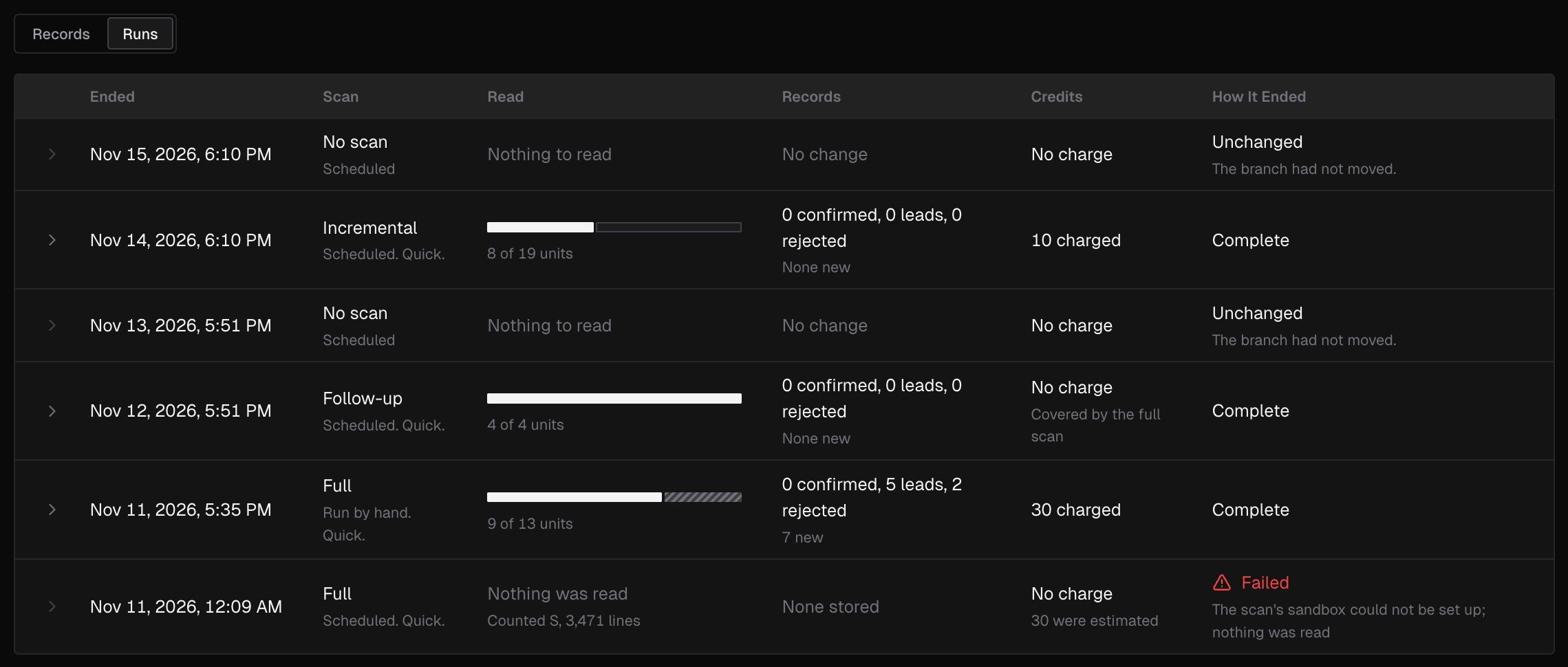
Click Show the details on a run to open:
- Units: how many were Read, Put off to a follow-up run, Outside this scan and Blocked.
- Reading: the Lines counted for the price, the Lines the models read, the Changed paths in scope and the repository’s Size.
- Run: the Commit the scan read and its Profile.
What’s next?
Code security
What a scan does, when it runs and what it costs.
Code security settings
Choose the profile, the schedule, execution and the paths a scan leaves out.