

How a run uses a secret
The run is given a reference per field, never the value. When the agent types a reference into a form or sends it in a request, IronBee swaps in the stored value at that moment. The swap only happens under these conditions:- The request goes to one of the secret’s bound hosts. See Bound origins.
- The field kind matches. For example, a password only ever lands in a password field.
- The connection is
https, except for local addresses.
Secret types
Projects from Vercel and Netlify also offer a ready-made type. Both are stored as HTTP headers secrets, so the run applies them without a reference:
- Vercel: Bypass token
- Netlify: Password
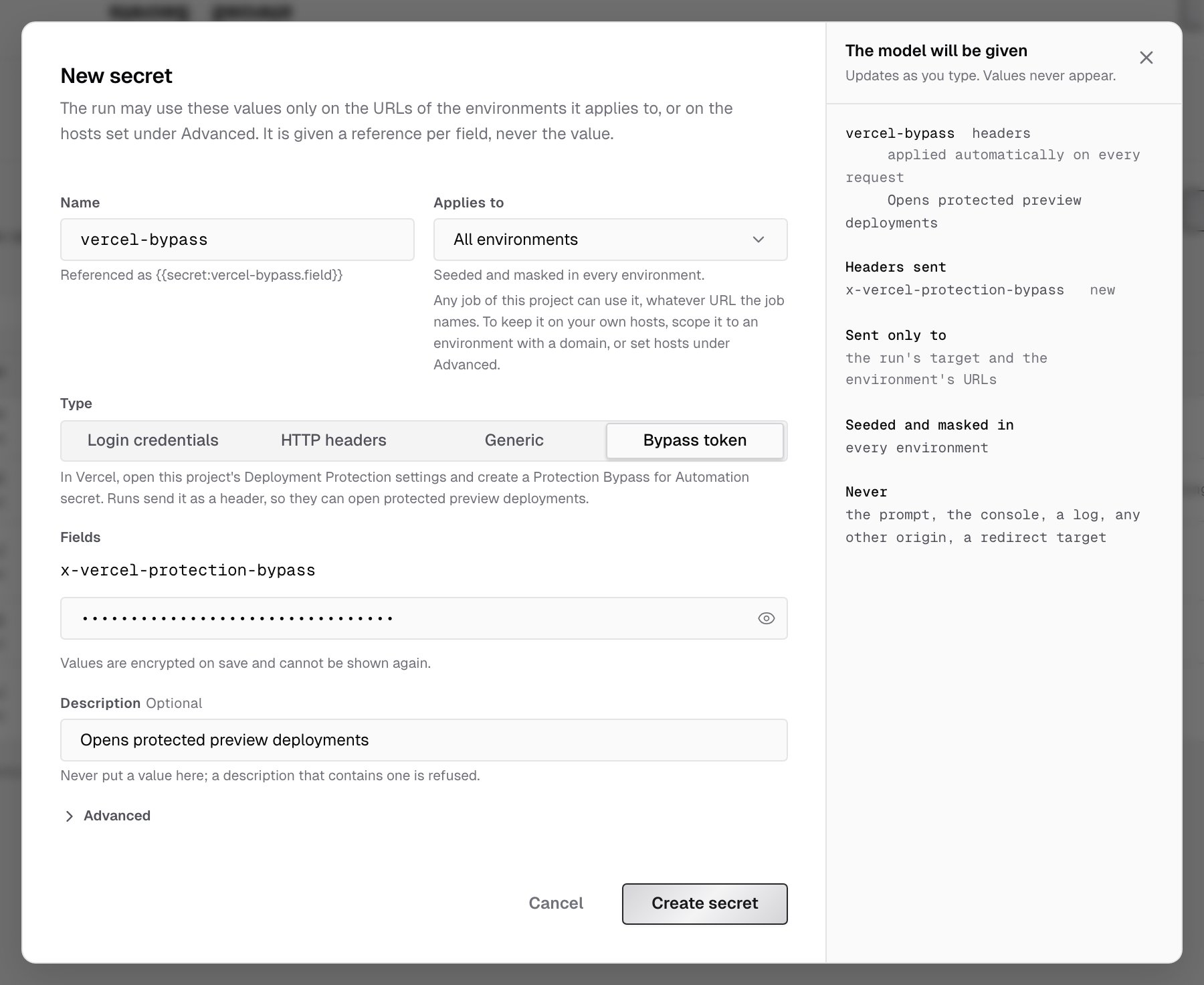
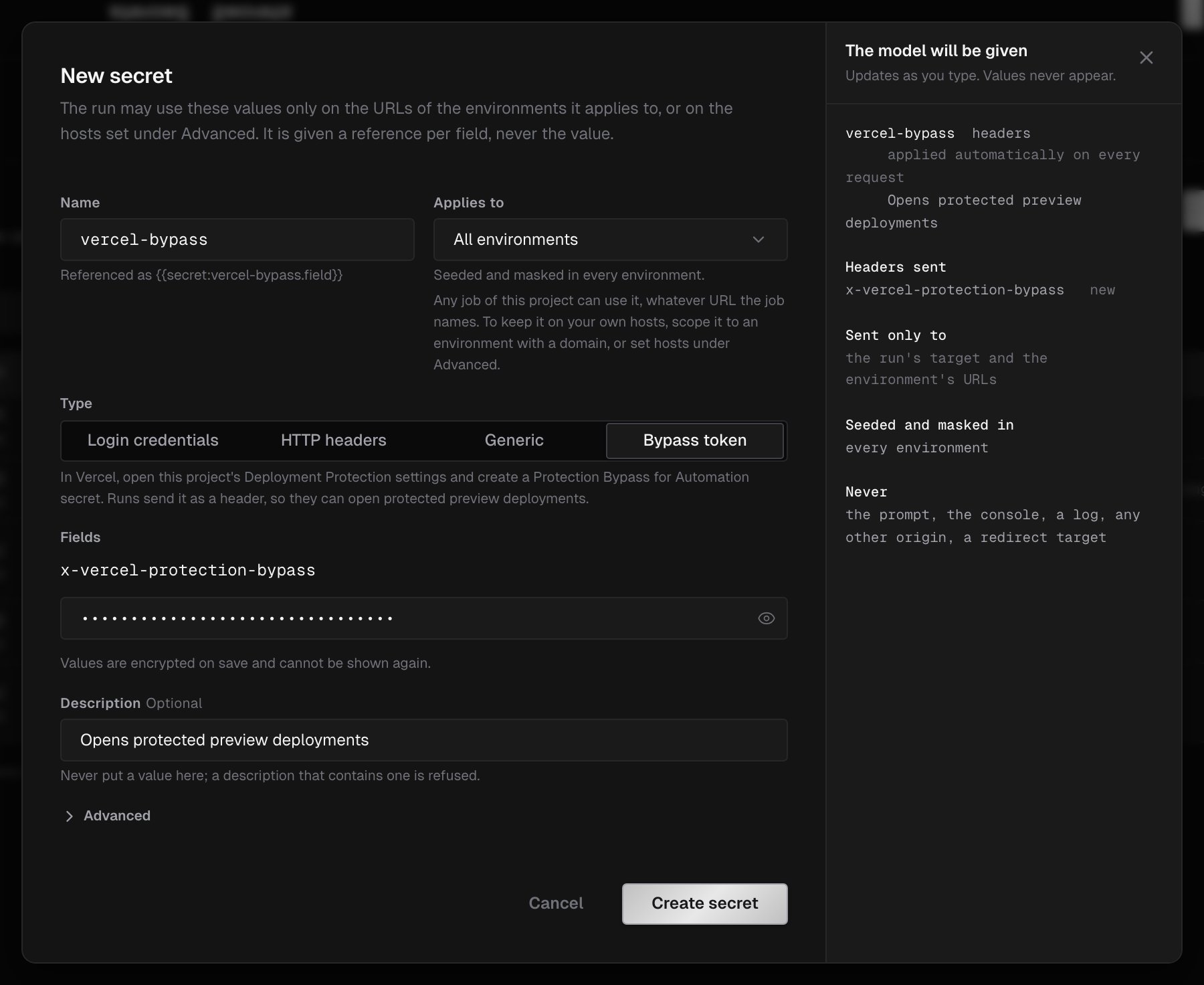
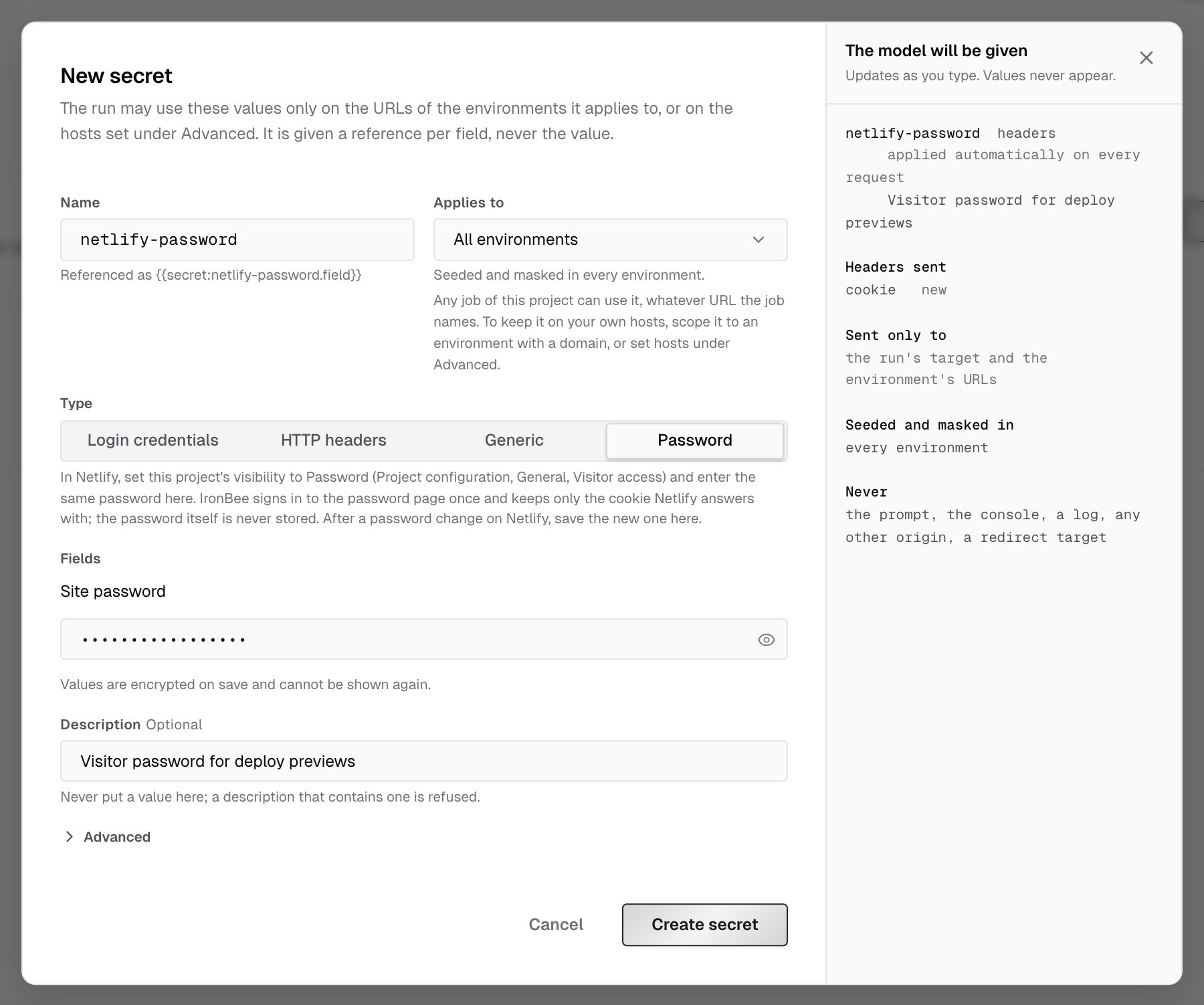
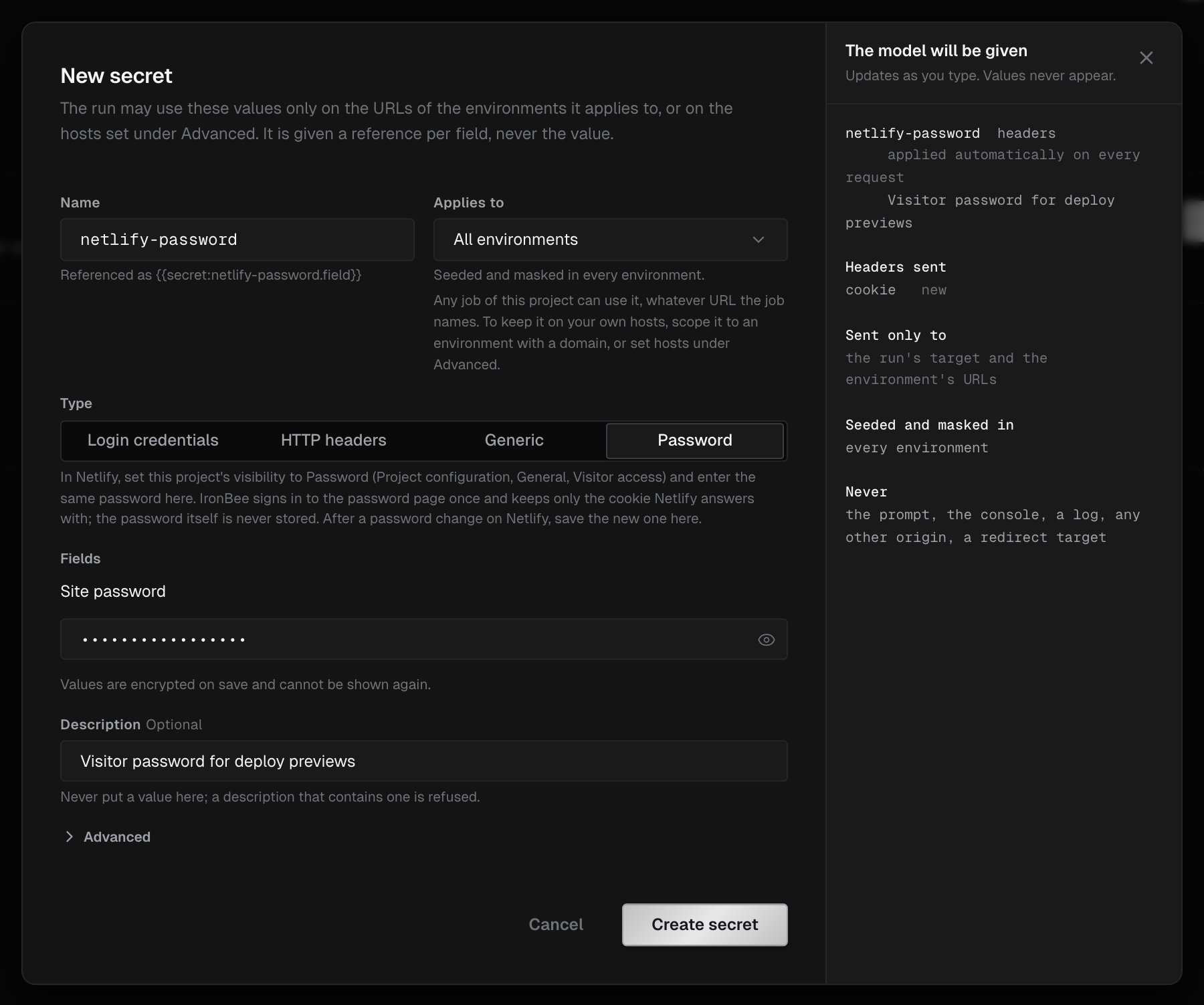
Create a secret
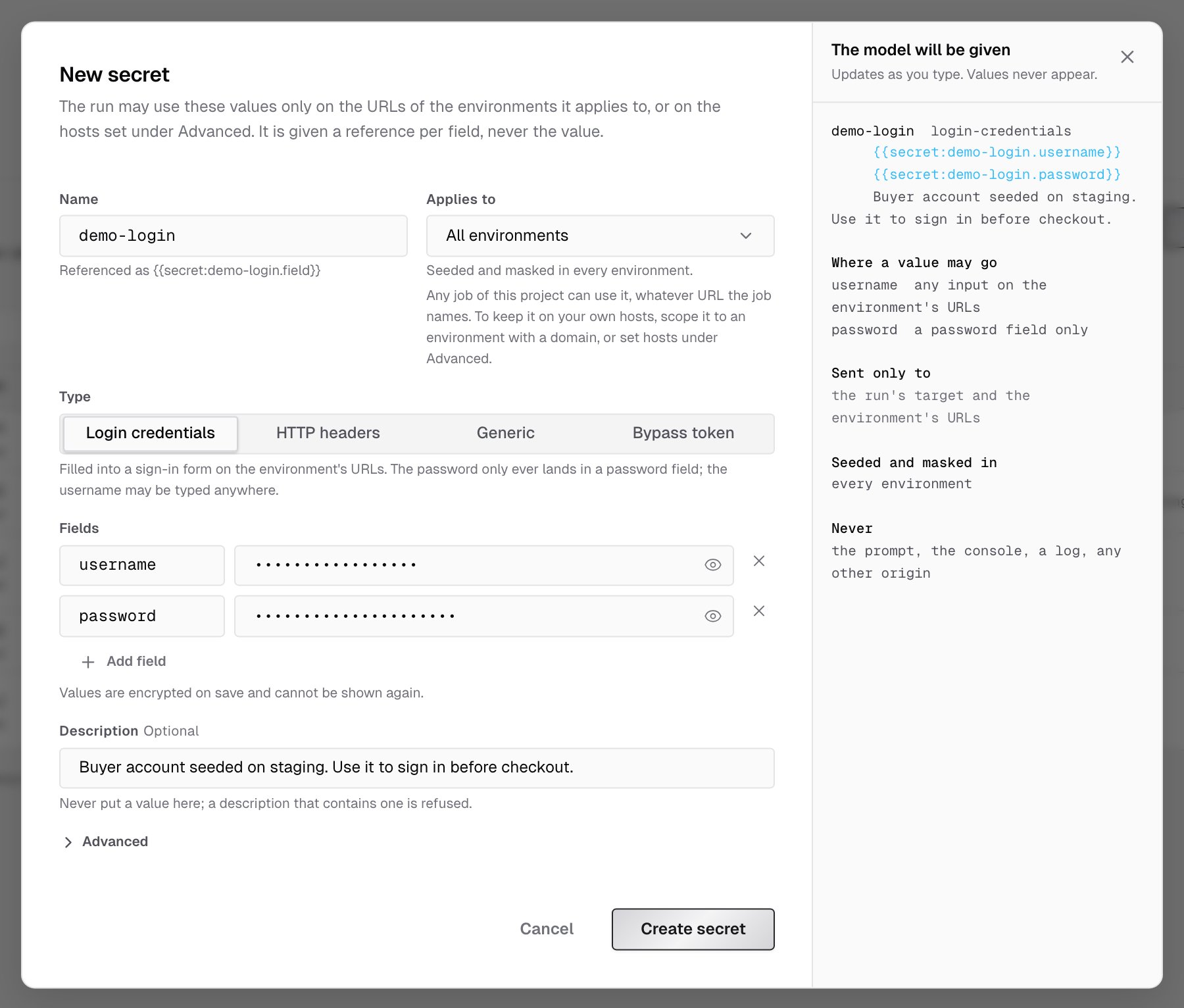
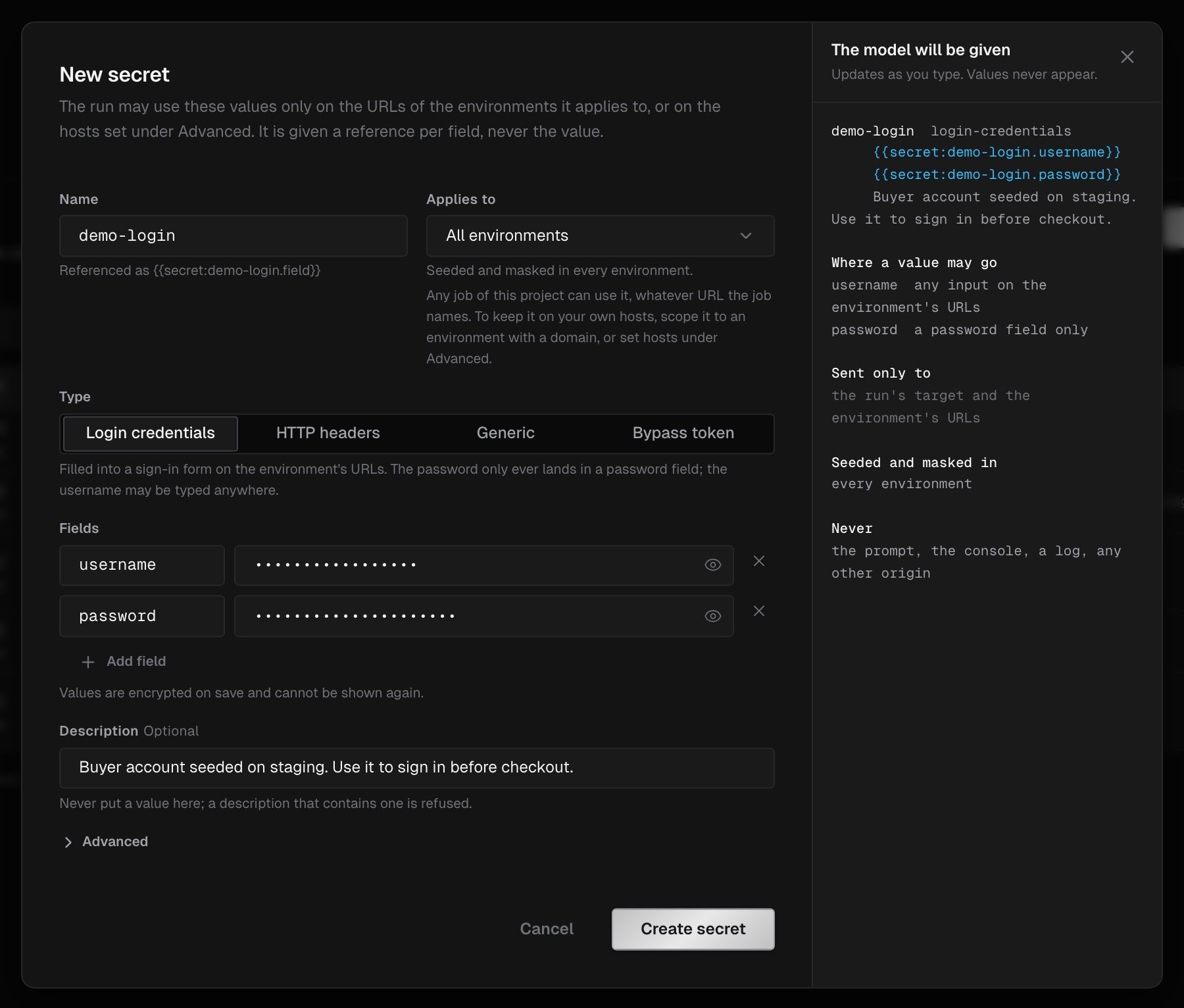
- Click New secret.
- Enter a Name, such as
demo-login. - Under Applies to, choose All environments, or one environment.
- Choose the Type, and fill in the Fields. Login credentials start with
usernameandpassword; add fields with Add field. - Optionally, add a Description of when the run should use it. Never put a value in the description; a description that contains one is refused.
- Click Create secret.
References
Each field has a reference of the form{{secret:<name>.<field>}}, for example {{secret:demo-login.password}}. In the secrets list, hover a row and click the copy button next to a reference to copy it.
Mention a secret by name in a prompt, for example in Run instant verification, and the run uses the reference. An HTTP headers secret has no reference: it’s applied automatically.
Bound origins
By default, a secret is bound to:- the run’s target host
- the URL hosts of the environments it applies to
host or *.host, with an optional :port. The values then go to these hosts only.
Masking
Wherever a secret’s value would appear in text evidence (actions, network requests, logs), IronBee replaces it with[secret:<name>.<field>], including encoded forms of the value. Some values aren’t masked:
- Values shorter than 6 characters.
- Login identifier fields, such as
username,user,email,login,identifierandaccount. - Screenshots and recordings. Use test accounts, never production credentials.
The secrets list
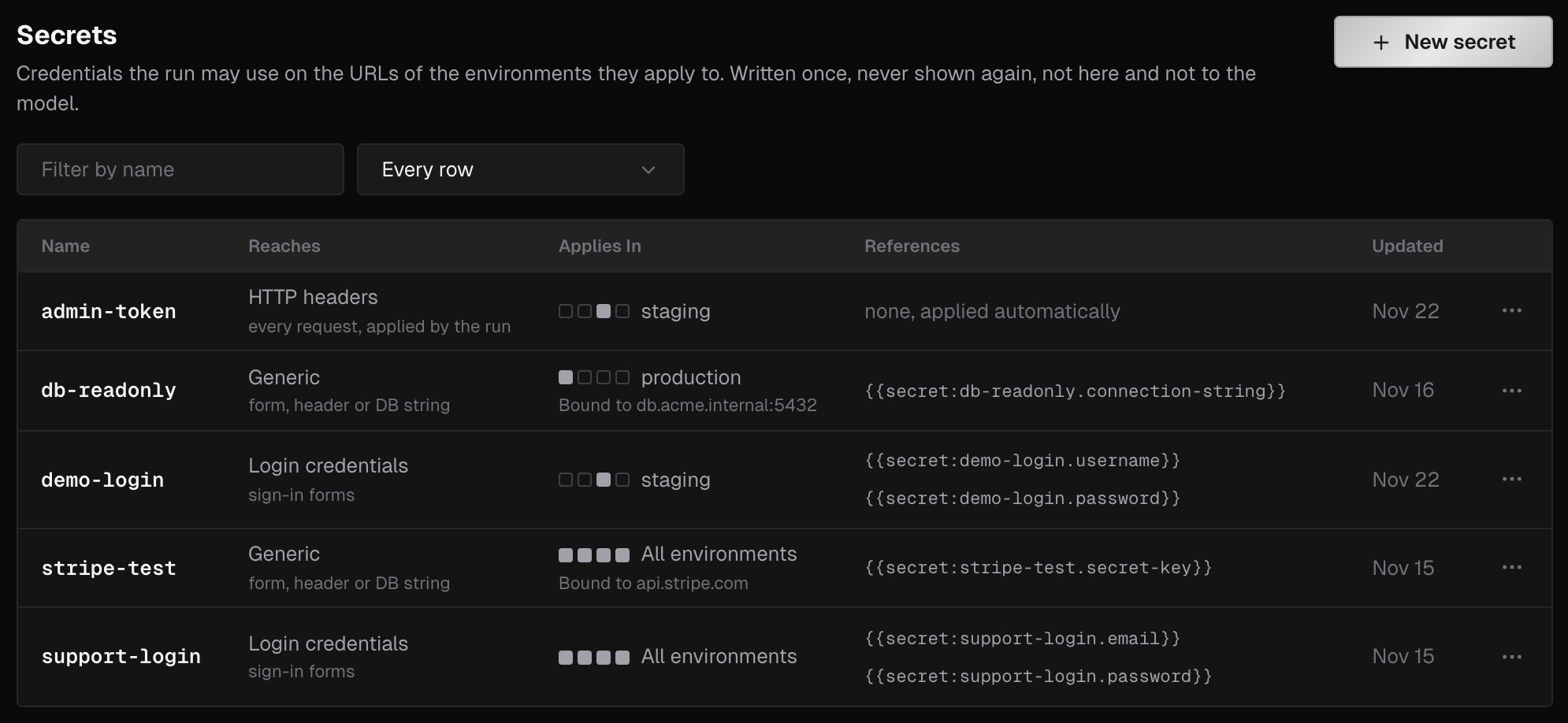
The list shows each secret’s Name, its type and where its values reach (Reaches), where it Applies In along with any bound origins, its References, and when it was Updated. From a secret’s menu you can Edit or Delete it. Use Filter by name and the environment filter to narrow the list, as on the variables list.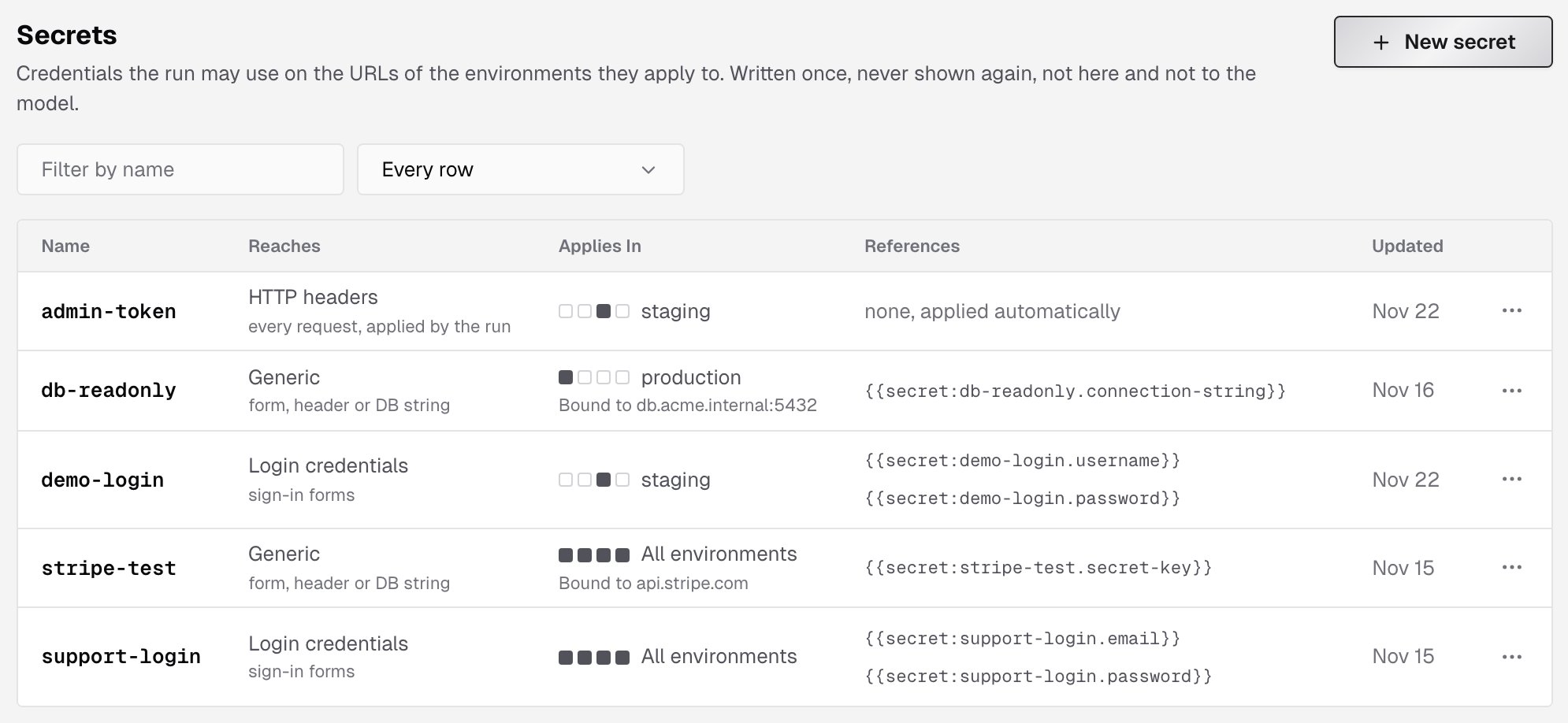
Who can change secrets
Everyone in the account can see the list. Only owners and admins can create, edit or delete secrets, and only in the web console. Values are stored encrypted, and the console holds no key that can read a value back.Secrets for a single run
To pass a secret to one run without storing it in the project, send it with the run:app_secret_headersin the GitHub Action--secret-headerwithironbee verify