

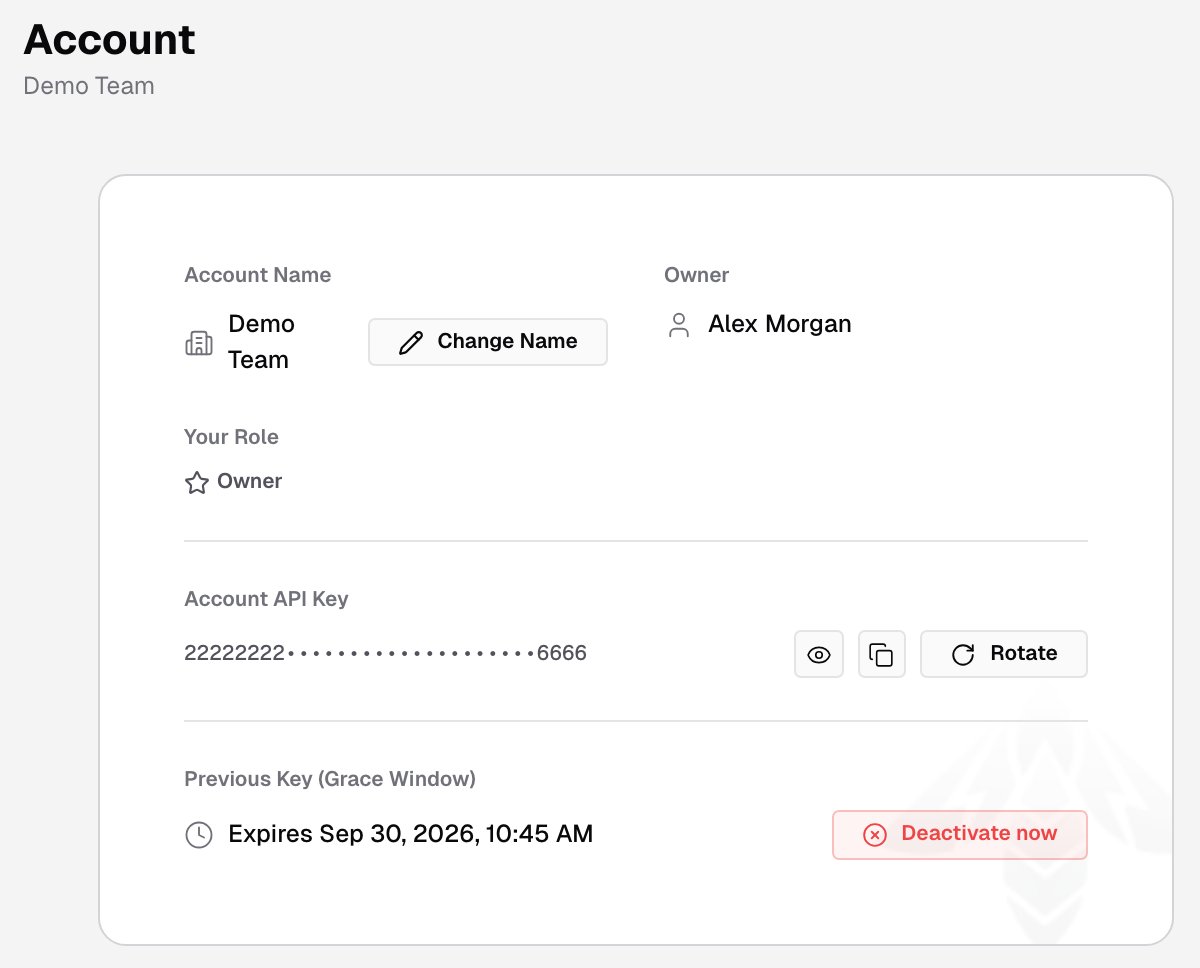
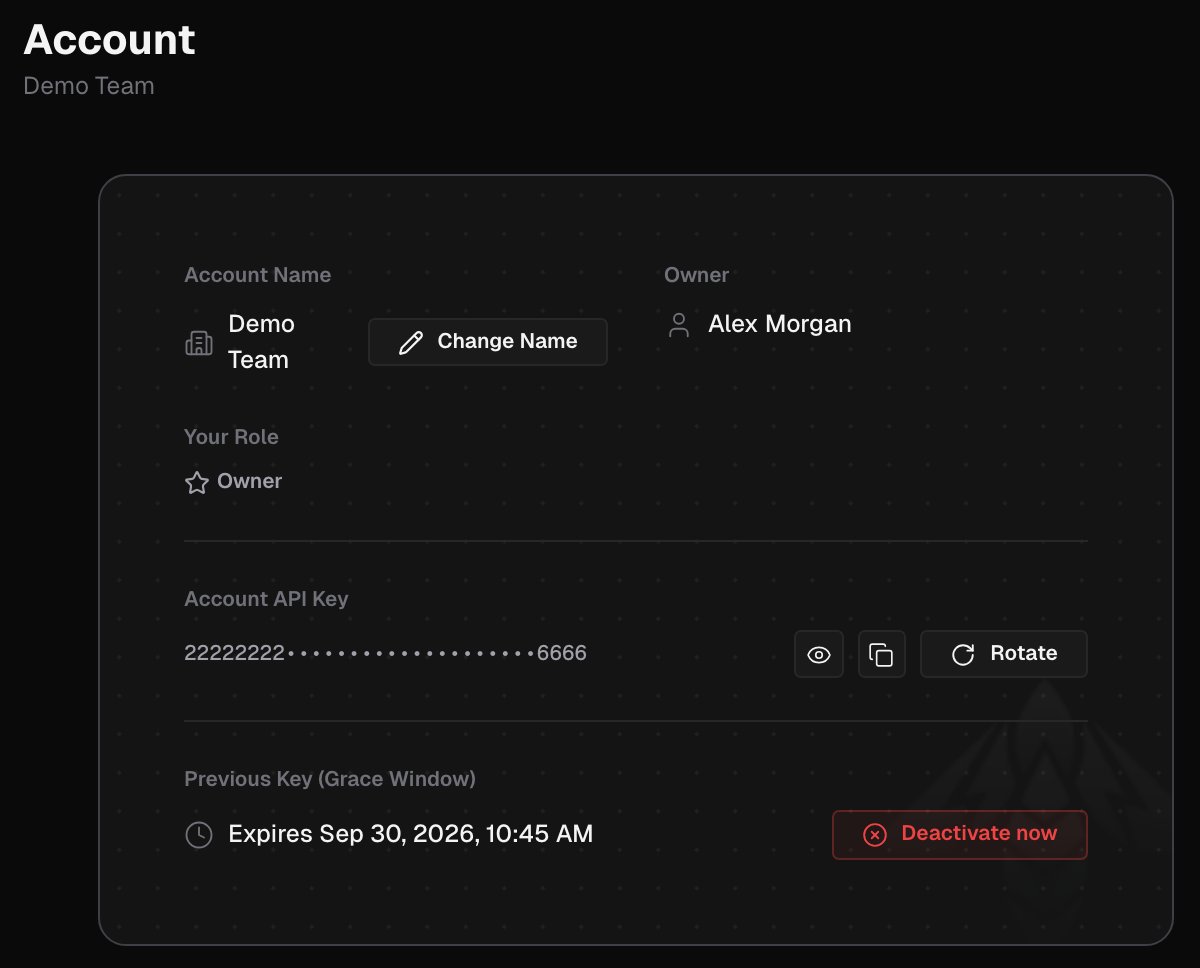
Account name
The page shows the Account Name and Your Role in it. Owners and admins also see the Owner. To rename the account, the owner clicks Change Name, enters the new name in Change account name and clicks Save. Names use letters, numbers and spaces, up to 64 characters.Account API key
Owners and admins see the Account API Key: one shared key for the whole account. It identifies no user, which suits CI and deployment tooling.- The GitHub Action takes it as the
ironbee_api_keyinput. - The CLI reads it from
IRONBEE_SERVICE_API_KEY.
ironbee login instead. It creates a personal OAuth token that you can revoke on its own.
Rotate the API key
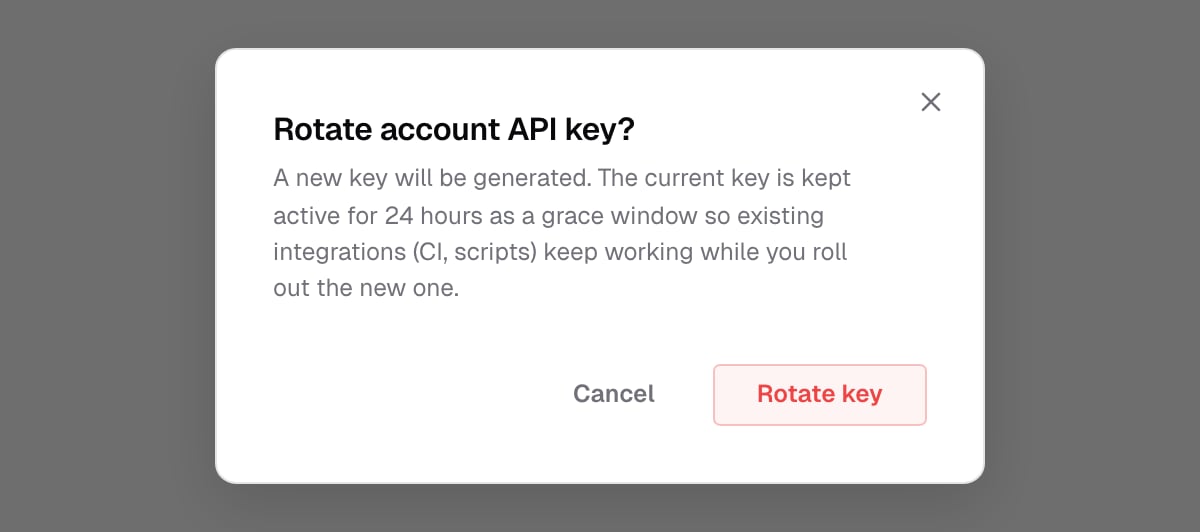
Rotate the key when it may have leaked, or on a regular schedule:- Click Rotate next to the key. Rotate account API key? asks you to confirm. Click Rotate key.
- Copy the new API key shows the new key once. Copy it, tick I have copied the new key to a safe place., and click Done.
- Update the key wherever you use it.
Related pages
OAuth tokens
Personal tokens for interactive and per-engineer use.
Team
Invite teammates and manage their roles.