

Settings opens on Account. Getting started reopens the onboarding steps, to connect another provider or set up the CLI.
Visual
The Visual page controls how the console looks and shows your data. Changes apply immediately and are saved in your browser, so each browser keeps its own choices.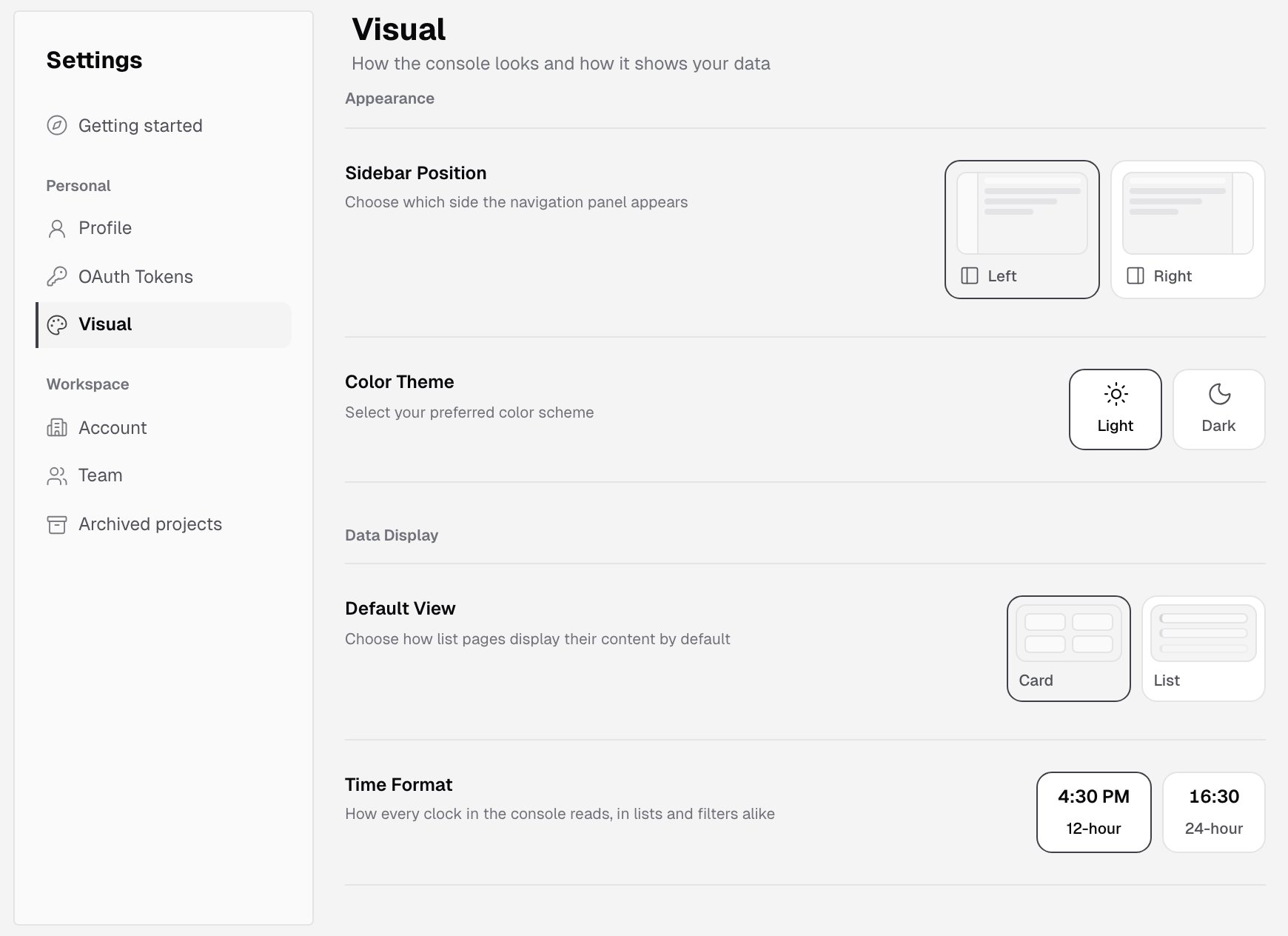
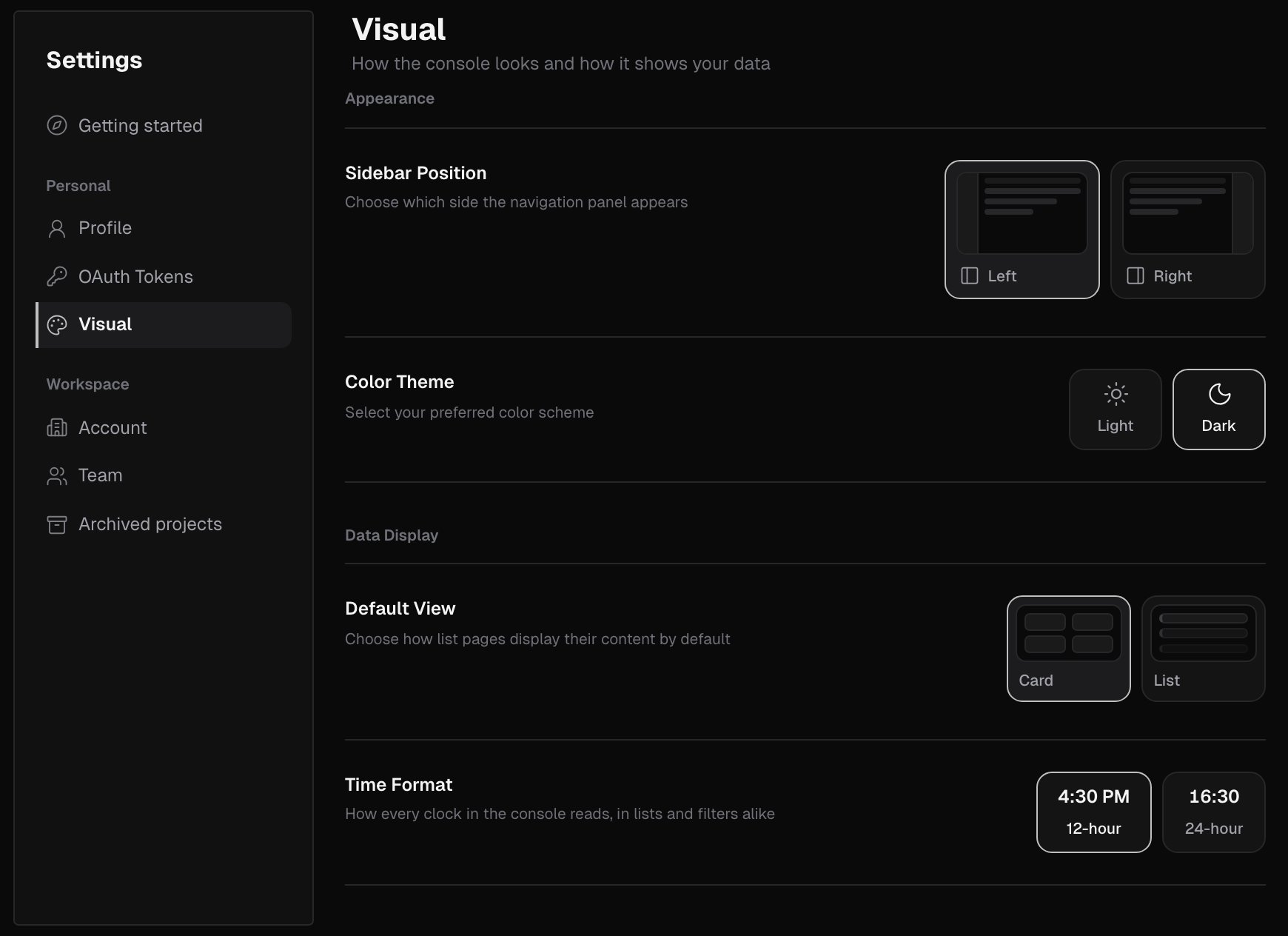
Appearance
Data display
What’s next?
Team
Invite teammates and manage their roles.
Roles and permissions
What each role can do.