> ## Documentation Index
> Fetch the complete documentation index at: https://docs.ironbee.ai/llms.txt
> Use this file to discover all available pages before exploring further.
# How integrations work
> Connect GitHub, Vercel or Netlify, enable the projects to verify, and see where the results land.
Integrations connect IronBee to where your code is built and deployed. Once a project is enabled, IronBee verifies its changes without a workflow to maintain:
* every deployment on Vercel or Netlify
* every push and pull request, with the GitHub Action
Each run exercises the change like a QA engineer would and reports the result where you already look.
***
## The Integrations page
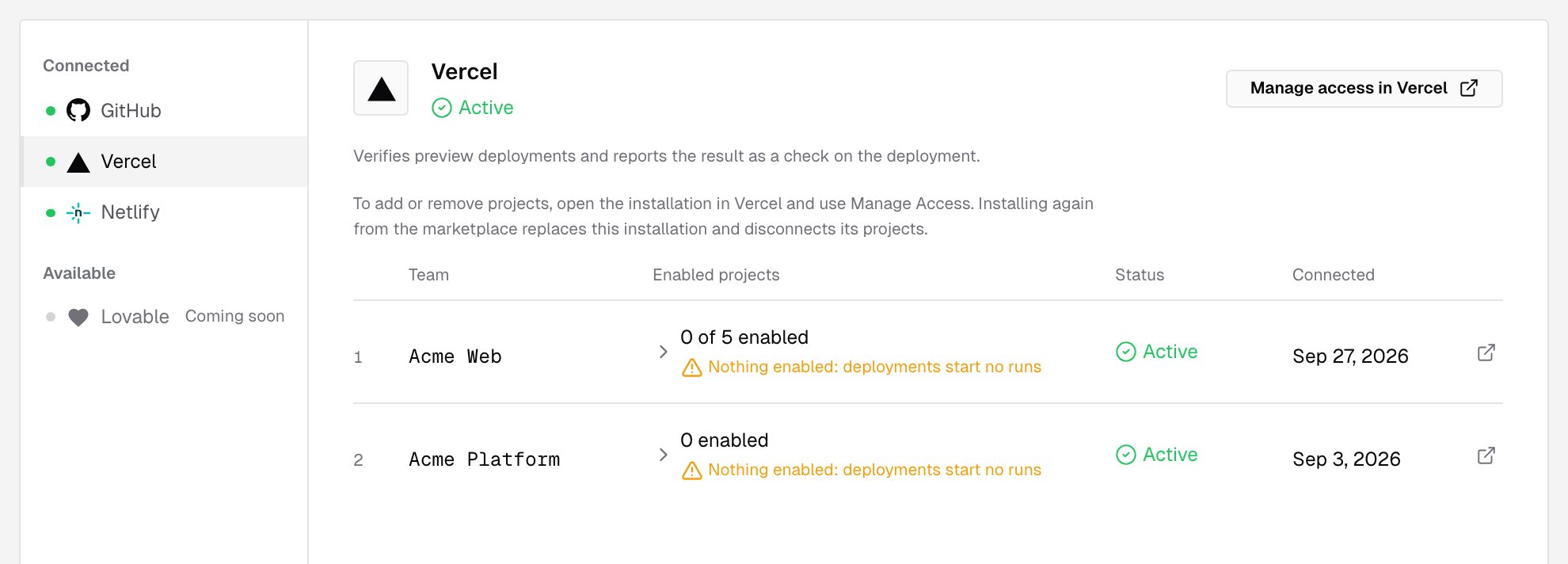
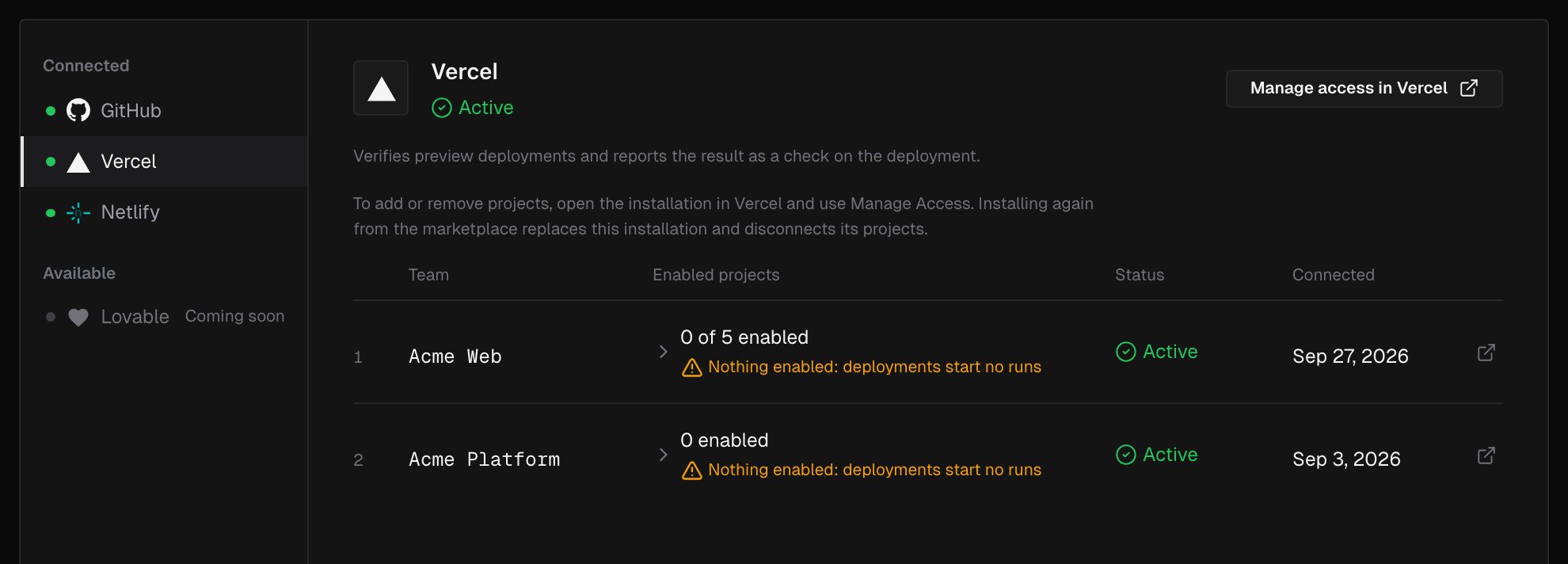
Owners and admins open **Integrations** in the console's sidebar. The page lists the providers under **Connected** and **Available**. Select one to see its installations and the projects in each.
 | Provider | What you install | What starts a run |
| - | - | - |
| [GitHub](/integrations/github) | The IronBee GitHub App | Nothing on its own. It gives runs access to your repositories and pull requests |
| [GitHub Action](/github-action/get-started/getting-started) | A workflow file in your repository | Pushes, pull requests, `/ironbee-verify` comments, schedules and manual runs |
| [Vercel](/integrations/vercel) | The IronBee Vercel integration | Preview deployments of enabled projects |
| [Netlify](/integrations/netlify) | The IronBee Netlify extension | Deploy previews and branch deploys of enabled sites |
You can connect more than one. A common setup is Vercel or Netlify for deployments, plus the GitHub App so the runs verify each pull request's changes and report on it.
***
## How a deployment gets verified
Install the integration on the provider's side and connect it to your IronBee account. Connecting needs the **owner** or **admin** role.
A deployment starts a run only once its project is enabled. Until then, the Integrations page shows **Nothing enabled: deployments start no runs**. Enable projects from the provider's page, with **Enable** in a project's actions menu, or from **Projects > New project**.
If your previews are protected, store the way in as a secret in the project's settings: a Vercel **Bypass token** or a Netlify site **Password**.
The next deployment starts a verification run. Follow it live from **Projects**, and read the result on the provider, on the pull request, and in the console.
***
## Projects and verification types
Each enabled GitHub repository, Vercel project or Netlify site becomes an IronBee project. It keeps its runs, its settings and its history.
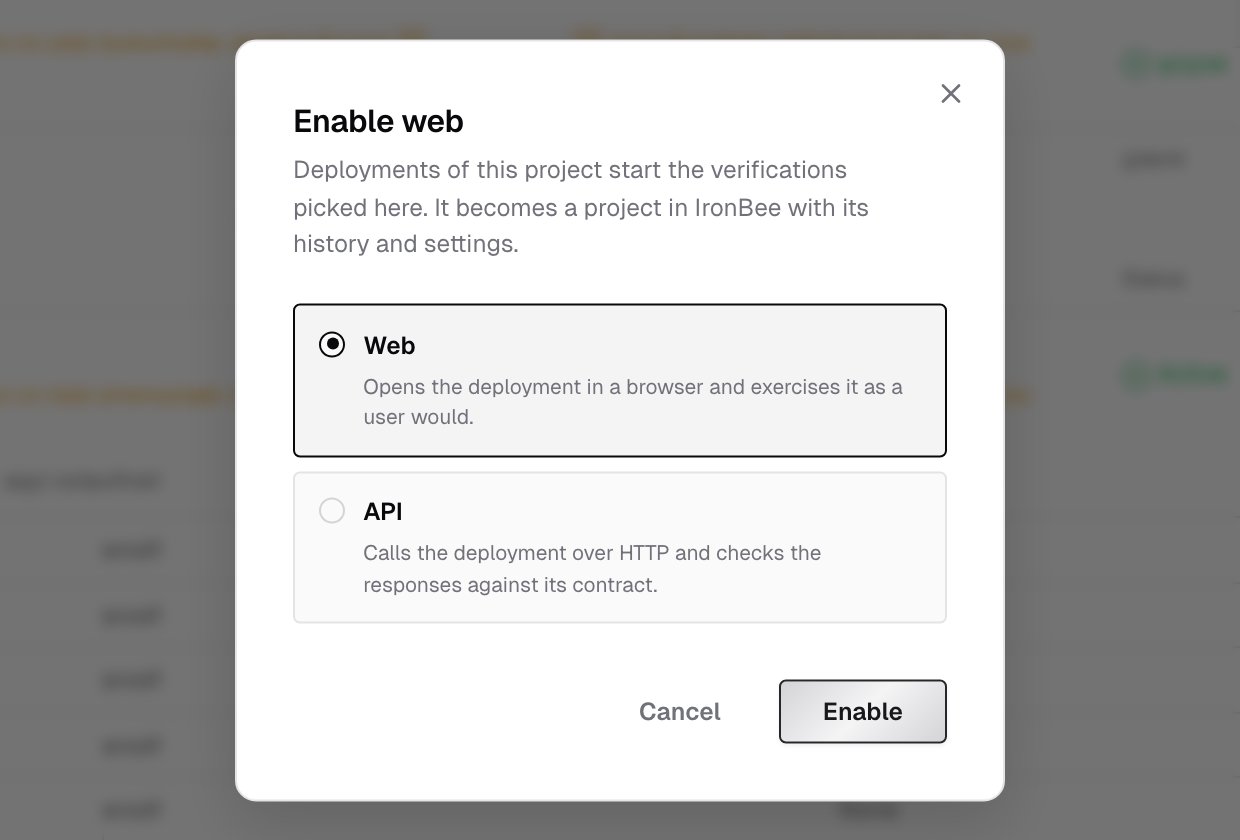
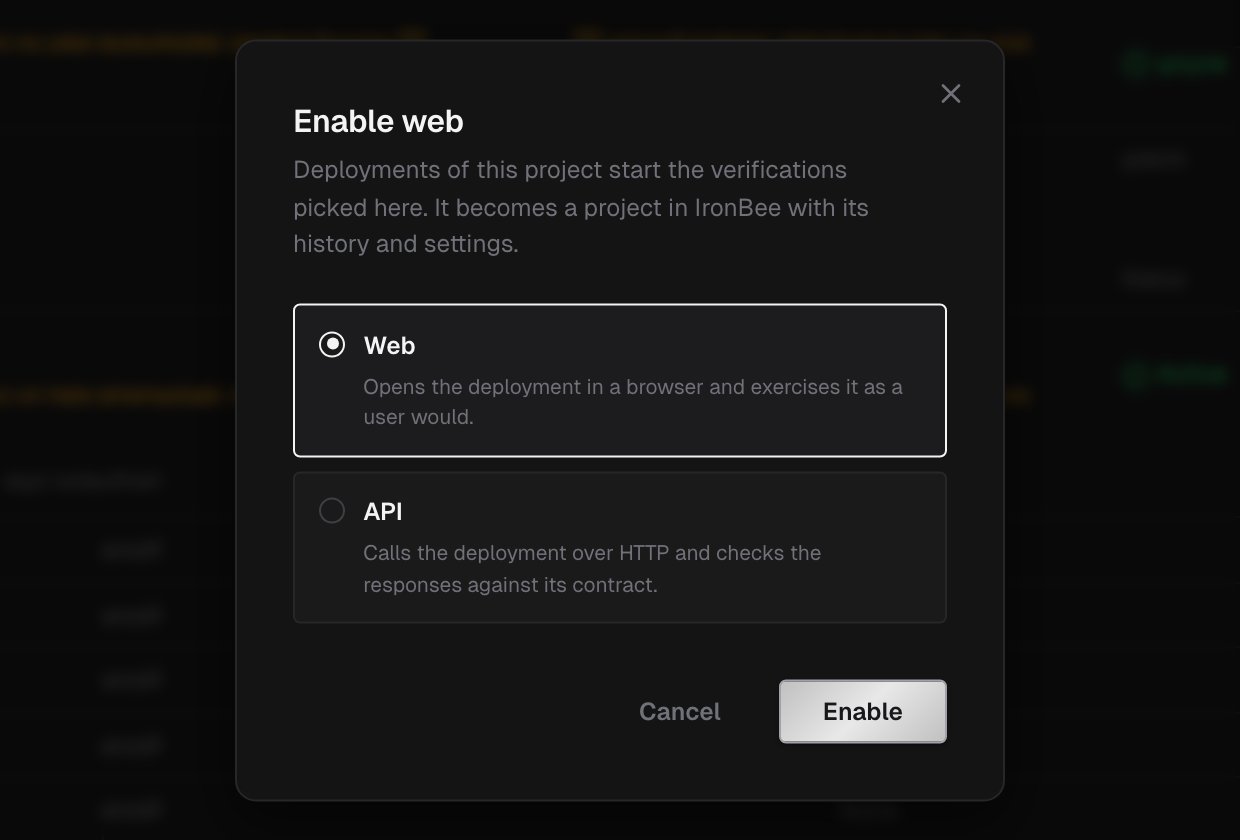
Every project has a verification type:
* **Web** opens the deployment in a browser and exercises it as a user would.
* **API** calls the deployment over HTTP and checks the responses against its contract.
Set the type when you enable a project. Change it later with **Edit type** on the Integrations page, or in the project's settings. The change takes effect on the next deployment.
| Provider | What you install | What starts a run |
| - | - | - |
| [GitHub](/integrations/github) | The IronBee GitHub App | Nothing on its own. It gives runs access to your repositories and pull requests |
| [GitHub Action](/github-action/get-started/getting-started) | A workflow file in your repository | Pushes, pull requests, `/ironbee-verify` comments, schedules and manual runs |
| [Vercel](/integrations/vercel) | The IronBee Vercel integration | Preview deployments of enabled projects |
| [Netlify](/integrations/netlify) | The IronBee Netlify extension | Deploy previews and branch deploys of enabled sites |
You can connect more than one. A common setup is Vercel or Netlify for deployments, plus the GitHub App so the runs verify each pull request's changes and report on it.
***
## How a deployment gets verified
Install the integration on the provider's side and connect it to your IronBee account. Connecting needs the **owner** or **admin** role.
A deployment starts a run only once its project is enabled. Until then, the Integrations page shows **Nothing enabled: deployments start no runs**. Enable projects from the provider's page, with **Enable** in a project's actions menu, or from **Projects > New project**.
If your previews are protected, store the way in as a secret in the project's settings: a Vercel **Bypass token** or a Netlify site **Password**.
The next deployment starts a verification run. Follow it live from **Projects**, and read the result on the provider, on the pull request, and in the console.
***
## Projects and verification types
Each enabled GitHub repository, Vercel project or Netlify site becomes an IronBee project. It keeps its runs, its settings and its history.
Every project has a verification type:
* **Web** opens the deployment in a browser and exercises it as a user would.
* **API** calls the deployment over HTTP and checks the responses against its contract.
Set the type when you enable a project. Change it later with **Edit type** on the Integrations page, or in the project's settings. The change takes effect on the next deployment.
 A project can be in one of three states:
| State | Meaning |
| - | - |
| Enabled | Its deployments start runs |
| Disabled | You clicked **Disable**. Deployments stop starting runs; the project keeps its history, and runs from the CLI or the API still report to it |
| **Not active** | The project left the installation's scope, or the integration was uninstalled. It keeps its id, runs and settings, and **Enable again** in **New project** brings it back |
***
## Environments, variables and secrets
A run is against one of the project's environments, and uses that environment's variables and secrets on top of the project-wide ones. Integrations create environments automatically, named the way the provider names the deployment:
| Provider | Environments |
| - | - |
| Vercel | `preview` |
| Netlify | `deploy-preview`, `branch-deploy`, `production` |
| GitHub Action | The name in `ironbee_environment`, or the deployment's environment on `deployment` events |
Manage them in the project's **Settings**: **Environments**, **Variables** and **Secrets**.
***
## Where results appear
| Provider | On the provider | On the pull request | In the console |
| - | - | - | - |
| Vercel | The **IronBee Verification** deployment check | A check and a comment, with the GitHub App | The project's **Verifications** tab, trigger **Vercel** |
| Netlify | The **IronBee verification** card on the deploy page | A check and a comment, with the GitHub App | Trigger **Netlify** |
| GitHub Action | The job result and job summary | The action's report comment | Trigger **GitHub Actions** |
Every run links to its [verification detail](/console/verification-detail) page, with the recording, the actions, the network requests, traces and logs, and the result.
A project can be in one of three states:
| State | Meaning |
| - | - |
| Enabled | Its deployments start runs |
| Disabled | You clicked **Disable**. Deployments stop starting runs; the project keeps its history, and runs from the CLI or the API still report to it |
| **Not active** | The project left the installation's scope, or the integration was uninstalled. It keeps its id, runs and settings, and **Enable again** in **New project** brings it back |
***
## Environments, variables and secrets
A run is against one of the project's environments, and uses that environment's variables and secrets on top of the project-wide ones. Integrations create environments automatically, named the way the provider names the deployment:
| Provider | Environments |
| - | - |
| Vercel | `preview` |
| Netlify | `deploy-preview`, `branch-deploy`, `production` |
| GitHub Action | The name in `ironbee_environment`, or the deployment's environment on `deployment` events |
Manage them in the project's **Settings**: **Environments**, **Variables** and **Secrets**.
***
## Where results appear
| Provider | On the provider | On the pull request | In the console |
| - | - | - | - |
| Vercel | The **IronBee Verification** deployment check | A check and a comment, with the GitHub App | The project's **Verifications** tab, trigger **Vercel** |
| Netlify | The **IronBee verification** card on the deploy page | A check and a comment, with the GitHub App | Trigger **Netlify** |
| GitHub Action | The job result and job summary | The action's report comment | Trigger **GitHub Actions** |
Every run links to its [verification detail](/console/verification-detail) page, with the recording, the actions, the network requests, traces and logs, and the result.