> ## Documentation Index
> Fetch the complete documentation index at: https://docs.ironbee.ai/llms.txt
> Use this file to discover all available pages before exploring further.
# Project settings
> A project's identity, its verification type, and archiving.
Every project has a **Settings** tab next to **Verifications**. Its menu has two parts:
* **Project**: **General**, covered on this page.
* **Configuration**: [Environments](/console/environments), [Variables](/console/variables) and [Secrets](/console/secrets).
Everyone in the account can read a project's settings. Only owners and admins can change them.
***
## General
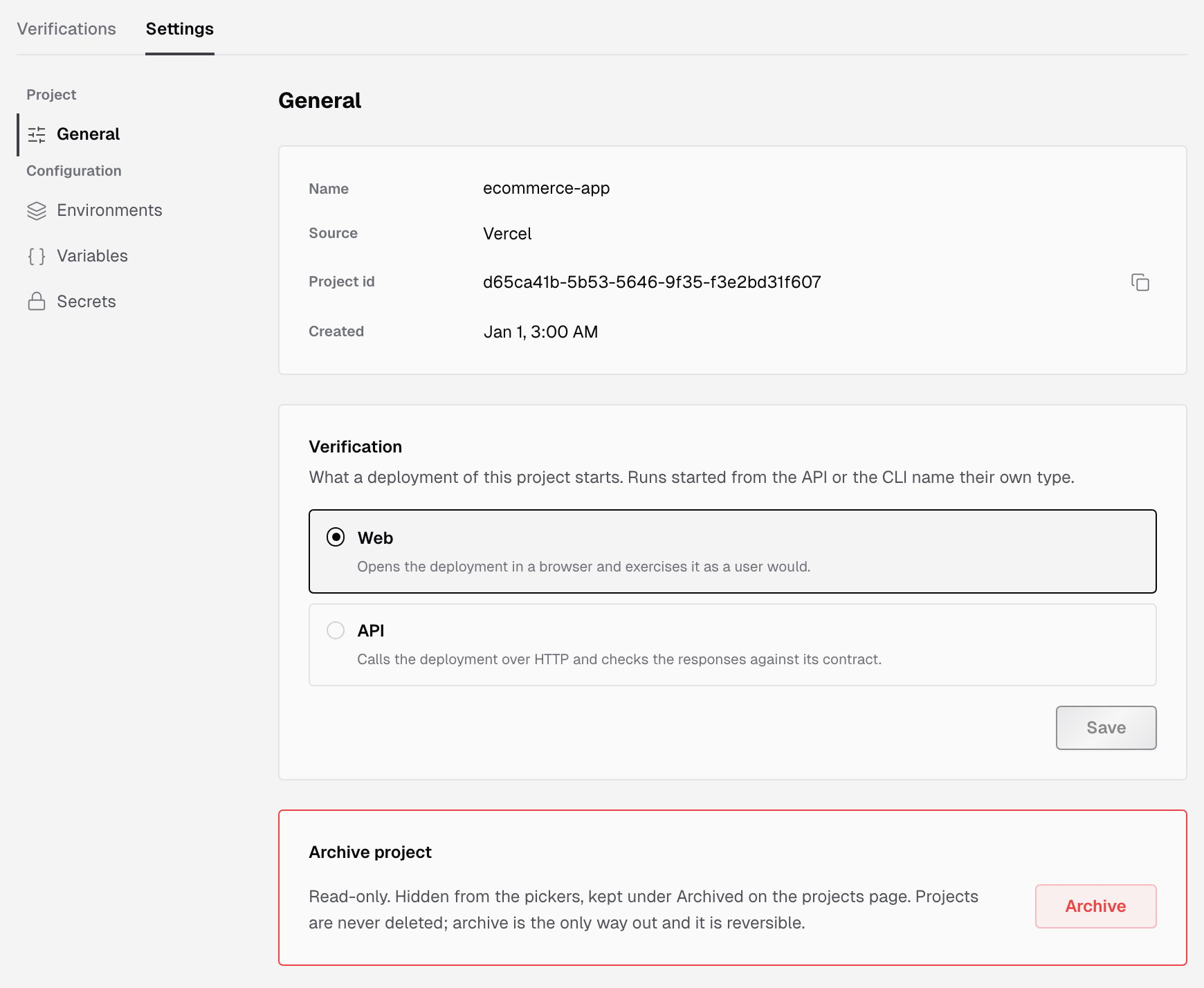
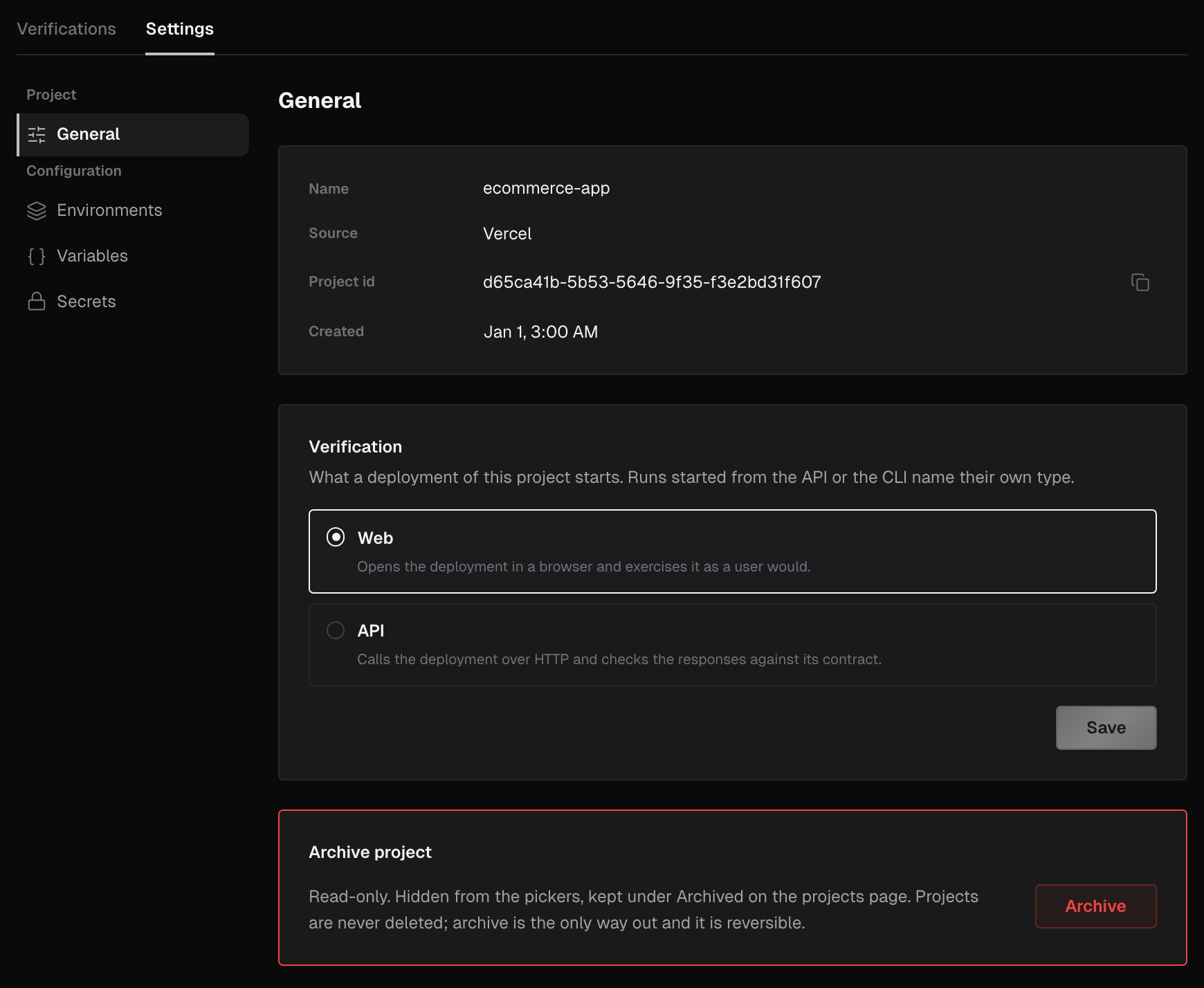 The **General** page shows how the project is identified:
| Field | What it shows |
| - | - |
| **Name** | The project's name: the repository, Vercel project, Netlify site or CLI name |
| **Source** | Where the project comes from: GitHub, Vercel, Netlify or CLI |
| **Project id** | The project's id, with a copy button |
| **Created** | When the project was created |
***
## Verification type
The **Verification** card sets what a deployment of this project starts:
* **Web** opens the deployment in a browser and exercises it as a user would.
* **API** calls the deployment over HTTP and checks the responses against its contract.
Pick one and click **Save**. The change takes effect on the next deployment. With nothing selected, deployments of the project aren't verified until you pick a type.
* The type applies to deployments from Vercel and Netlify. Runs started from the API or the CLI name their own type, so on a CLI project the selection has no effect.
* If a project is **Not active**, the card says its deployments aren't verified. Click **Open Vercel integration** (or the Netlify or GitHub one) to enable it again.
***
## Archive a project
Archiving takes a project out of use without deleting anything. Projects are never deleted.
To archive, an owner or admin opens **Settings > General**, clicks **Archive** under **Archive project**, types the project's name to confirm, and clicks **Archive project**.
The **General** page shows how the project is identified:
| Field | What it shows |
| - | - |
| **Name** | The project's name: the repository, Vercel project, Netlify site or CLI name |
| **Source** | Where the project comes from: GitHub, Vercel, Netlify or CLI |
| **Project id** | The project's id, with a copy button |
| **Created** | When the project was created |
***
## Verification type
The **Verification** card sets what a deployment of this project starts:
* **Web** opens the deployment in a browser and exercises it as a user would.
* **API** calls the deployment over HTTP and checks the responses against its contract.
Pick one and click **Save**. The change takes effect on the next deployment. With nothing selected, deployments of the project aren't verified until you pick a type.
* The type applies to deployments from Vercel and Netlify. Runs started from the API or the CLI name their own type, so on a CLI project the selection has no effect.
* If a project is **Not active**, the card says its deployments aren't verified. Click **Open Vercel integration** (or the Netlify or GitHub one) to enable it again.
***
## Archive a project
Archiving takes a project out of use without deleting anything. Projects are never deleted.
To archive, an owner or admin opens **Settings > General**, clicks **Archive** under **Archive project**, types the project's name to confirm, and clicks **Archive project**.
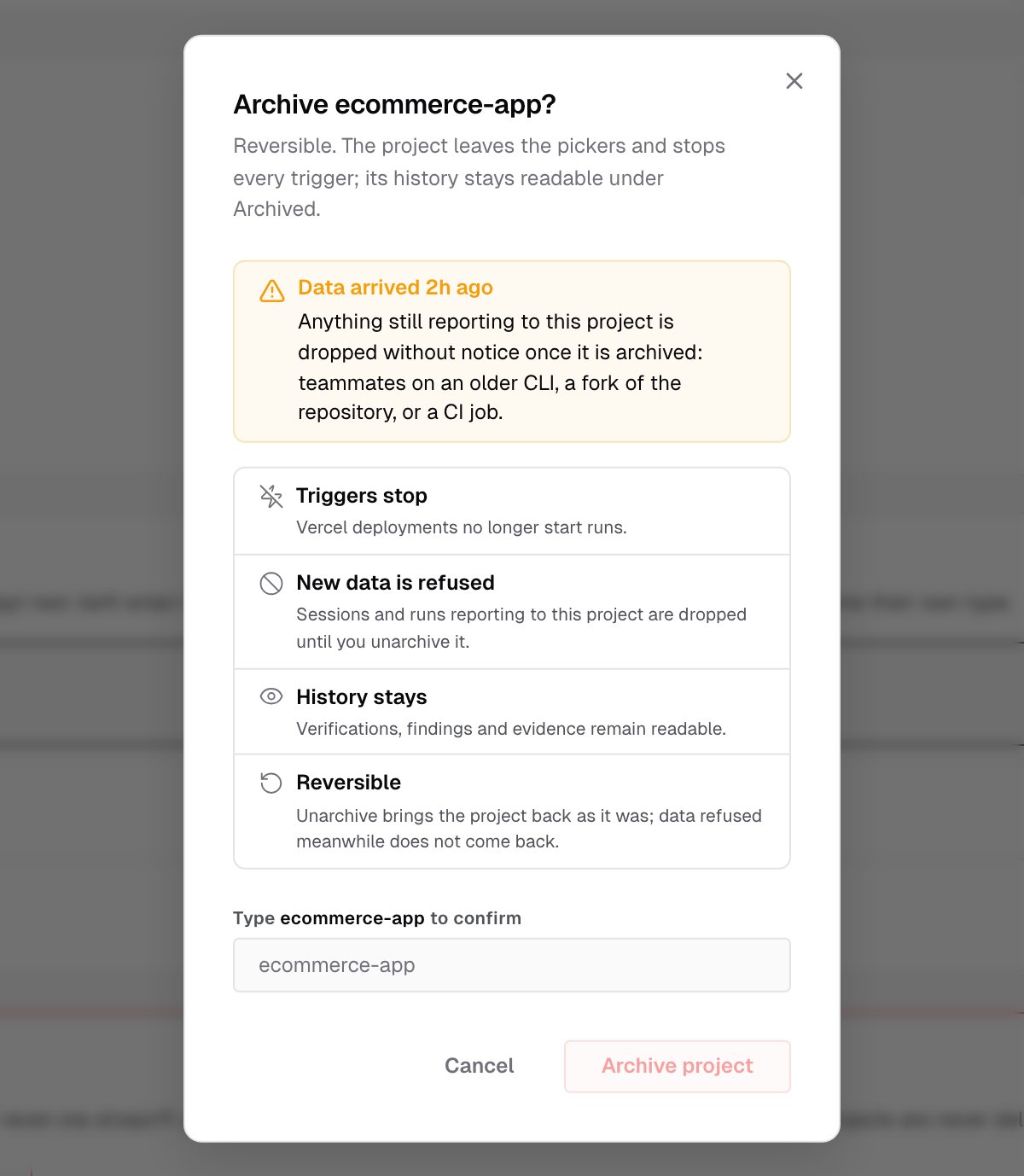
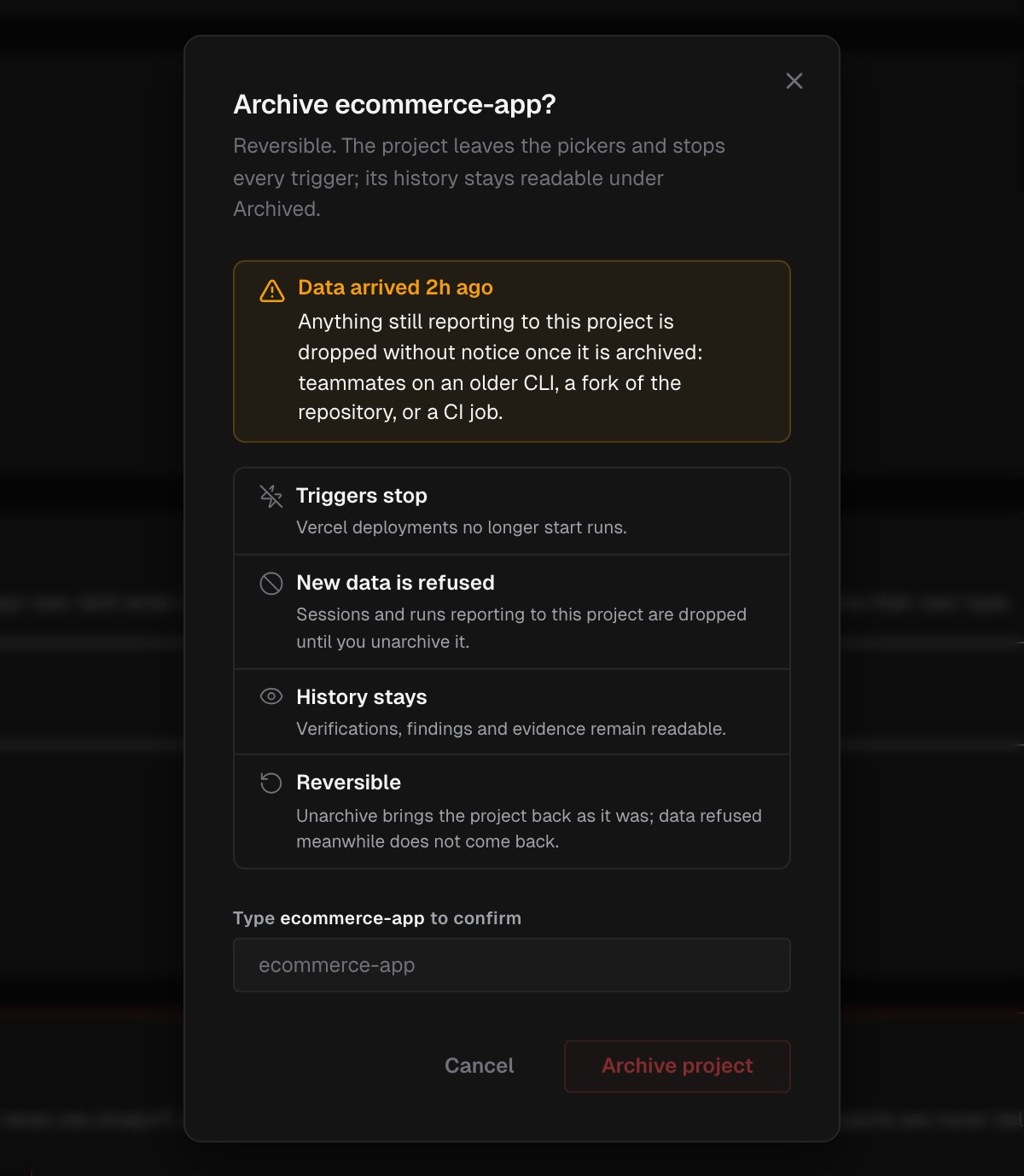 The dialog lists what changes:
* **Triggers stop.** Deployments no longer start runs. For a CLI project, nothing starts on its own anyway.
* **New data is refused.** Sessions and runs reporting to the project are dropped until you unarchive it. That includes teammates on an older CLI, a fork of the repository, or a CI job.
* **History stays.** Verifications, findings and evidence remain readable.
* **Reversible.** Unarchiving brings the project back as it was. Data refused in the meantime doesn't come back.
If data reached the project recently, the dialog opens with a **Data arrived** warning that says when, because anything still reporting to the project is dropped once it's archived.
An archived project is read-only and hidden from the **Projects** page and the pickers.
### Unarchive a project
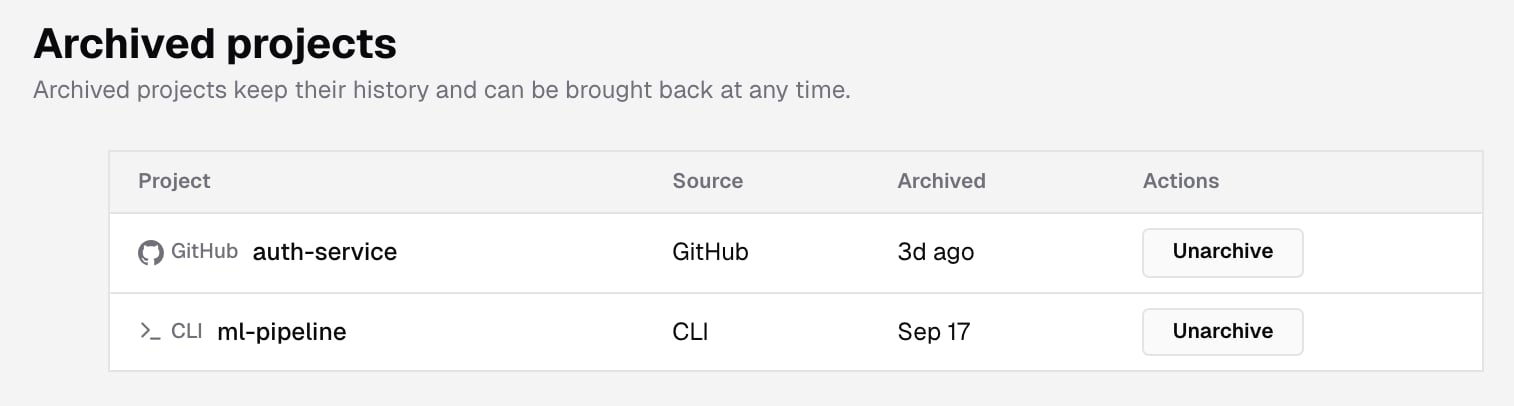
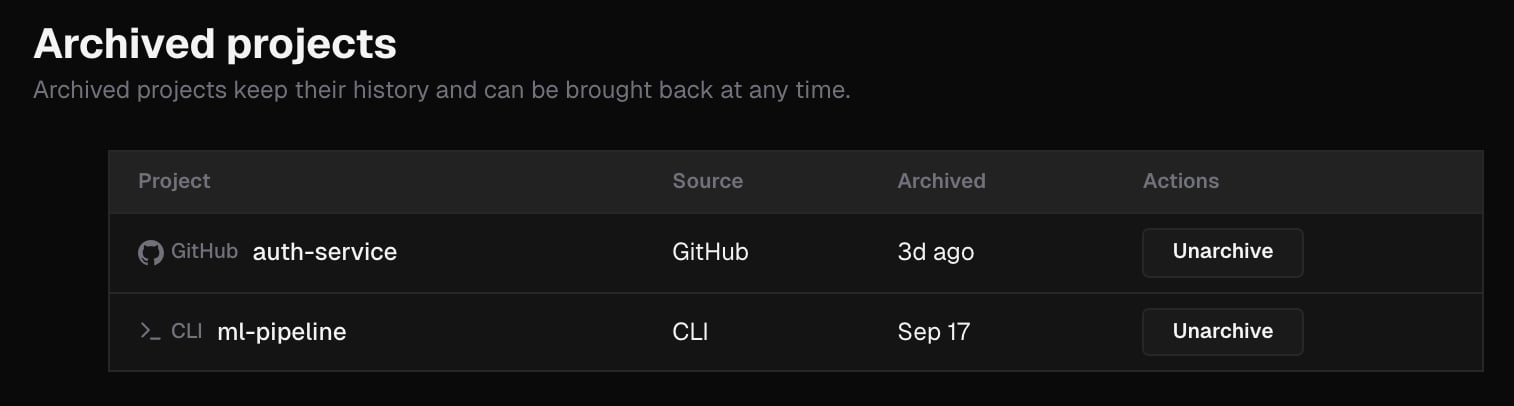
Owners and admins open **Settings > Archived projects** from the account settings. The list shows each archived project with its **Project**, **Source** and when it was **Archived**. Click **Unarchive** and confirm with **Unarchive project**. The project returns to the list and its triggers start again.
The dialog lists what changes:
* **Triggers stop.** Deployments no longer start runs. For a CLI project, nothing starts on its own anyway.
* **New data is refused.** Sessions and runs reporting to the project are dropped until you unarchive it. That includes teammates on an older CLI, a fork of the repository, or a CI job.
* **History stays.** Verifications, findings and evidence remain readable.
* **Reversible.** Unarchiving brings the project back as it was. Data refused in the meantime doesn't come back.
If data reached the project recently, the dialog opens with a **Data arrived** warning that says when, because anything still reporting to the project is dropped once it's archived.
An archived project is read-only and hidden from the **Projects** page and the pickers.
### Unarchive a project
Owners and admins open **Settings > Archived projects** from the account settings. The list shows each archived project with its **Project**, **Source** and when it was **Archived**. Click **Unarchive** and confirm with **Unarchive project**. The project returns to the list and its triggers start again.
 ***
## What's next?
The deployments this project is verified against.
Credentials a run can use without seeing them.
***
## What's next?
The deployments this project is verified against.
Credentials a run can use without seeing them.