> ## Documentation Index
> Fetch the complete documentation index at: https://docs.ironbee.ai/llms.txt
> Use this file to discover all available pages before exploring further.
# Environments
> The deployments a project is verified against, and what a run is told about each one.
An environment is one deployment of a project that runs are verified against, such as `preview`, `staging` or `production`. Each verification run is against one environment. The run uses:
* what the environment says about the deployment: its URL, its API contract and the domains runs may point at
* the [variables](/console/variables) and [secrets](/console/secrets) that apply there
Open a project, go to **Settings**, and select **Environments**.
***
## Where environments come from
Most environments appear on their own. A deployment or a run that names a new environment adds it to the project:
| Source | Environment name |
| - | - |
| Vercel | `preview`, or the name of a Vercel custom environment the deployment targets |
| Netlify | `deploy-preview`, `branch-deploy` or `production`, from the deploy context |
| GitHub Action | The name in `ironbee_environment`, or the deployment's environment on `deployment` events |
| `ironbee verify` | The name in `--environment` |
Each card says how the environment got its name: created in the console, or named by Vercel deploys, Netlify deploys, GitHub Actions runs, API runs, Console runs or CLI runs.
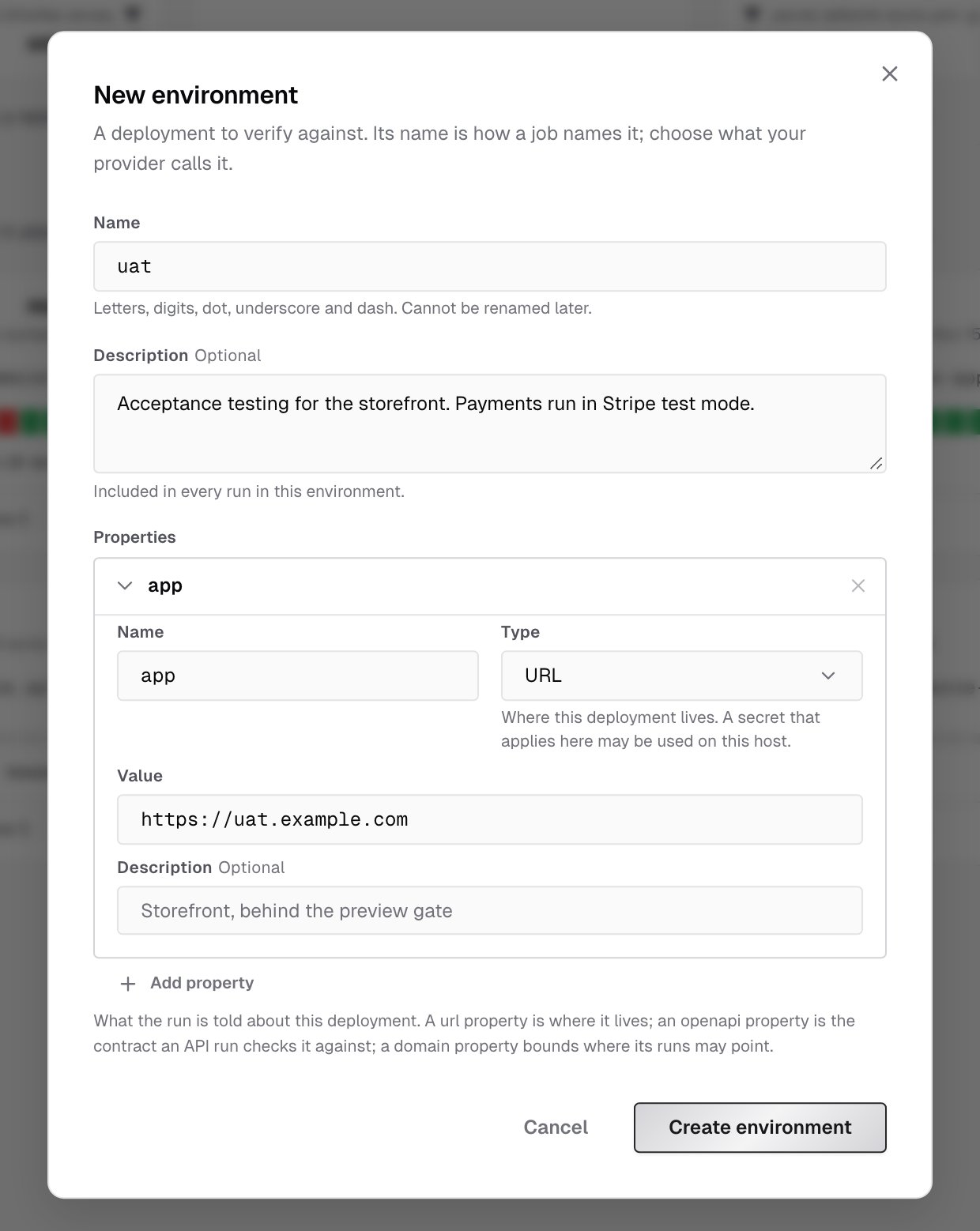
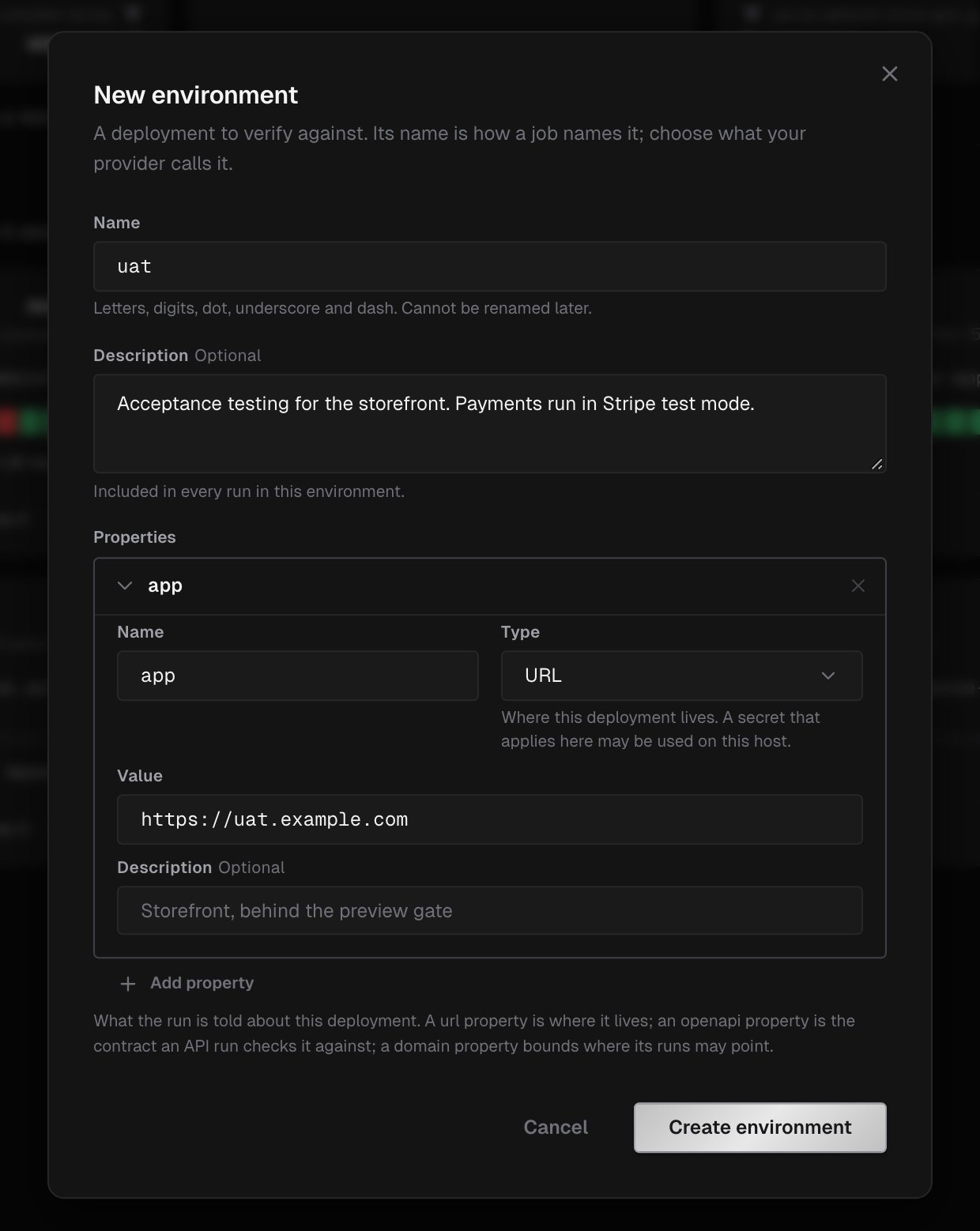
To set an environment up before its first run, click **New environment**:
1. **Name** it the way your provider or job names it, such as `staging`. Names use letters, digits, dot, underscore and dash. You can't rename an environment later.
2. Optionally, add a **Description** of what changes how this deployment behaves. It's included in every run in this environment.
3. Fill in the first property, `app`, with the deployment's URL, and add more under **Properties** if you need them. See [Properties](#properties).
4. Click **Create environment**.
 ***
## The environments list
***
## The environments list
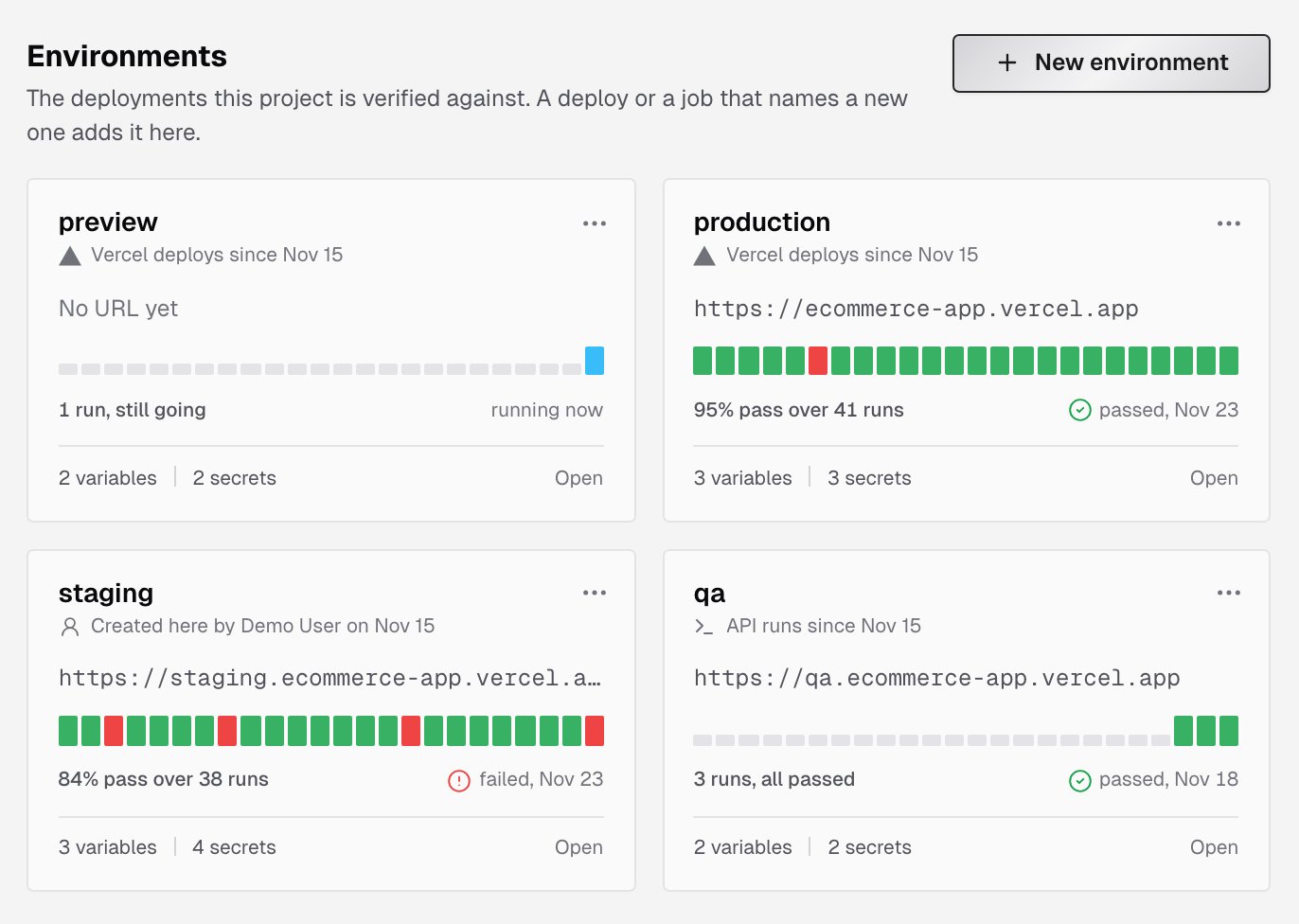
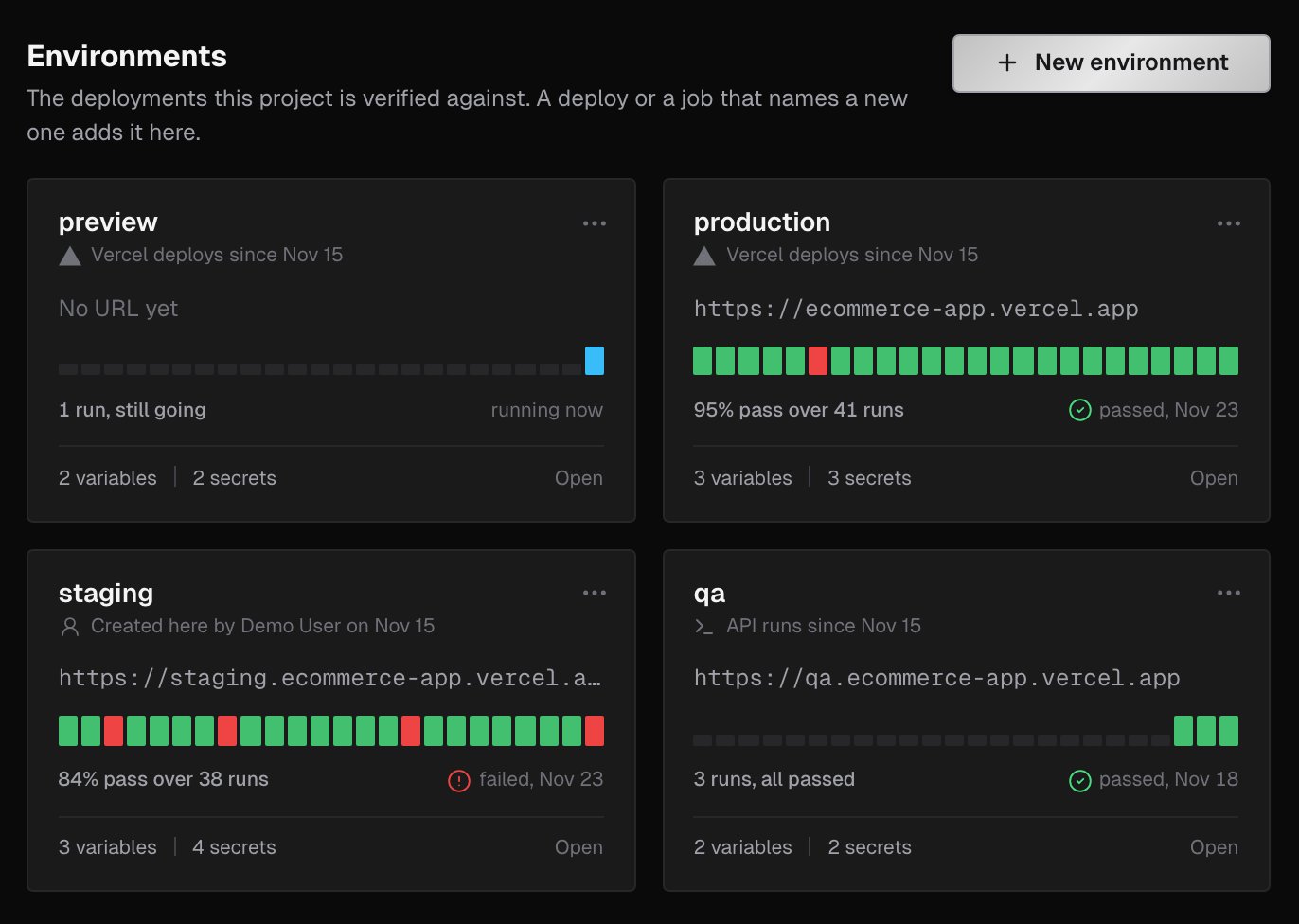 Each environment card shows:
* its URL, or **No URL yet**
* a strip of its latest runs and their results
* how many runs it had, and when it last ran
* how many variables and secrets apply to it
Counts include the project-wide rows; an override counts once. Click a card, or **Open**, to edit an environment.
***
## Properties
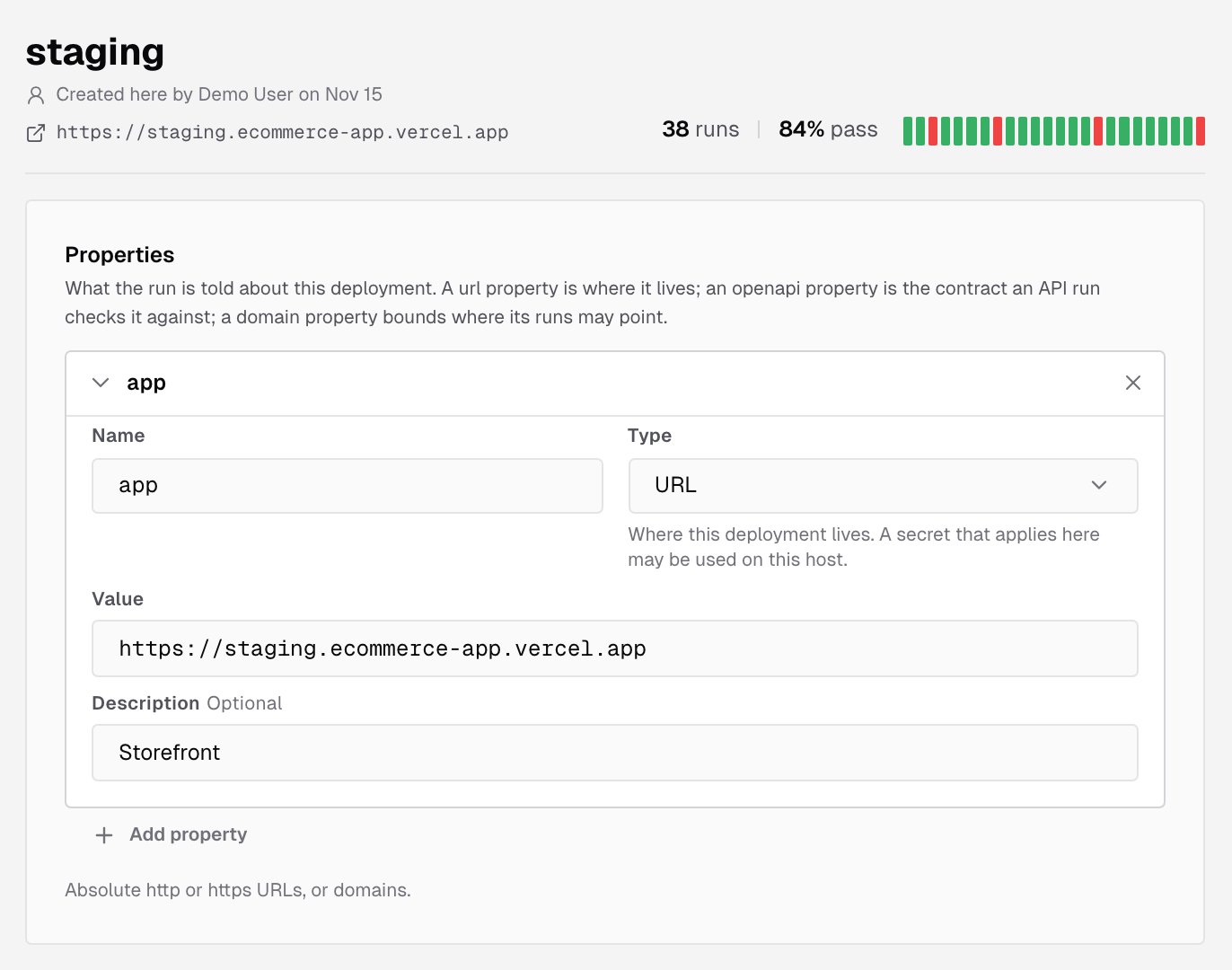
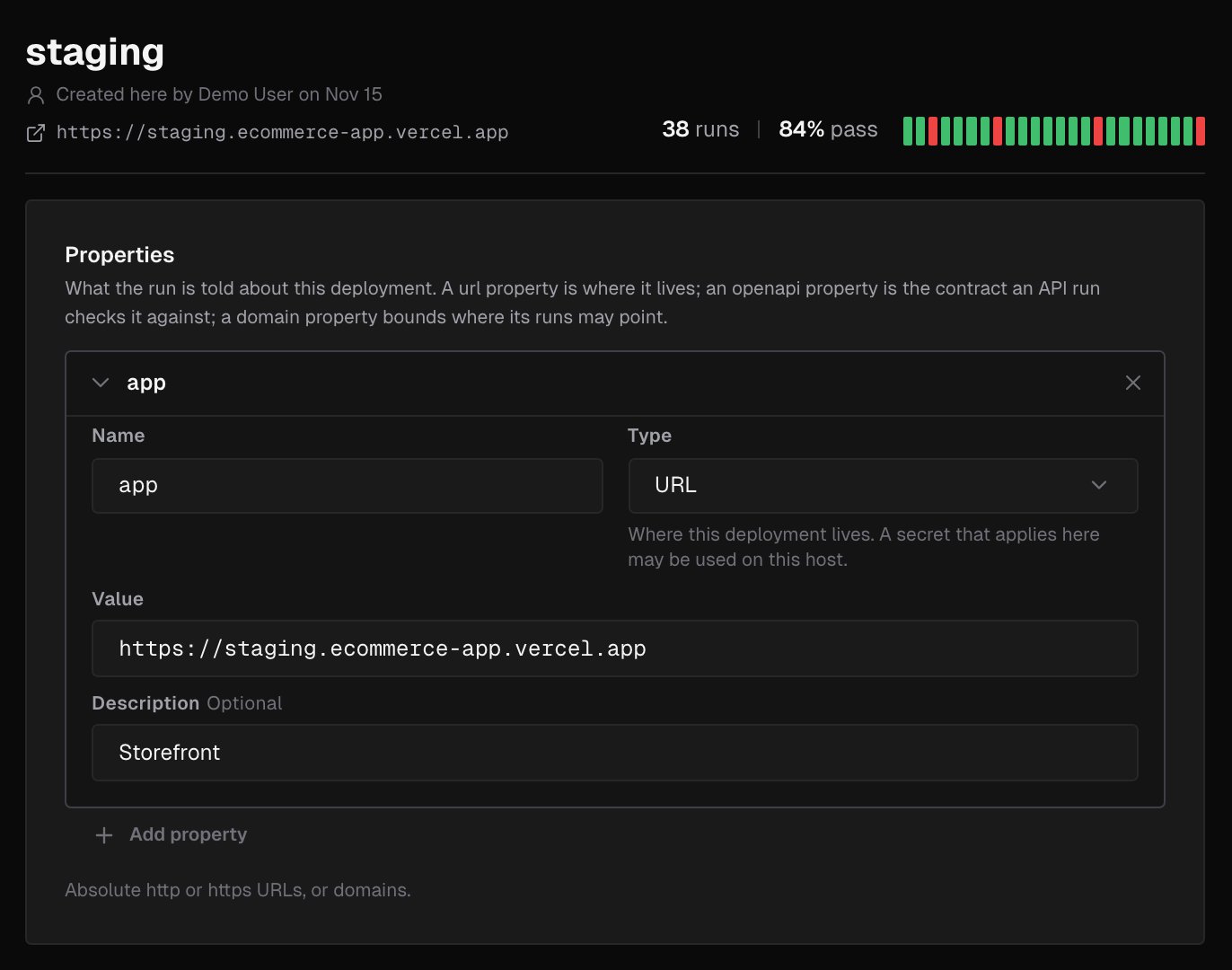
Properties tell the run about the deployment. Open an environment and add them under **Properties**. Click a property to expand it:
Each environment card shows:
* its URL, or **No URL yet**
* a strip of its latest runs and their results
* how many runs it had, and when it last ran
* how many variables and secrets apply to it
Counts include the project-wide rows; an override counts once. Click a card, or **Open**, to edit an environment.
***
## Properties
Properties tell the run about the deployment. Open an environment and add them under **Properties**. Click a property to expand it:
 | Type | What it's for |
| - | - |
| **URL** | Where the deployment lives, such as `https://app.staging.example.com`. A secret that applies here may be used on this host |
| **OpenAPI document** | The contract an API run checks the deployment against, such as `https://api.staging.example.com/openapi.json`. The run reads it; no secret is sent to this host |
| **Domain** | Where runs in this environment may point: a host or `*.host`, without a port |
Each property has a **Name**, a **Type**, a **Value** and an optional **Description**. The first one is named `app`. Values are absolute `http` or `https` URLs, or domains. Click **Save changes** when you're done.
Without a URL property, a run is told only its own target. [Run instant verification](/console/verifications#run-instant-verification) needs one to start from: pick an environment without one and the dialog says **No URL to start from.**, and **Run verification** stays disabled. A **Domain** property alone isn't enough.
### Domains
A **Domain** property bounds the environment. Once an environment has one:
* Its URL and OpenAPI values must fall inside a domain.
* A run started for it with a URL outside the domains is refused.
* A run that reaches an app through a tunnel is refused, because a tunnel has no domain.
Use domains to make sure the environment's secrets can't be sent anywhere else. Broad public suffixes such as `*.vercel.app` or `*.netlify.app` aren't accepted.
***
## Variables and secrets in an environment
Below its properties and description, the environment page lists the variables and secrets that apply there, such as **Variables in staging** and **Secrets in staging** for an environment named `staging`. Both lists include the shared rows and the rows scoped to the environment. A variable created here overrides the shared one with the same name, and its row shows the shared value it overrides. Click **Add variable** or **Add secret** to create a row scoped to this environment. See [Variables](/console/variables) and [Secrets](/console/secrets).
***
## Run briefing
Beside the editor, or below it on a narrow screen, the environment page shows the **Run briefing**: exactly what a verification in this environment is told, as the run's prompt renders it. That includes:
* the environment's description and properties
* its variables, with their values
* its secrets, as references only. An **HTTP headers** secret is listed as applied automatically on every request
| Type | What it's for |
| - | - |
| **URL** | Where the deployment lives, such as `https://app.staging.example.com`. A secret that applies here may be used on this host |
| **OpenAPI document** | The contract an API run checks the deployment against, such as `https://api.staging.example.com/openapi.json`. The run reads it; no secret is sent to this host |
| **Domain** | Where runs in this environment may point: a host or `*.host`, without a port |
Each property has a **Name**, a **Type**, a **Value** and an optional **Description**. The first one is named `app`. Values are absolute `http` or `https` URLs, or domains. Click **Save changes** when you're done.
Without a URL property, a run is told only its own target. [Run instant verification](/console/verifications#run-instant-verification) needs one to start from: pick an environment without one and the dialog says **No URL to start from.**, and **Run verification** stays disabled. A **Domain** property alone isn't enough.
### Domains
A **Domain** property bounds the environment. Once an environment has one:
* Its URL and OpenAPI values must fall inside a domain.
* A run started for it with a URL outside the domains is refused.
* A run that reaches an app through a tunnel is refused, because a tunnel has no domain.
Use domains to make sure the environment's secrets can't be sent anywhere else. Broad public suffixes such as `*.vercel.app` or `*.netlify.app` aren't accepted.
***
## Variables and secrets in an environment
Below its properties and description, the environment page lists the variables and secrets that apply there, such as **Variables in staging** and **Secrets in staging** for an environment named `staging`. Both lists include the shared rows and the rows scoped to the environment. A variable created here overrides the shared one with the same name, and its row shows the shared value it overrides. Click **Add variable** or **Add secret** to create a row scoped to this environment. See [Variables](/console/variables) and [Secrets](/console/secrets).
***
## Run briefing
Beside the editor, or below it on a narrow screen, the environment page shows the **Run briefing**: exactly what a verification in this environment is told, as the run's prompt renders it. That includes:
* the environment's description and properties
* its variables, with their values
* its secrets, as references only. An **HTTP headers** secret is listed as applied automatically on every request
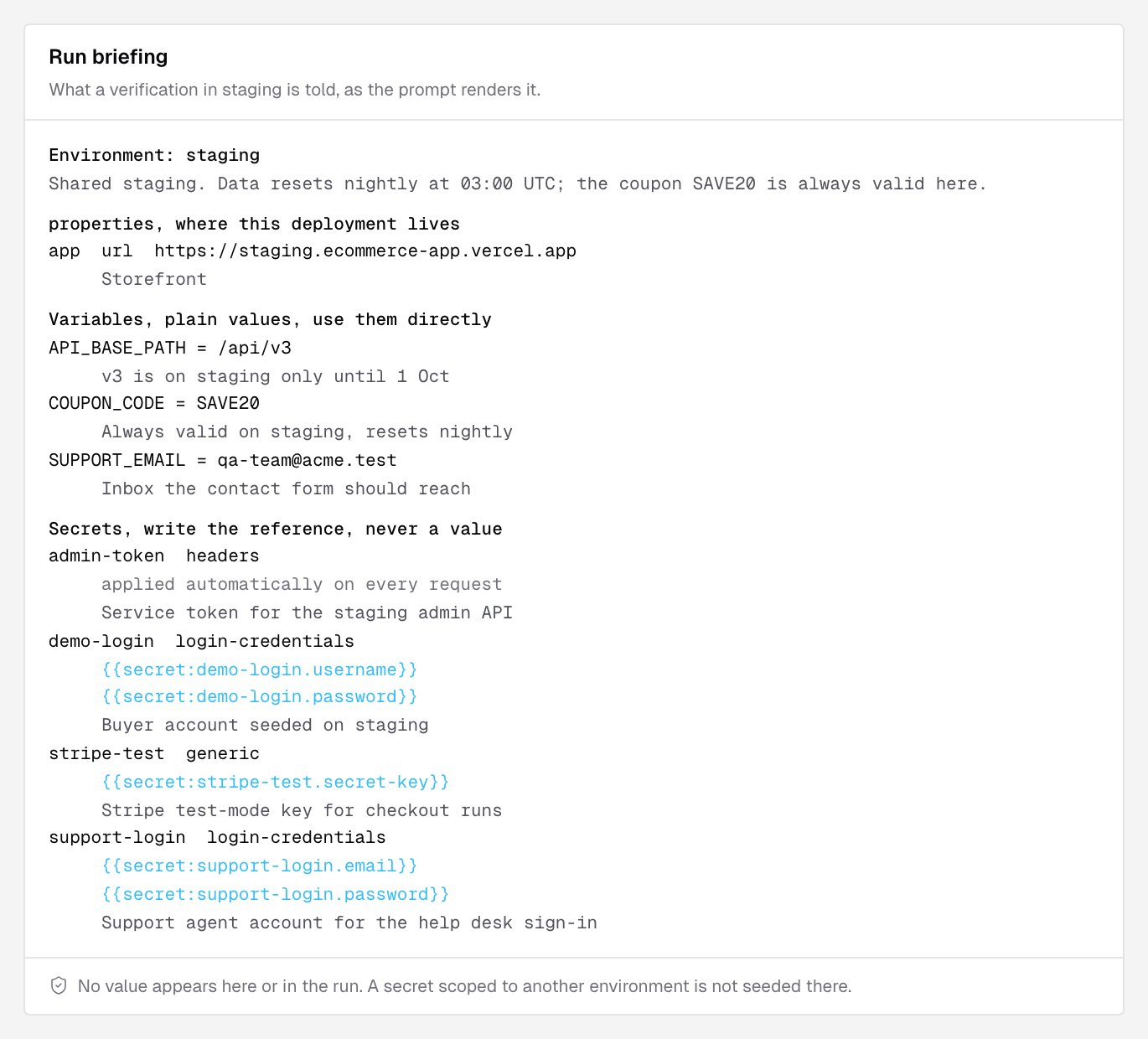
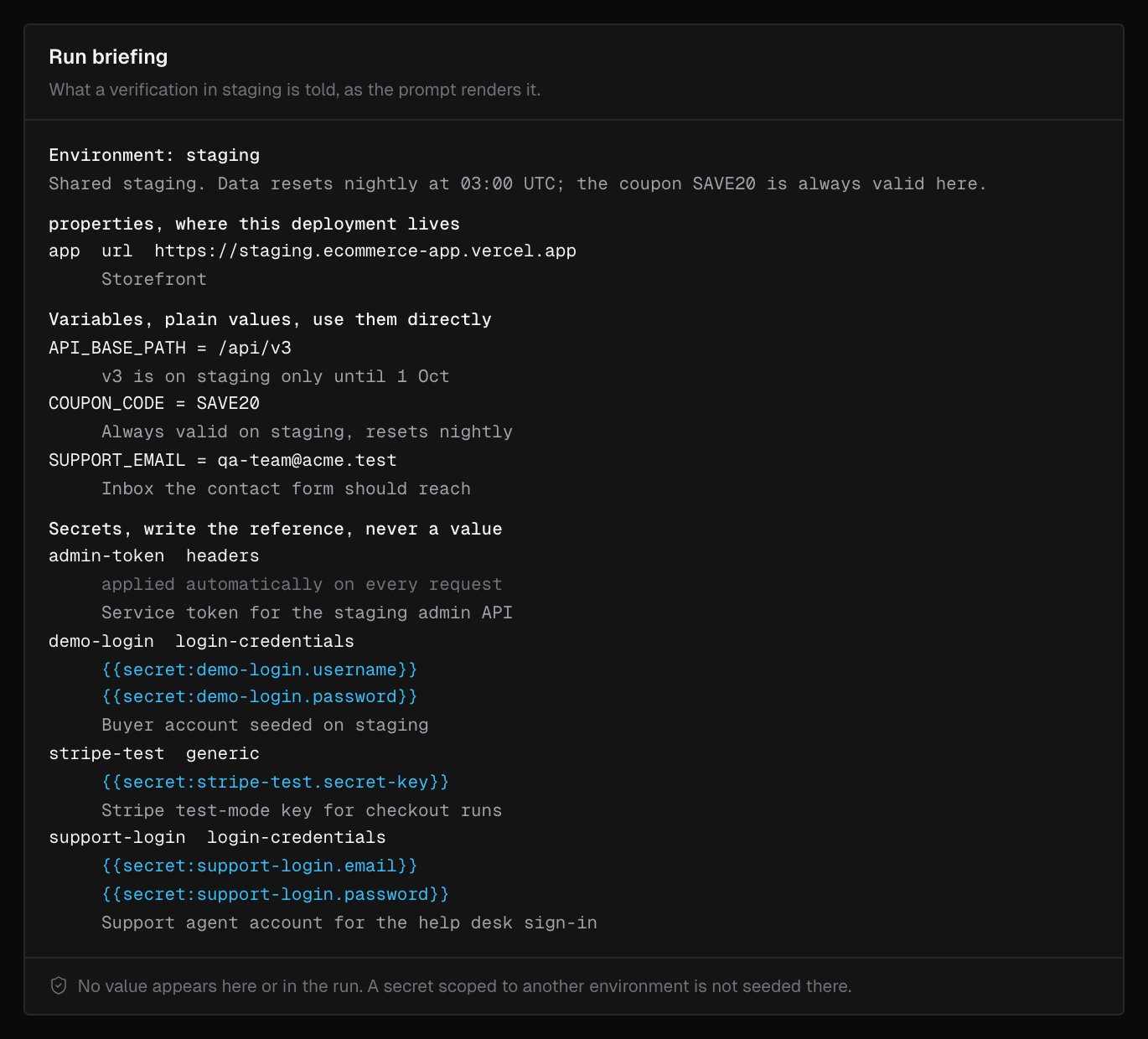 No secret value appears in the briefing or in the run.
***
## Delete an environment
Owners and admins can delete an environment with **Delete** at the bottom of its page, or from the **...** menu on its card. Type its name to confirm and click **Delete environment**. Deleting isn't reversible:
* The variables scoped to it are deleted. Project-wide variables stay.
* The secrets scoped to it are deleted and their values destroyed. Runs that reference them fail until they are recreated.
* Its runs keep their results, but lose the environment label.
A provider that names the environment, such as Vercel for `preview`, adds it back on its next deploy, without its configuration.
***
## What's next?
Plain values a run is told.
Credentials a run can use without seeing them.
No secret value appears in the briefing or in the run.
***
## Delete an environment
Owners and admins can delete an environment with **Delete** at the bottom of its page, or from the **...** menu on its card. Type its name to confirm and click **Delete environment**. Deleting isn't reversible:
* The variables scoped to it are deleted. Project-wide variables stay.
* The secrets scoped to it are deleted and their values destroyed. Runs that reference them fail until they are recreated.
* Its runs keep their results, but lose the environment label.
A provider that names the environment, such as Vercel for `preview`, adds it back on its next deploy, without its configuration.
***
## What's next?
Plain values a run is told.
Credentials a run can use without seeing them.